
Ultima VI Enhanced Edition · Windows Alpha RC6
Climb the watchtowers from inside, follow each action in a fight, and open the Compendium without leaving the conversation.
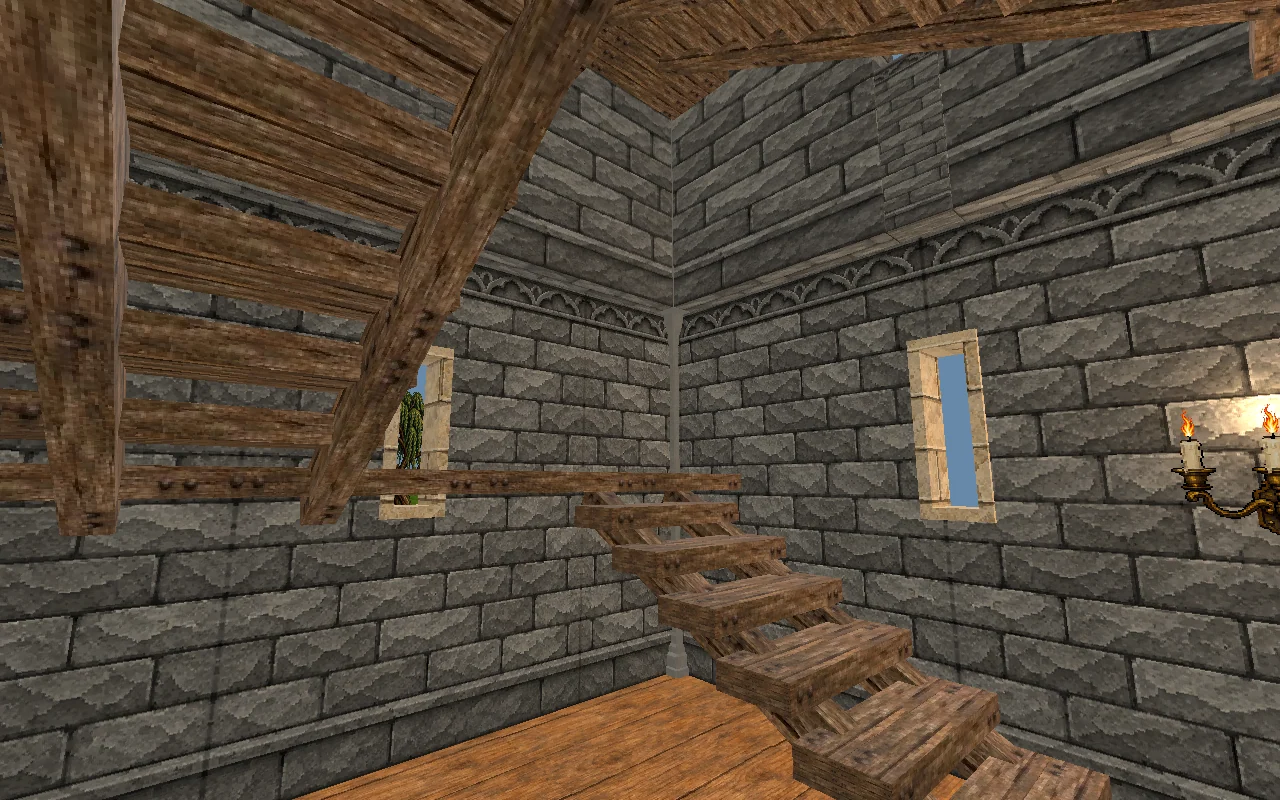
Britain and the castle
Nine watchtowers around Britain have three-storey silhouettes in Classic+ and Modern. In Modern, internal stairs lead to the rooftops. The castle gets restored ivory columns, revised wall finishes and more stable lighting. Stone, snow, grass and dirt vary across the landscape, and party members now stand on the surface of the docks.
Combat and conversations
See combat actions play out in sequence and follow long NPC replies in shorter lines. Modern mode adds health bars and a turn order panel, and the parchment interface switches to a drawn combat frame. An optional red grid shows weapon reach when you aim an attack. You can set each companion’s tactics from their status window.
The Compendium and field notes
Press N to open the illustrated book during exploration or combat. Use Ctrl+N while typing a dialogue reply. Read the original Compendium lore or edit your own field notes. Relevant conversations can leave a note you can keep, change or delete.
Controls, visuals and loading
Set retro filter strength and choose whether the effect also covers the interface. Adjust the pixel font size or switch to fullscreen. Sherry gets a ground-level first-person view. Item pickup responds sooner, and the 3D world prioritizes nearby terrain and buildings as you explore.
Windows x64 private alpha
The full portable client includes Nuvie. Extract it, open Jogar.cmd and select your own Ultima VI for DOS installation. RC5 testers can use the smaller incremental update to keep their saves and settings. GitHub access to the private repository is required.
Open the RC6 release on GitHubExplore the project ↗