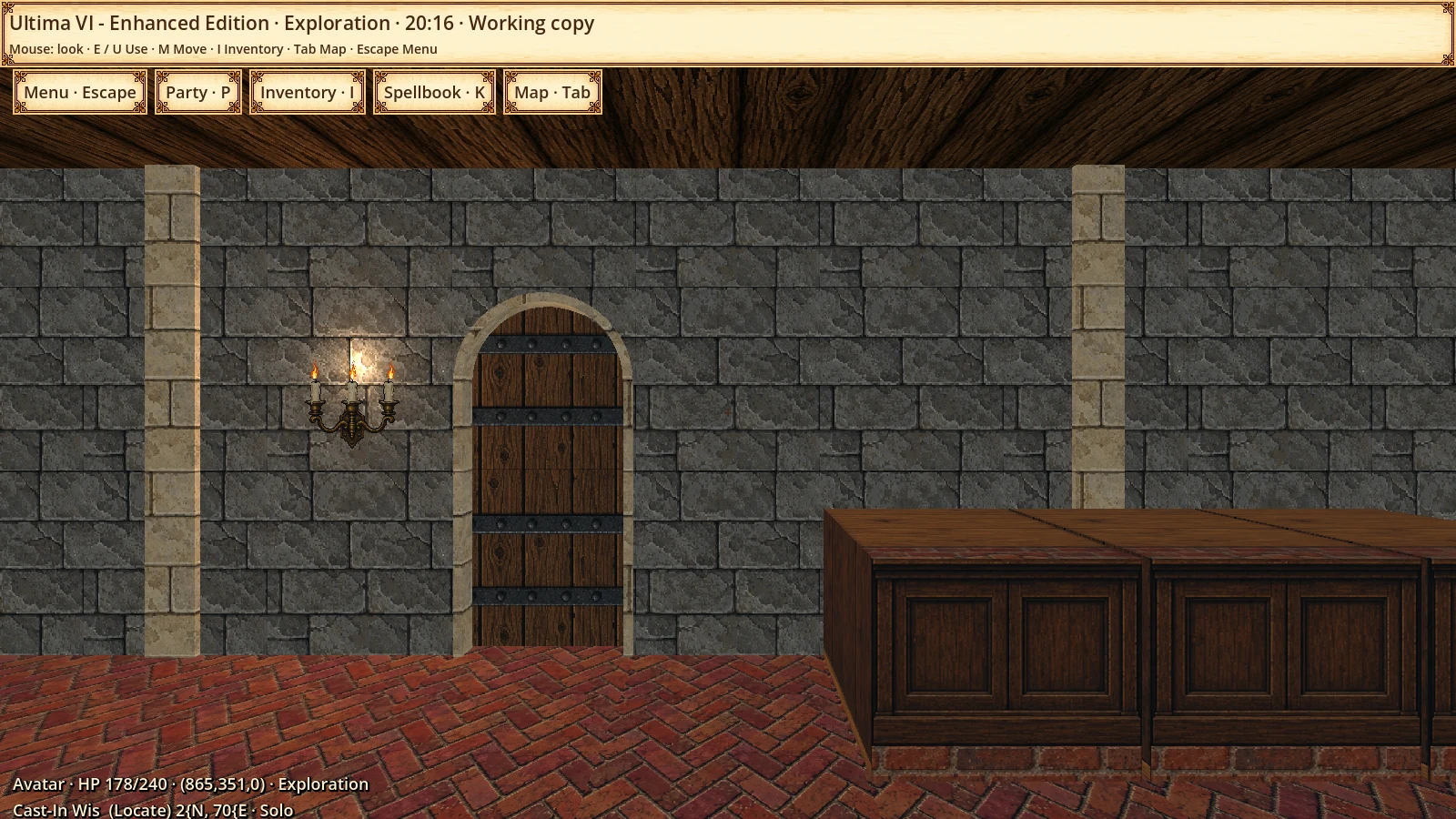
It began with first-person Ultima VI. The project now also explores isometric, top down and Ultima VI oblique views, three visual profiles and quality-of-life improvements, working to preserve the original world, story, progression and rules through Nuvie.
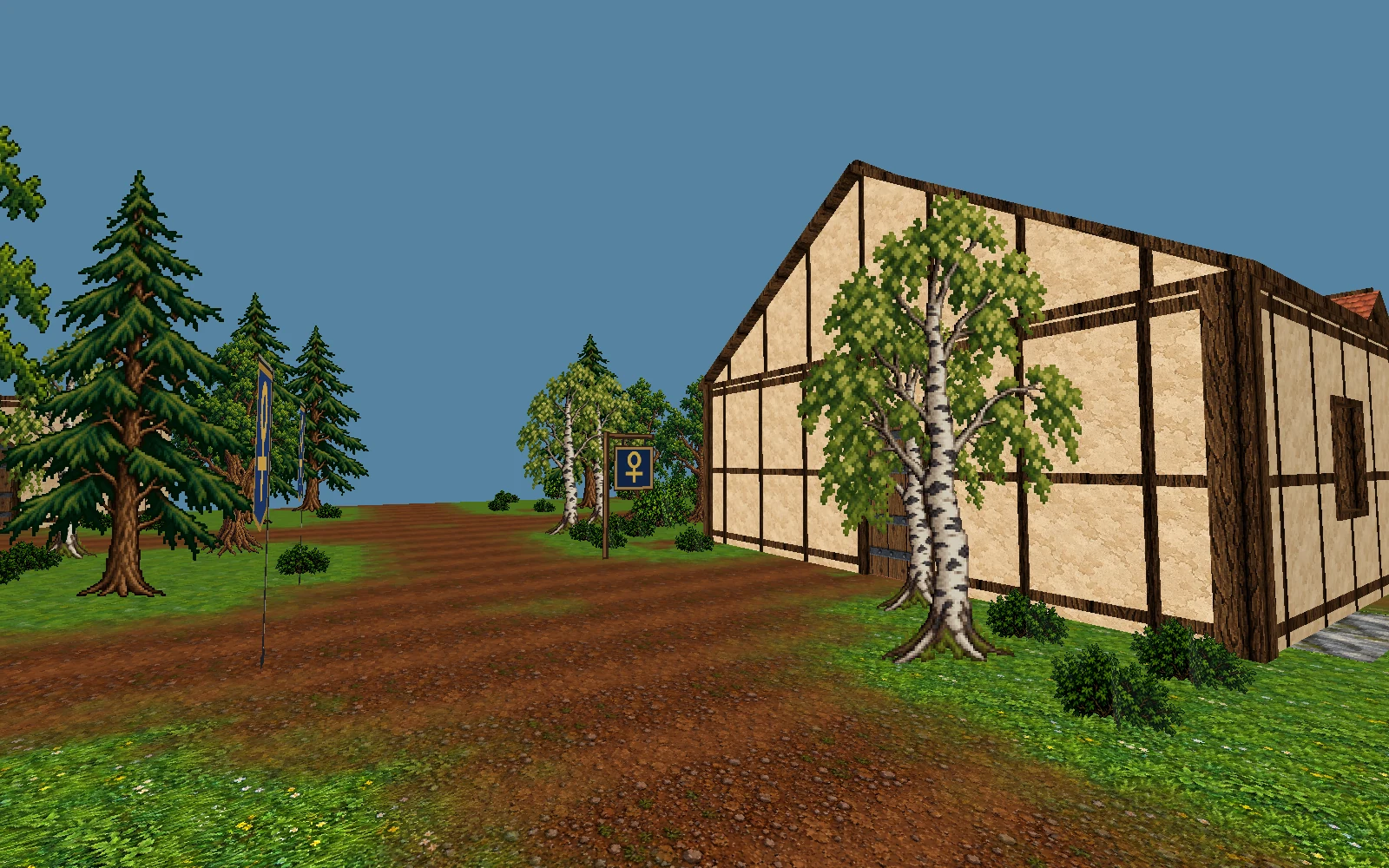
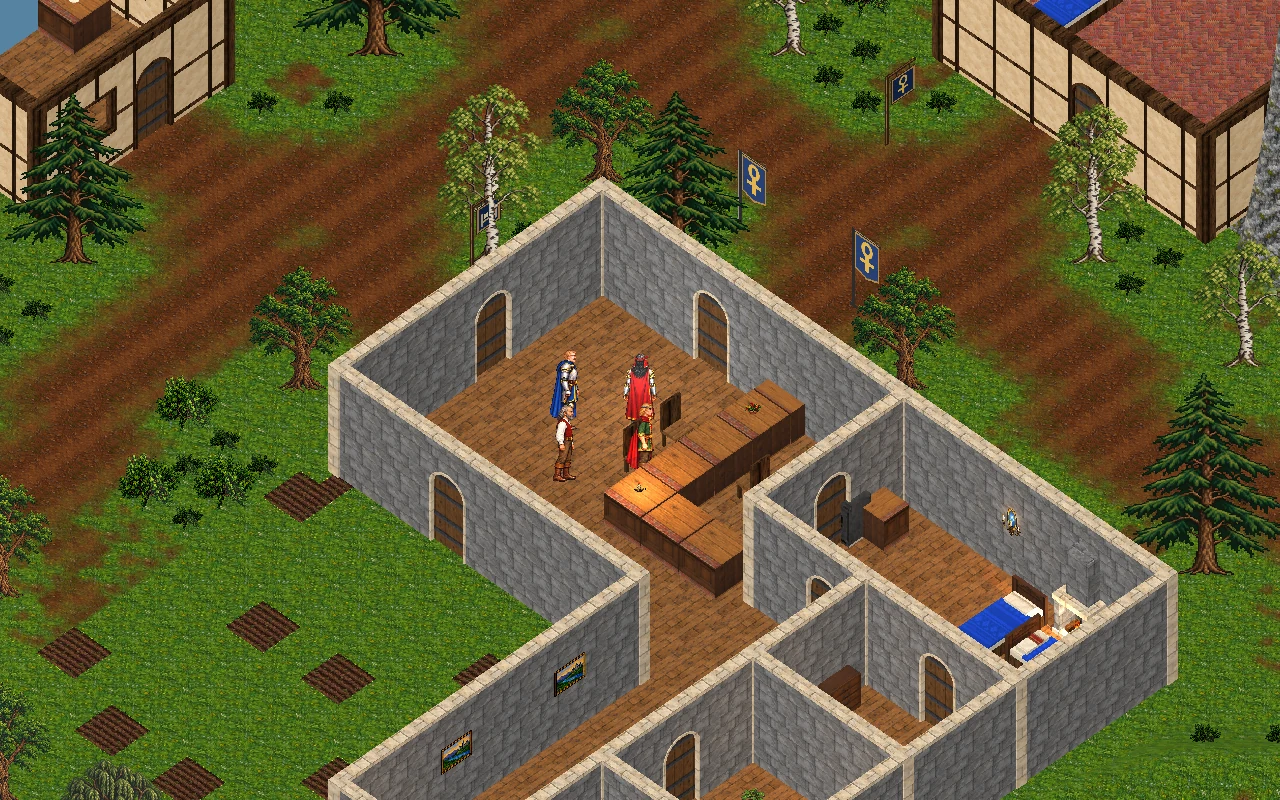
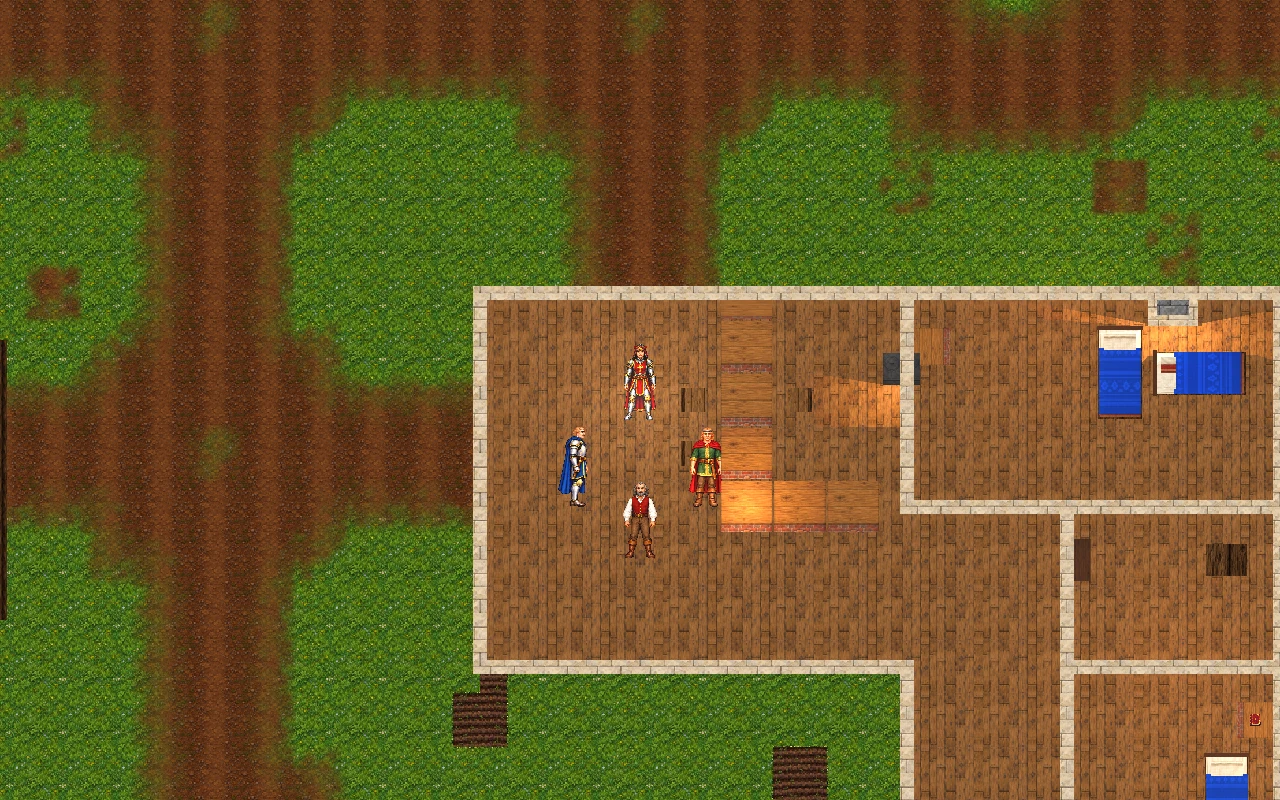
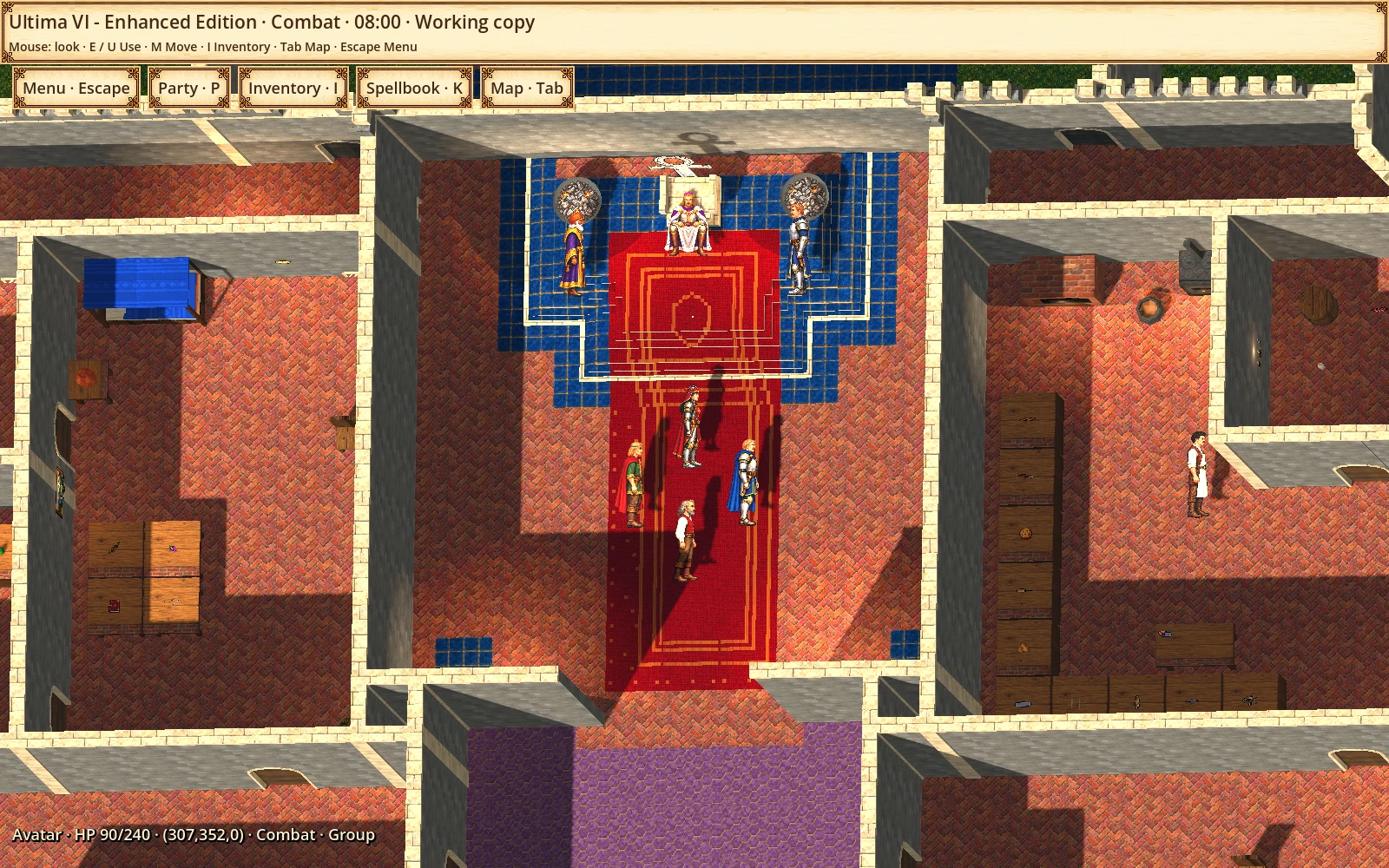
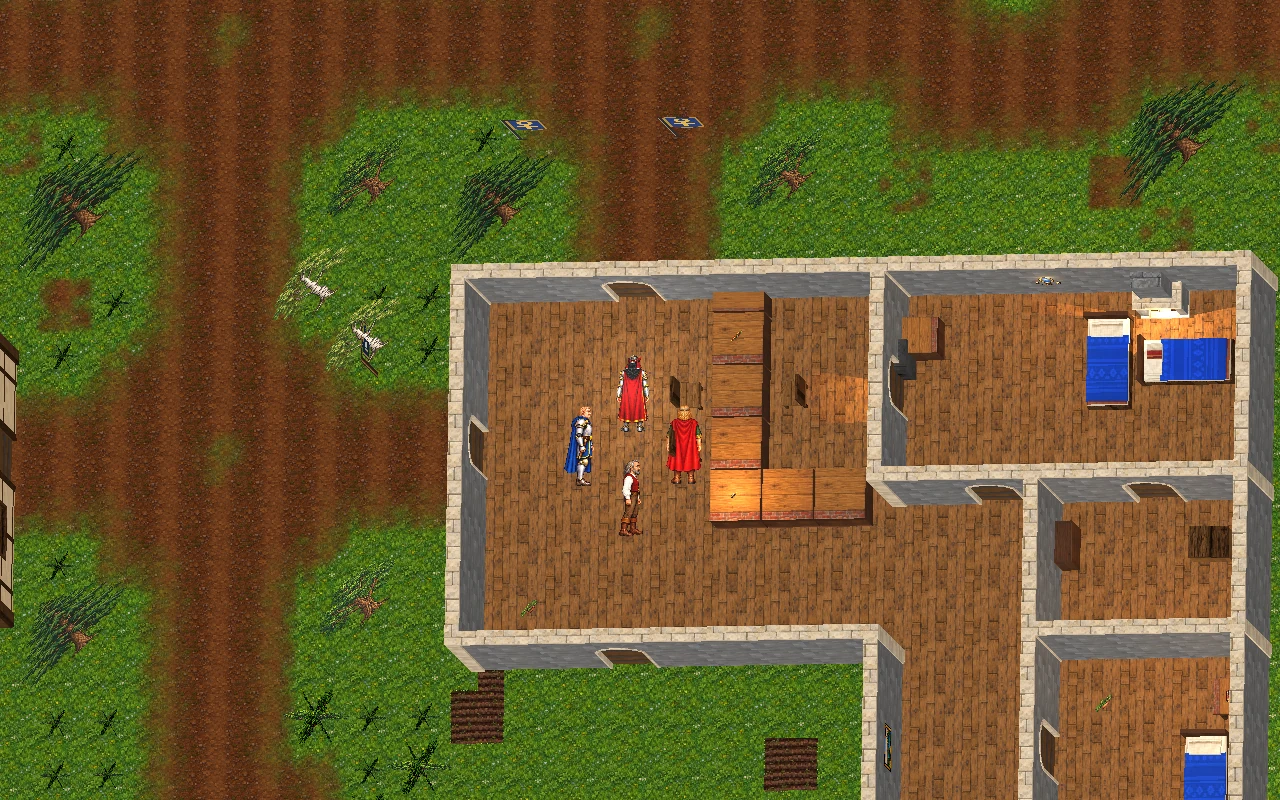
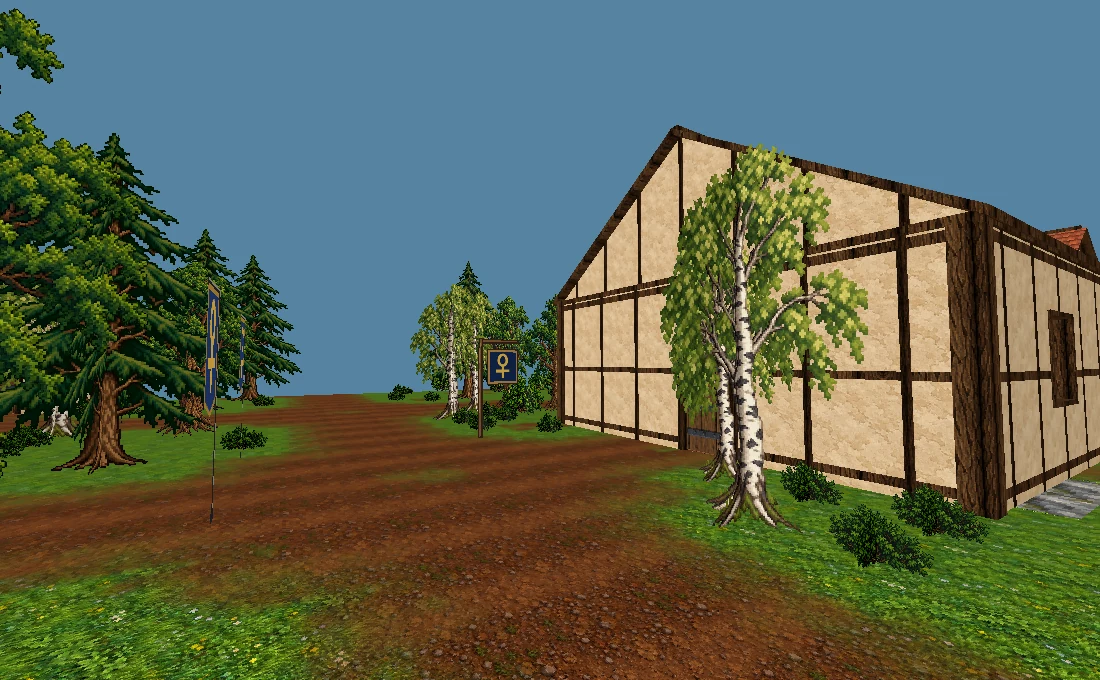
First person, isometric, top down and oblique are separate camera options. Compare their framing below. Change cameras in the menu or cycle through them with the remappable F7 shortcut.
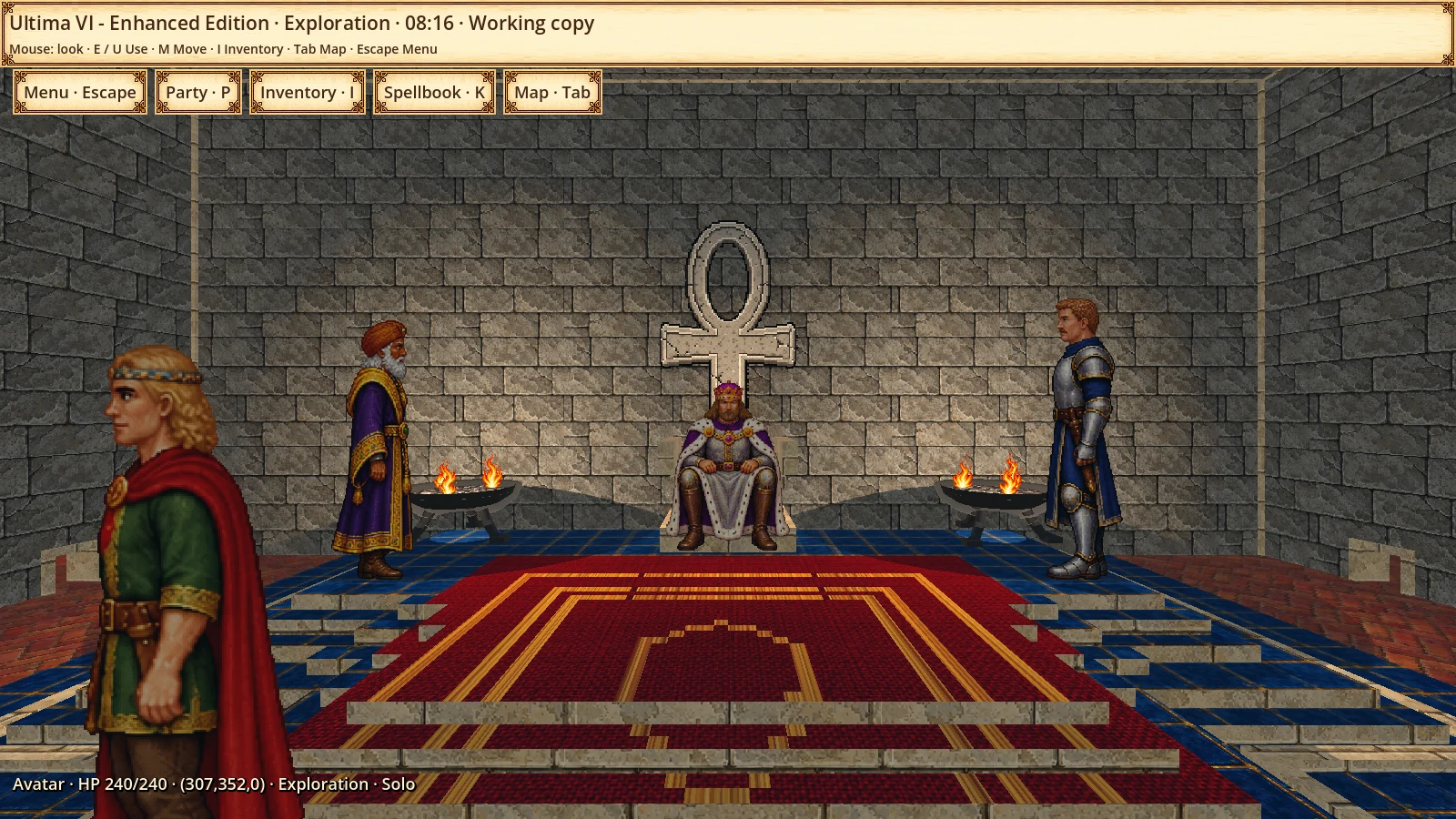
See through the character’s eyes, with perspective and walls around you.
First-person perspective in the Renewed profile. Skara Brae presentation scene.02
Isometric
Elevated diagonal view
Look diagonally across the scene, seeing floors and two sides of buildings. This camera uses orthographic projection.
Diagonal framing over the same Skara Brae area. Characters use presentation positions.03
Top down
Straight overhead
Look straight down at the map, without tilt. Floors take prominence and vertical wall faces are barely visible.
Fully overhead camera with roofs hidden to reveal the interiors.04
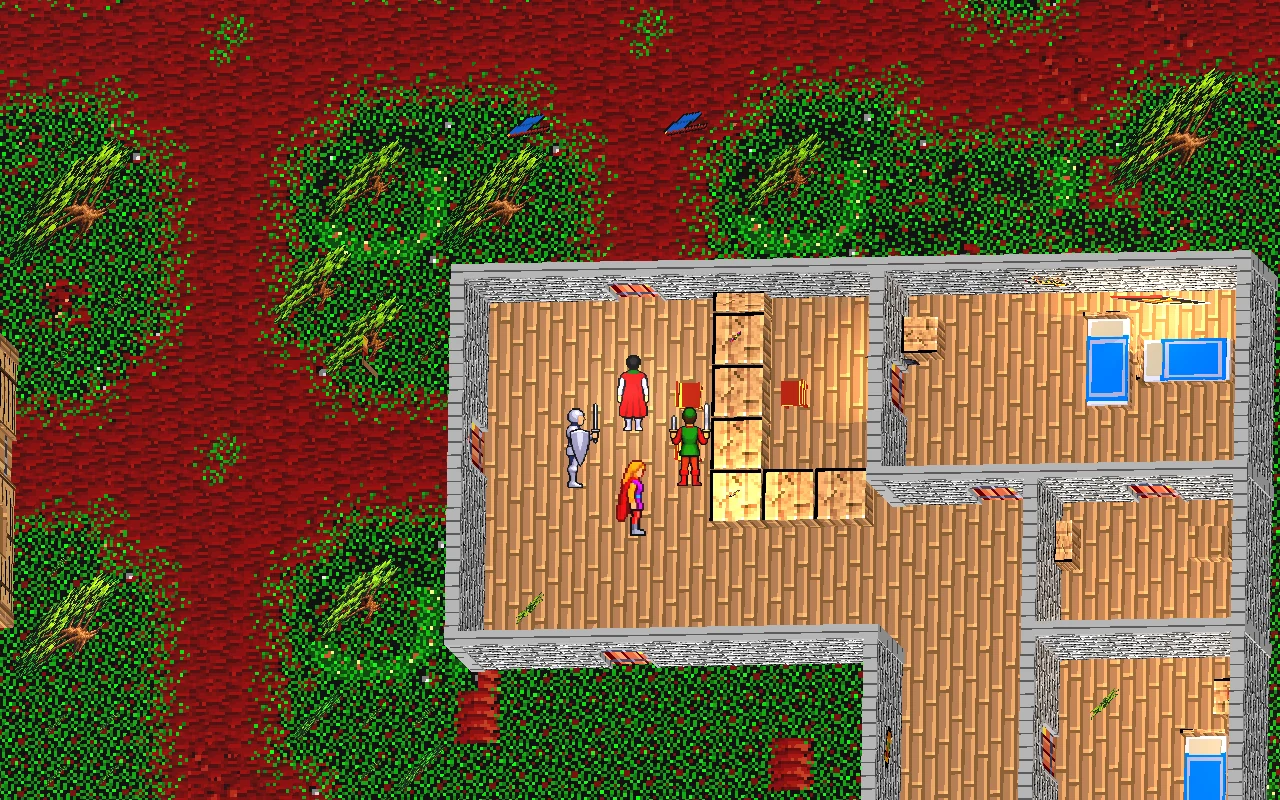
Oblique · Ultima VI
Aligned floors, visible walls
A tilted view that keeps floors nearly aligned with the screen while revealing part of the walls, bringing the framing closer to the original.
Elevated view with nearly screen-aligned floors and visible wall faces. Capture from an original-engine test session.
Camera is independent of the Classic, Classic+ and Renewed visual profiles, as well as grid or free movement. These are development captures; the oblique view and wall occlusion still need refinement.
CLASSIC · SOURCE & ADAPTATION
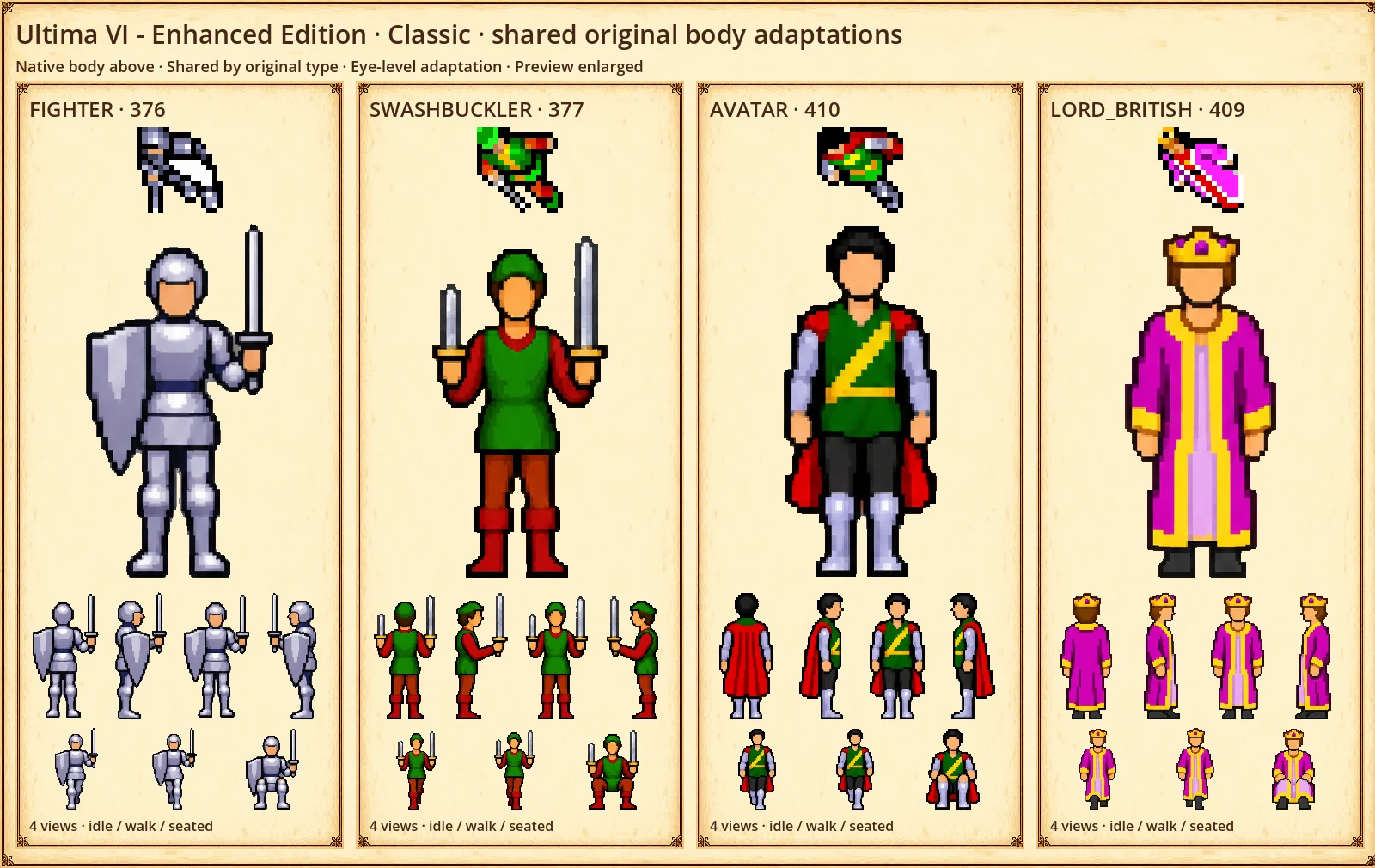
Recognise these sprites?
The Fighter’s shield. Lord British’s colours. The creatures of Britannia. Compare the native graphics with the shared artwork adapted for first person.
Artwork in development. Each preview is enlarged independently; these are not relative world sizes. Direction previews do not imply completed attack, damage or resting animations. Classic reuses the same artwork for everyone with the same native body type.
INTERMEDIATE · VISUAL STUDY
Individual identities. A Classic scale.
A visual study for a personalised intermediate style: the same 109 individual identities, rendered on a 64 × 96 pose canvas with the 217 colours found in the original portraits. Faces and clothing come from the existing portrait-guided art. Custom pixel drawing and integration into the game remain in development.
Artwork in development. Each preview is enlarged independently; these are not relative world sizes. Direction previews do not imply completed attack, damage or resting animations. This gallery study does not change the current Classic enhanced game profile.
MODERN · INDIVIDUAL PIXEL ART
Every available face, guided by the portraits.
Browse all 81 residents with individual art, nine castle characters, twelve Avatar appearances and seven named creatures and animals. Original portraits guide identity; clothing outside the portrait is a perspective adaptation. This is the available local art catalogue, not complete world coverage.
Artwork in development. Each preview is enlarged independently; these are not relative world sizes. Direction previews do not imply completed attack, damage or resting animations.
YOUR VIEW OF BRITANNIA
Three looks. One journey.
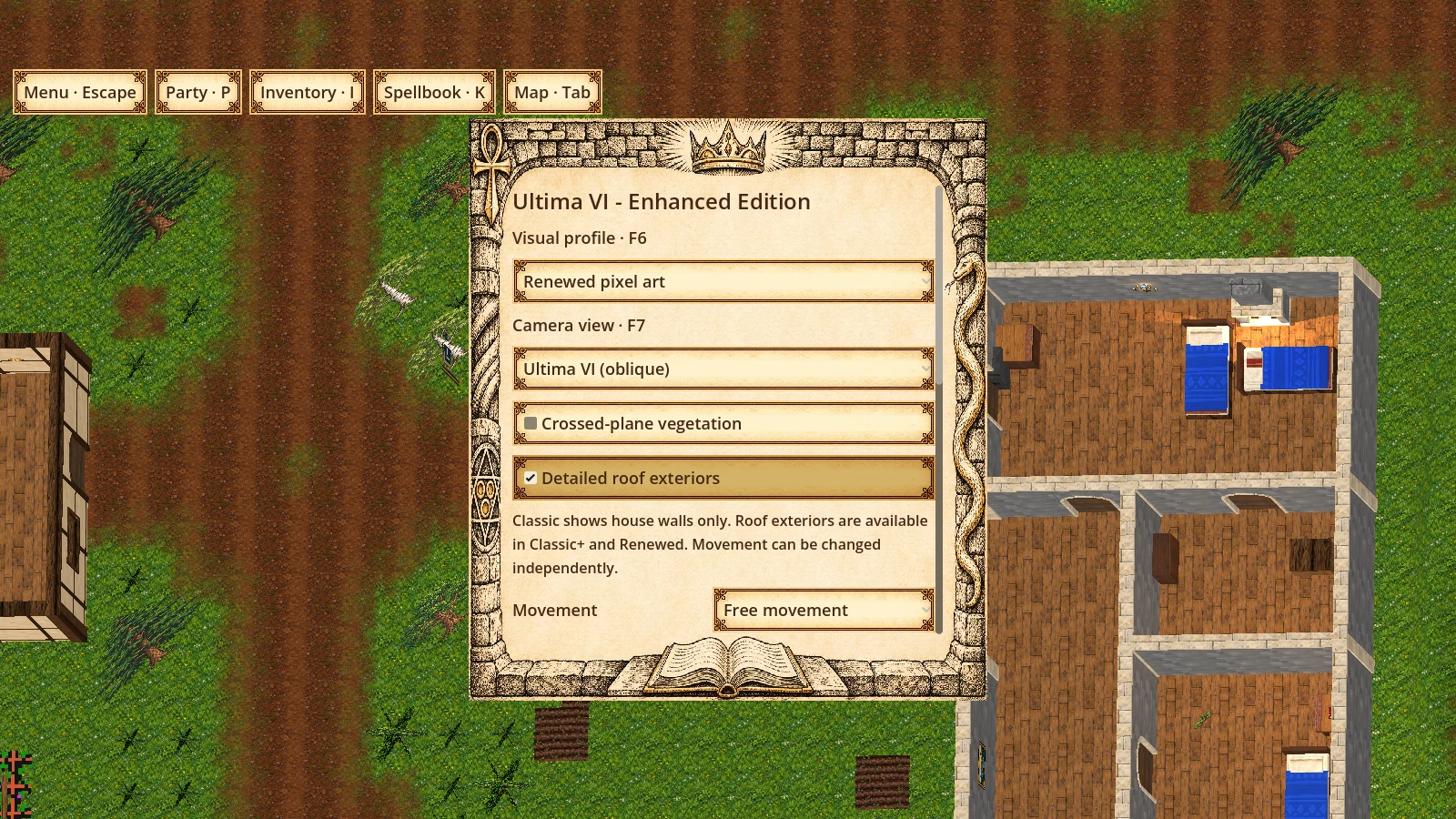
The local alpha switches profiles through the menu or the remappable F6 shortcut. Movement and roof details can also be set independently.
01
Classic
Grid by default
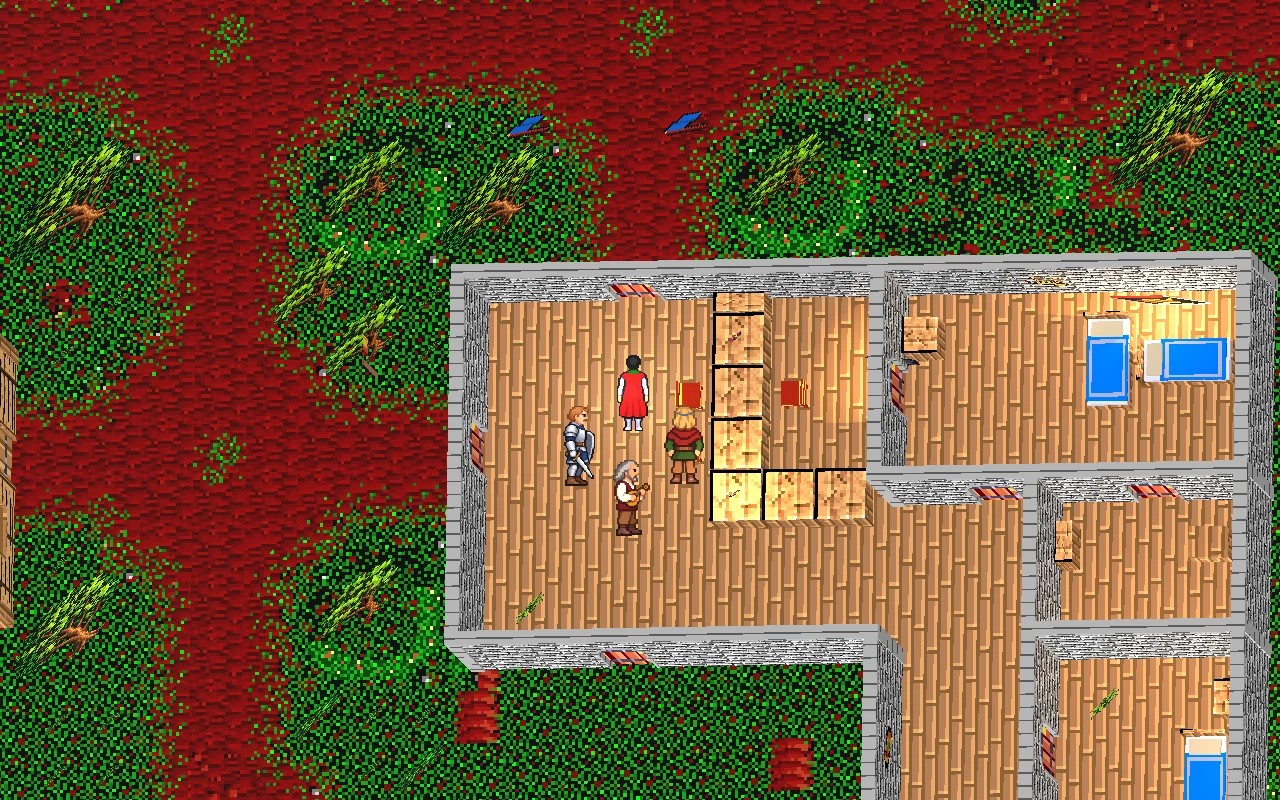
Original-inspired pixel art and shared native body types, adapted to an upright view.
Enlarge ↗Classic profileThe same location and framing in the Classic profile. Presentation scene with test positions.
02
Classic+
Free movement by default
The same Classic art foundation, with free movement and exterior architectural details.
Enlarge ↗Classic+ profileThe same location and framing in the Classic+ profile. Presentation scene with test positions.
03
Renewed pixel art
Free movement by default
Higher-definition pixel art, portrait-guided residents and modern materials that keep the native terrain contours.
Enlarge ↗Renewed profileThe same location and framing in the Renewed profile. Presentation scene with test positions.
THE ORIGINAL SHAPES MATTER
Another look. The familiar landscape.
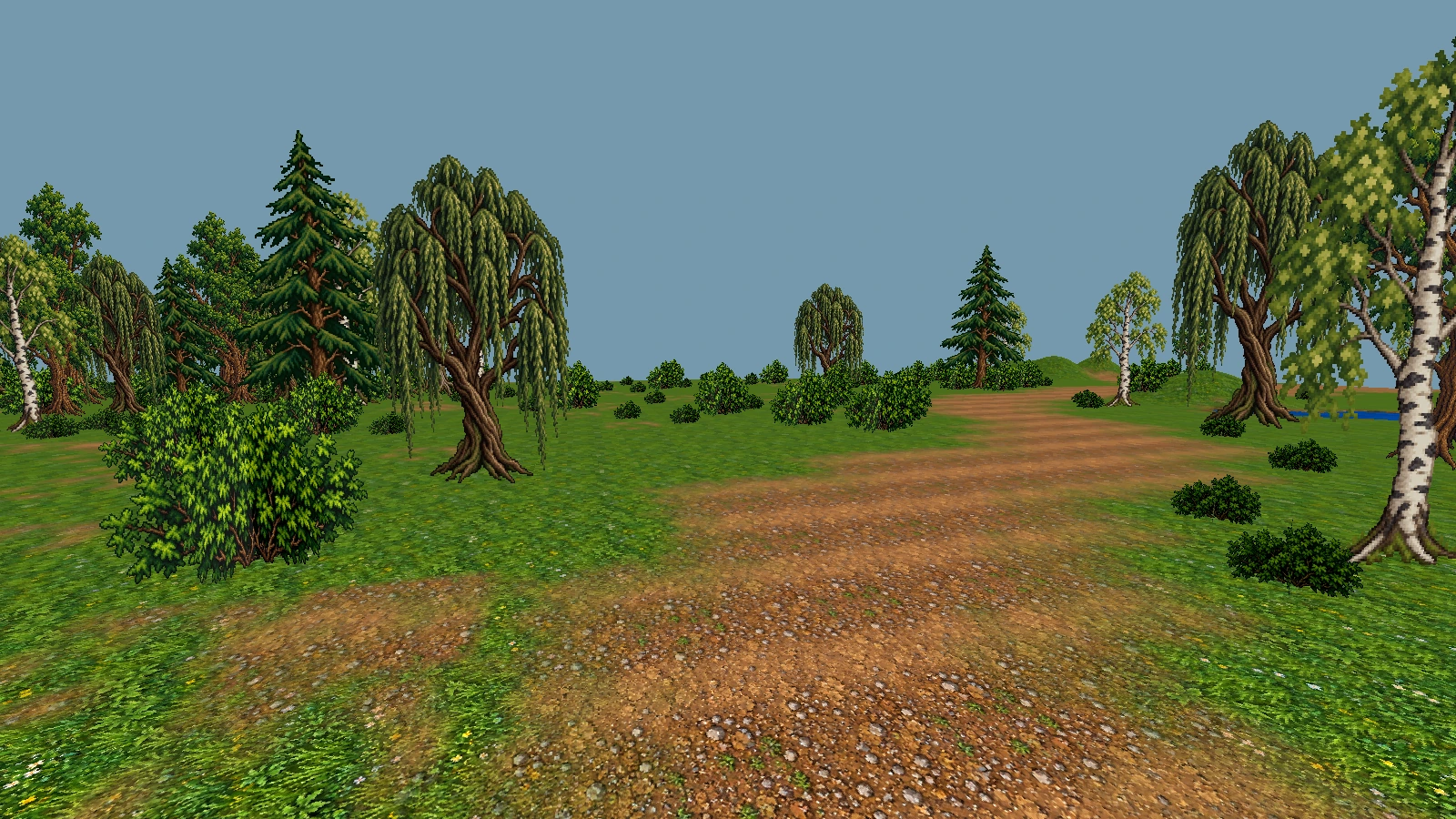
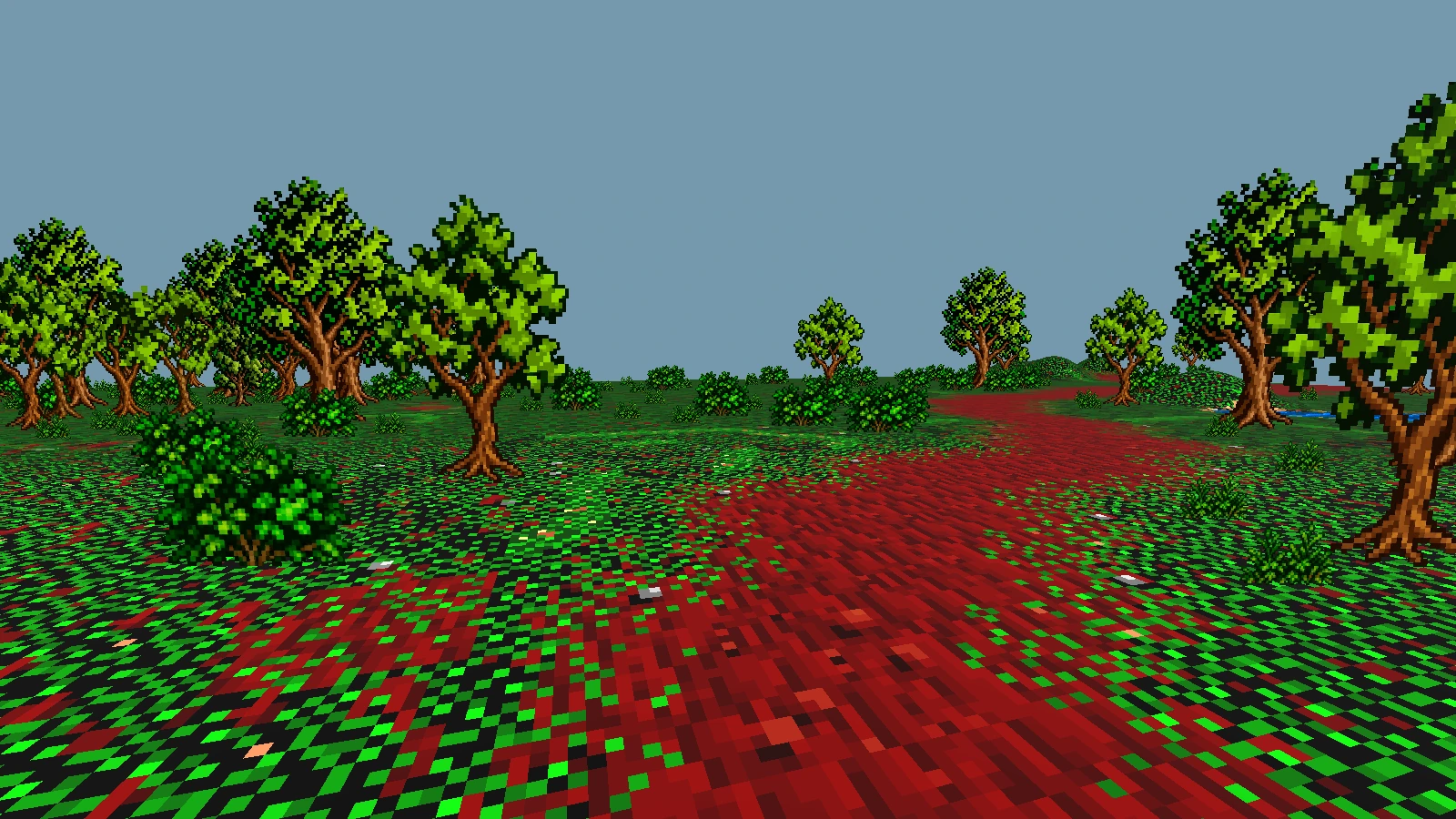
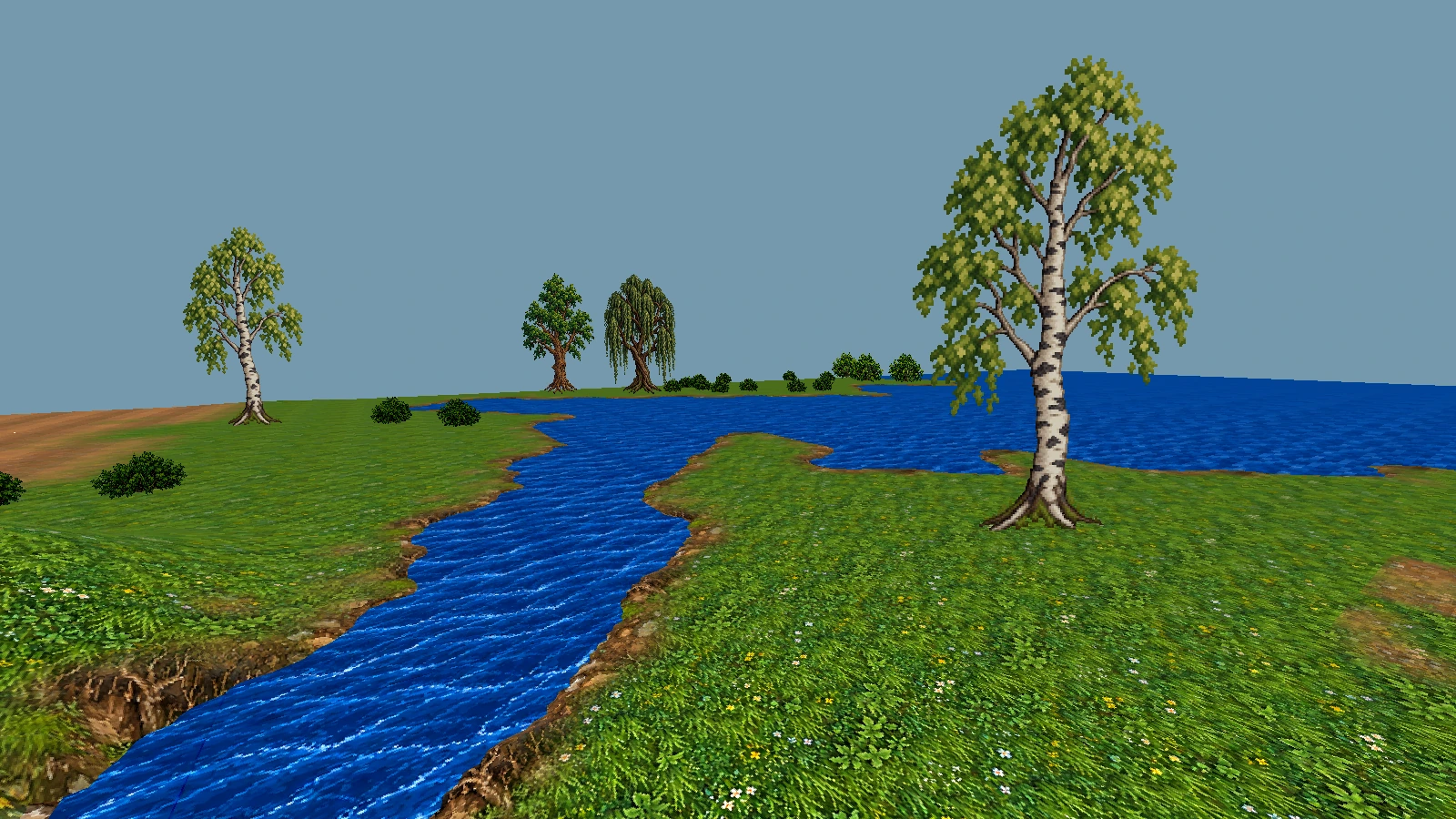
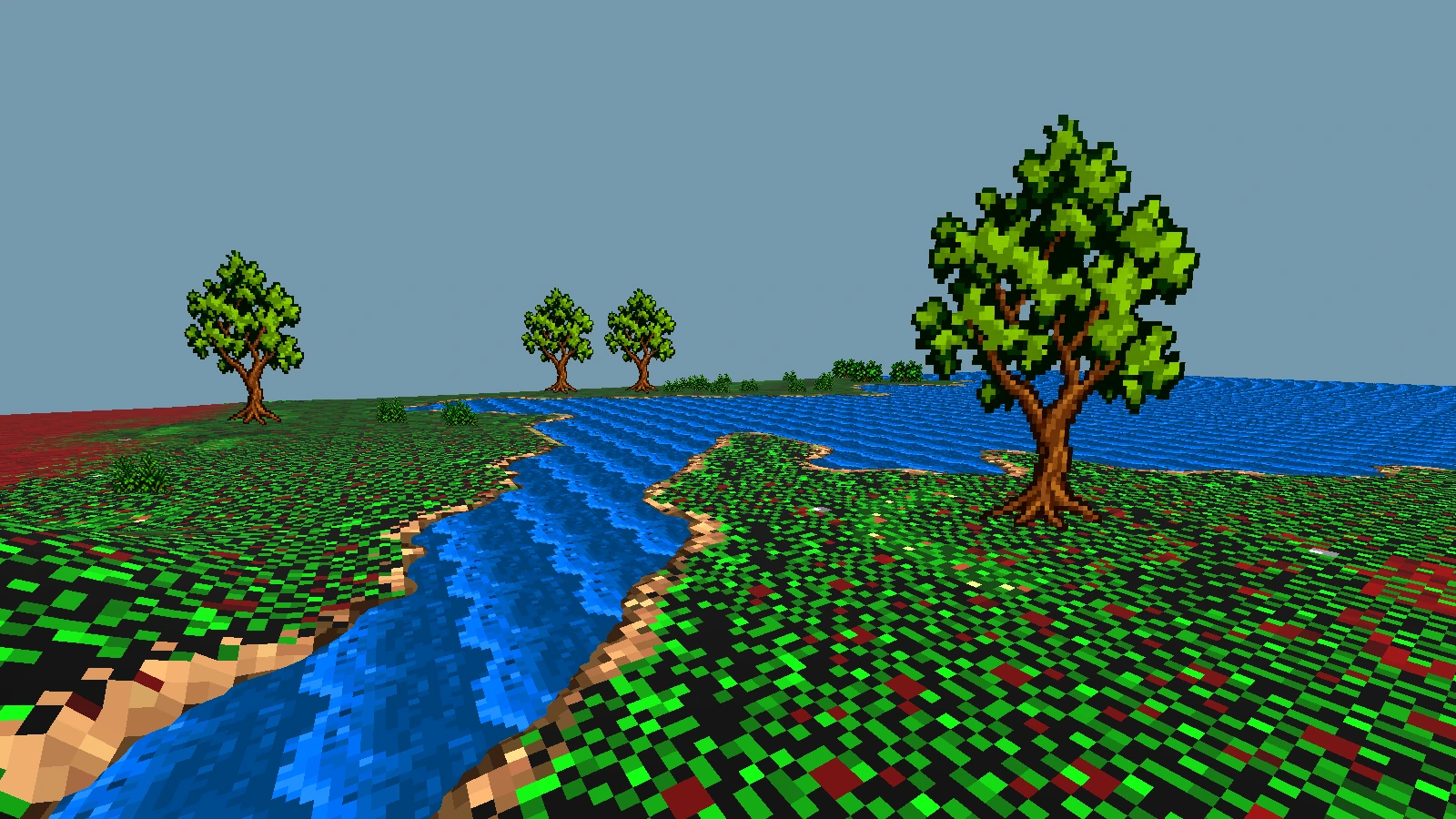
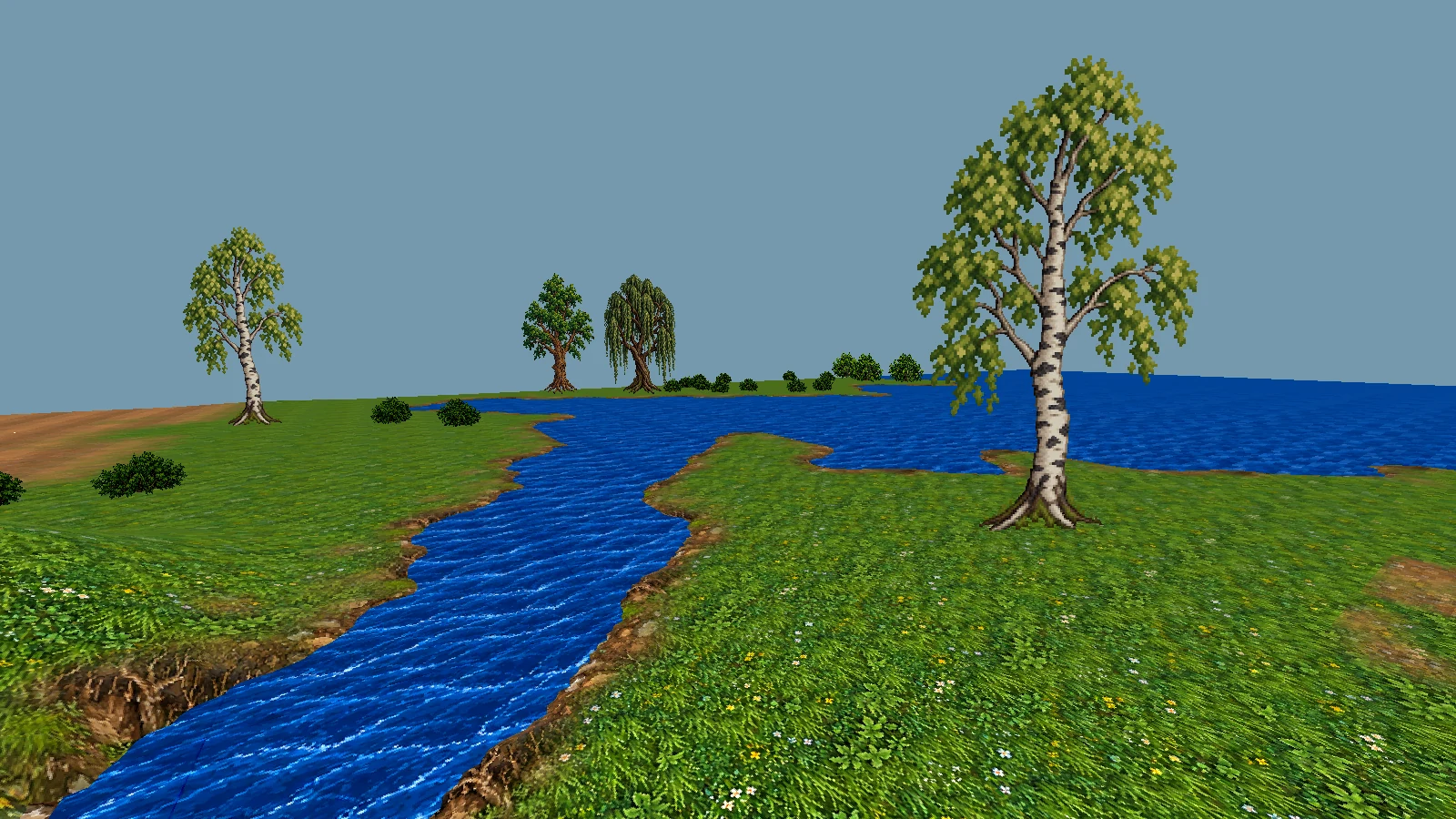
Paths and banks now use the shapes of the native tiles to blend grass, earth and bank materials. Trees retain visible trunks and branches in Classic. Compare the same camera position below.
ClassicRenewed
The path still follows the original. Fixed inspection-camera captures of the same area. Native tile shapes guide the modern grass, earth and bank transitions.
ClassicRenewed
Banks, not a beach around every river. Fixed inspection-camera captures of the same area. Native tile shapes guide the modern grass, earth and bank transitions.
Inspection captures from the reviewed area. Other biomes, shore types, roofs and materials still need refinement.
PROGRESS IN ADAPTING THE ORIGINAL
More than a change of camera.
These systems have already been exercised within the local alpha. Each integration has a limited verified scope; this is not a complete-campaign claim. Explore the examples in each block and click to enlarge.
Camera
Four independent camera options
Switch in the menu or with F7. Rotate and zoom the overhead view.
Compare fixed crossed surfaces with the previous plant presentation.
Enlarge ↗Crossed-plane vegetationExample of the crossed-surface option applied to Renewed vegetation. Presentation scene.See 1 more visual example
An independent vegetation optionThe menu includes crossed planes, camera selection and visual profiles.
World
Explore Britannia
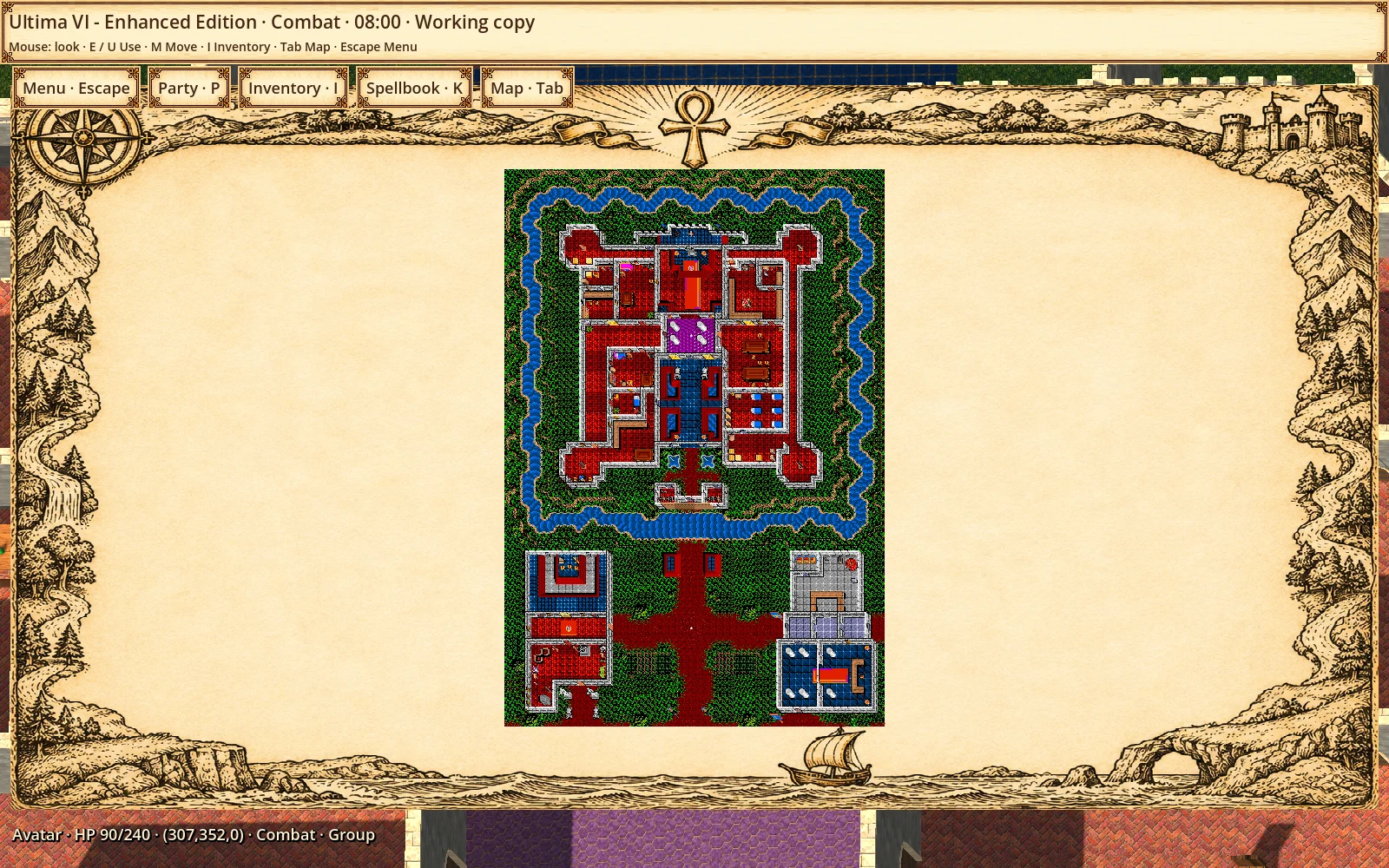
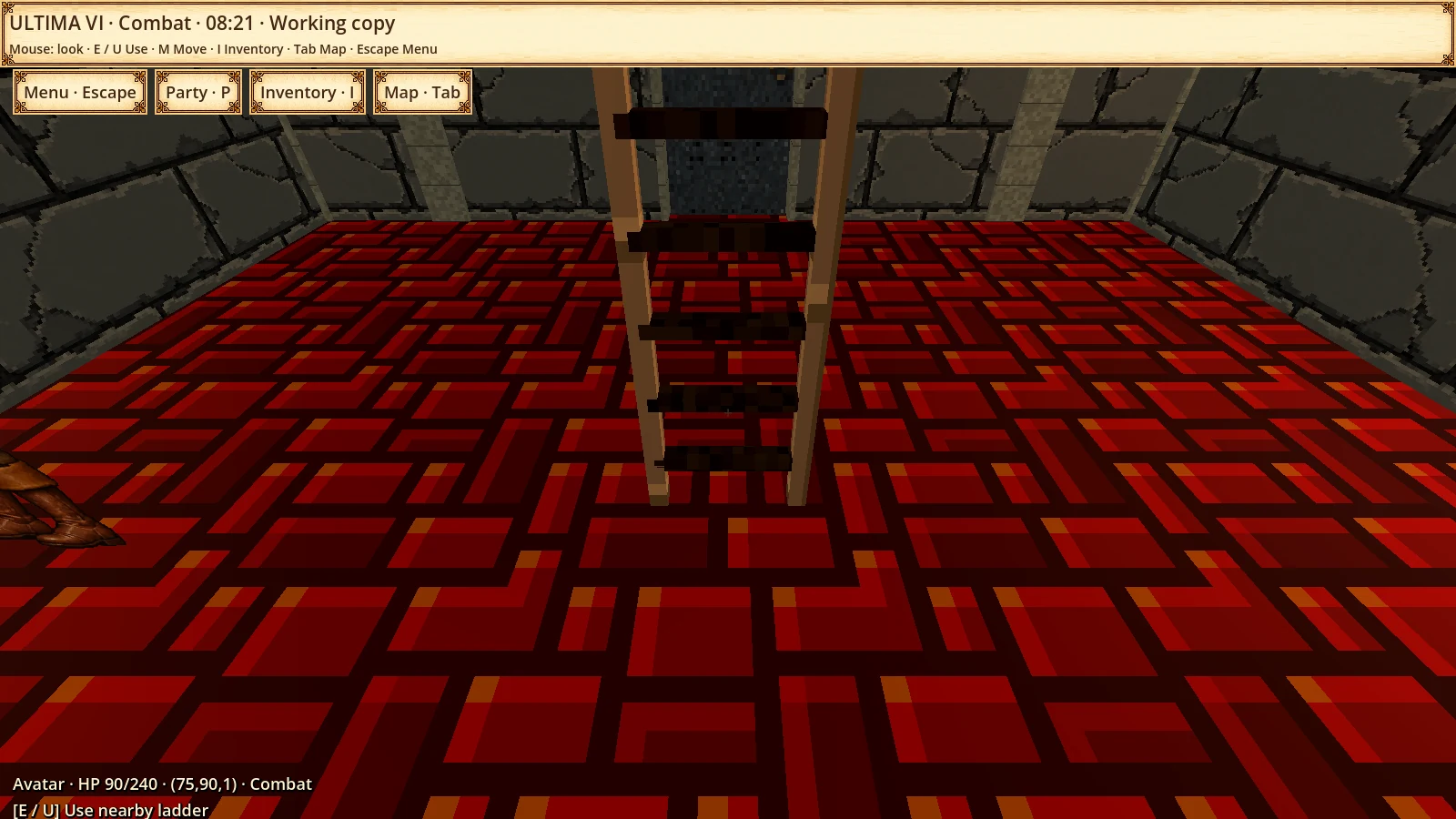
Surface and underground areas, maps, doors and level transitions are connected to the original engine. The whole campaign still needs validation.
Enlarge ↗Map and travel frameLocal map of the castle and its surroundings in the travel interface.See 2 more visual examples
Oblique · Ultima VIElevated view with nearly screen-aligned floors and visible wall faces. Capture from an original-engine test session.Underground ladderEarlier alpha capture in an underground area reached through the original engine.
Conversations
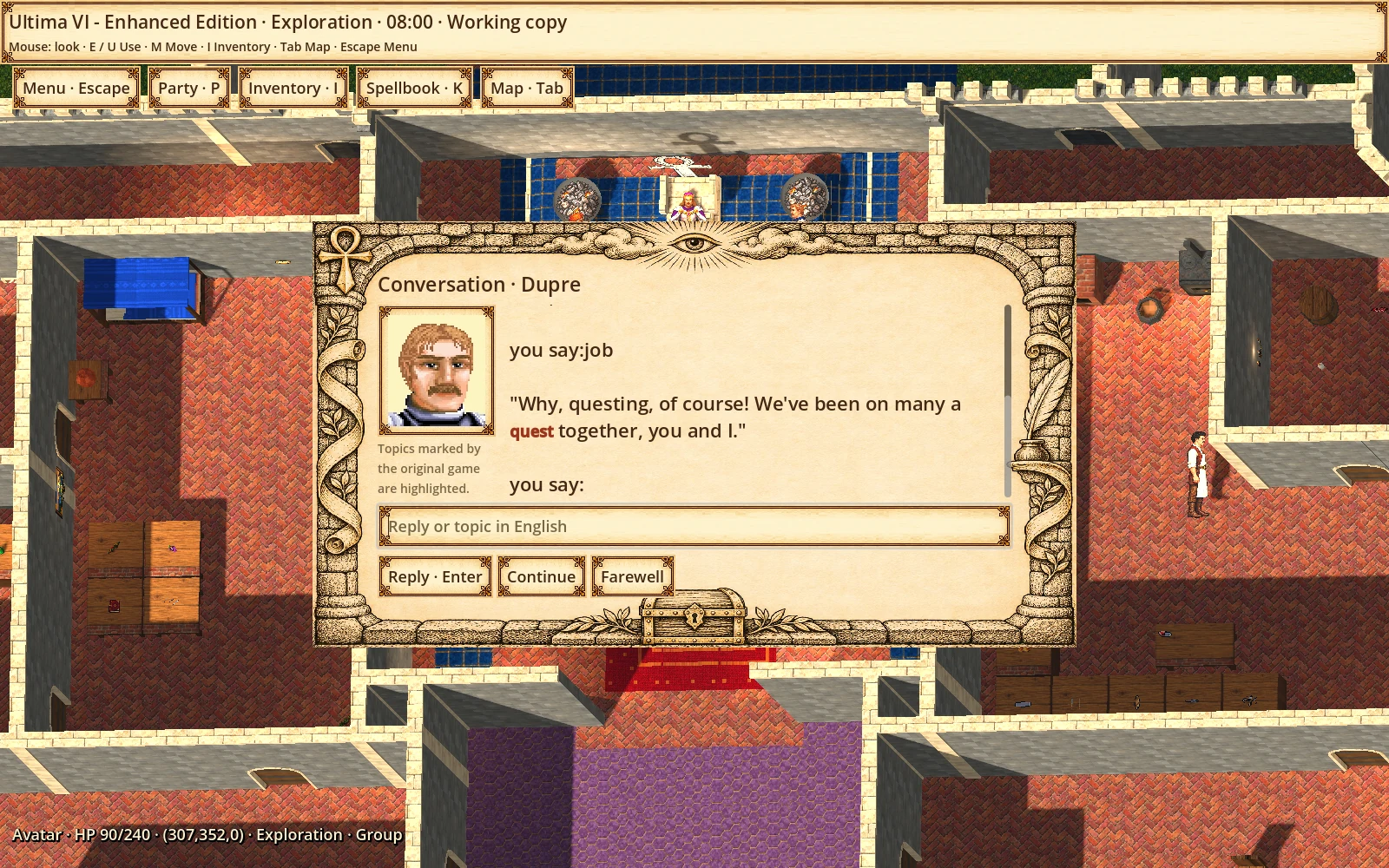
Portraits and keywords
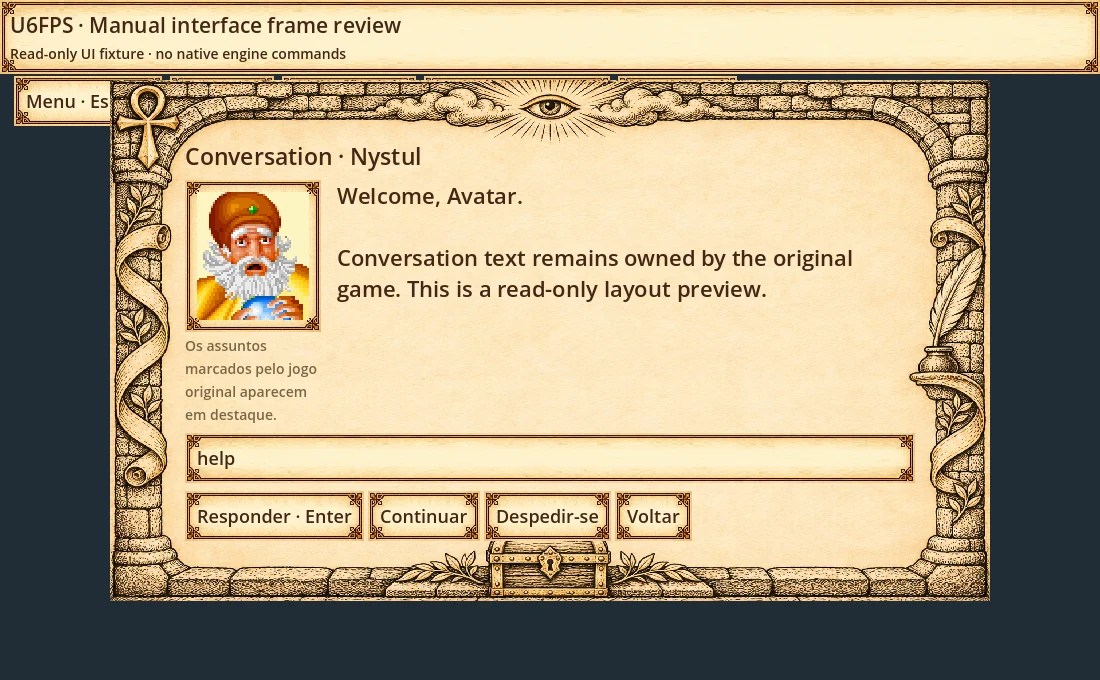
Topic-based conversations include original portraits and highlighted keywords. The interface supports English and PT-BR; original dialogue remains in English.
Enlarge ↗Dialogue portrait and keywordConversation with Dupre: the original reply highlights quest and retains his portrait.See 1 more visual example
Portuguese dialogue interfacePT-BR layout preview. Interface translation is separate from the original campaign text.
Inventory
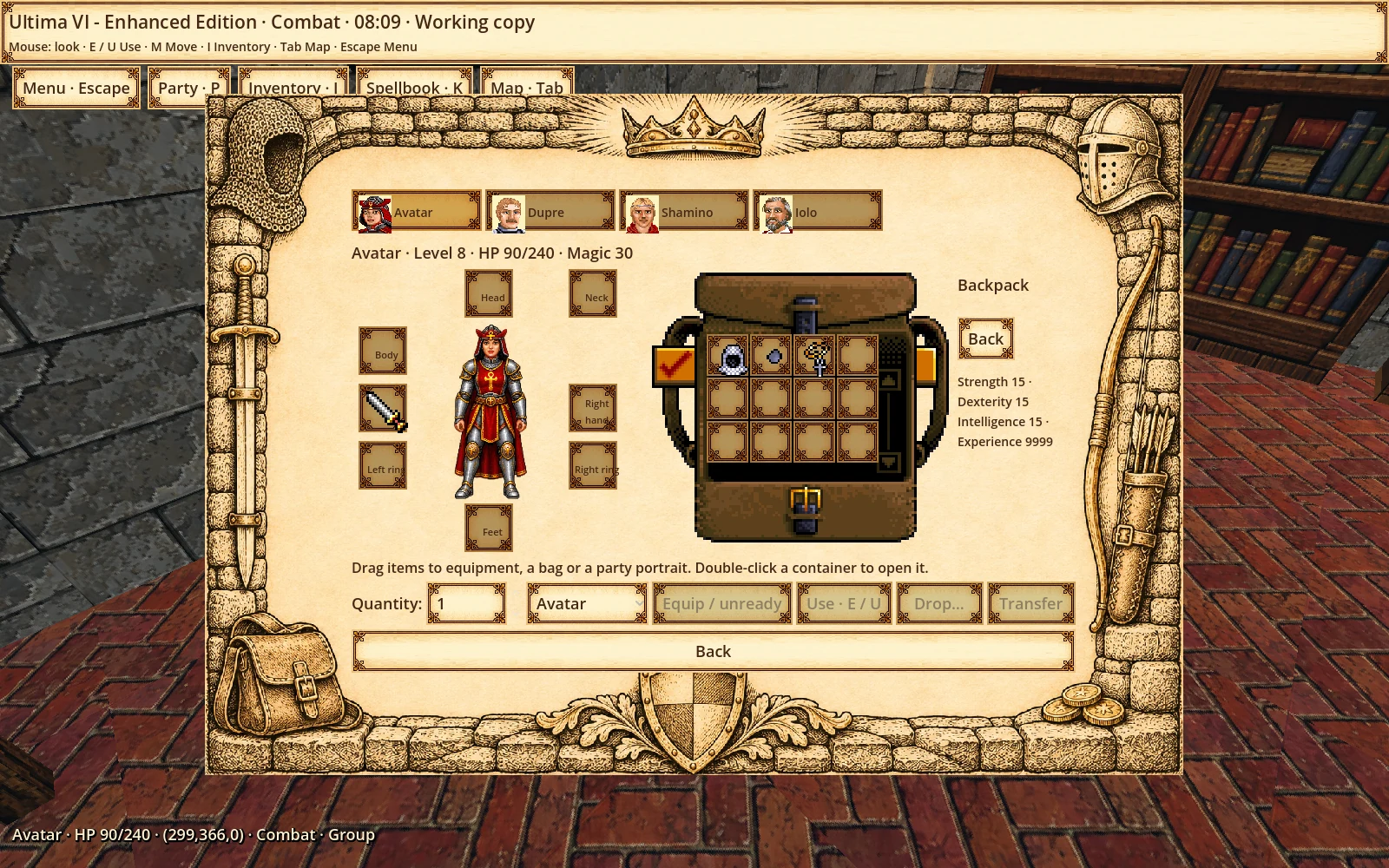
A visual backpack
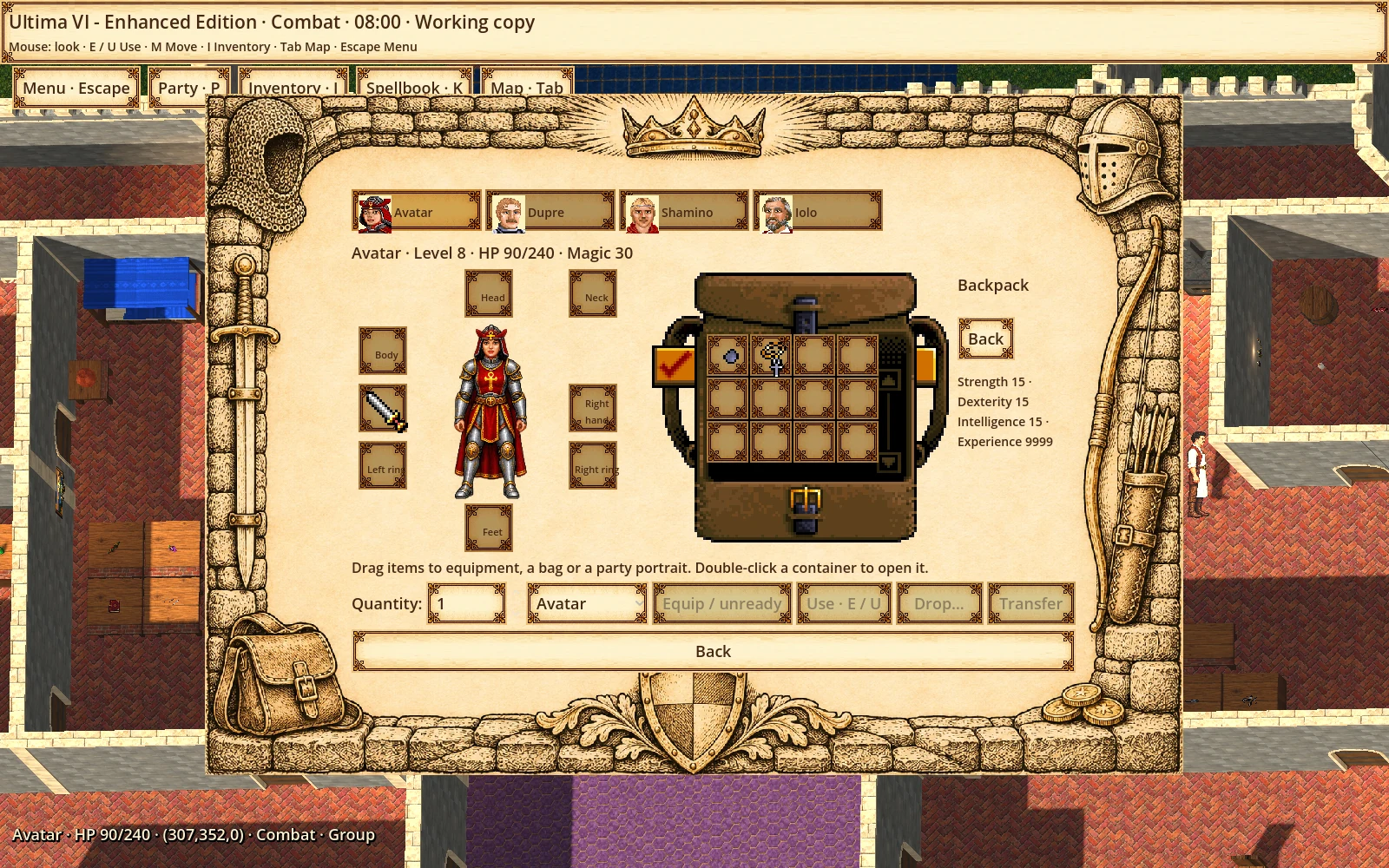
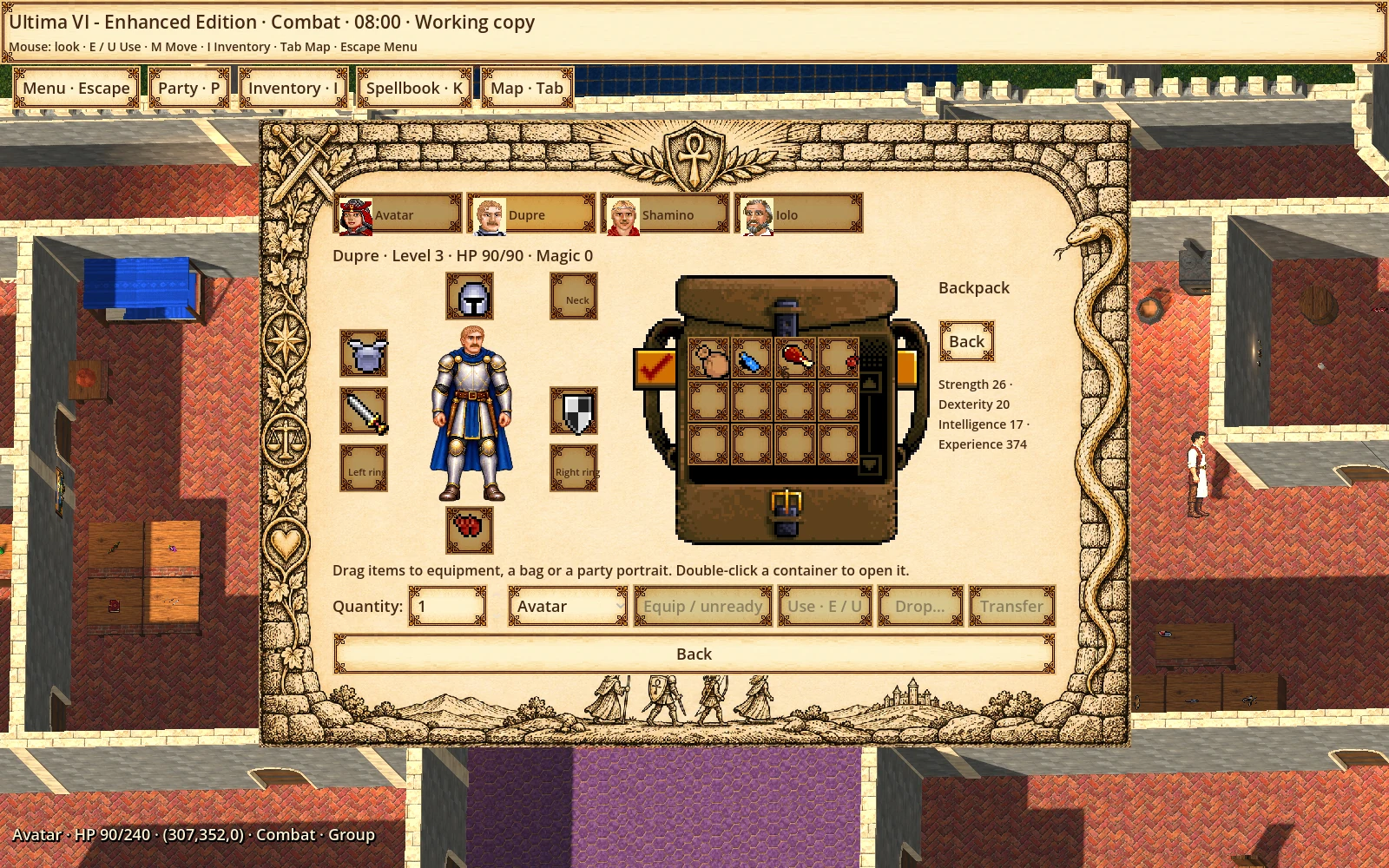
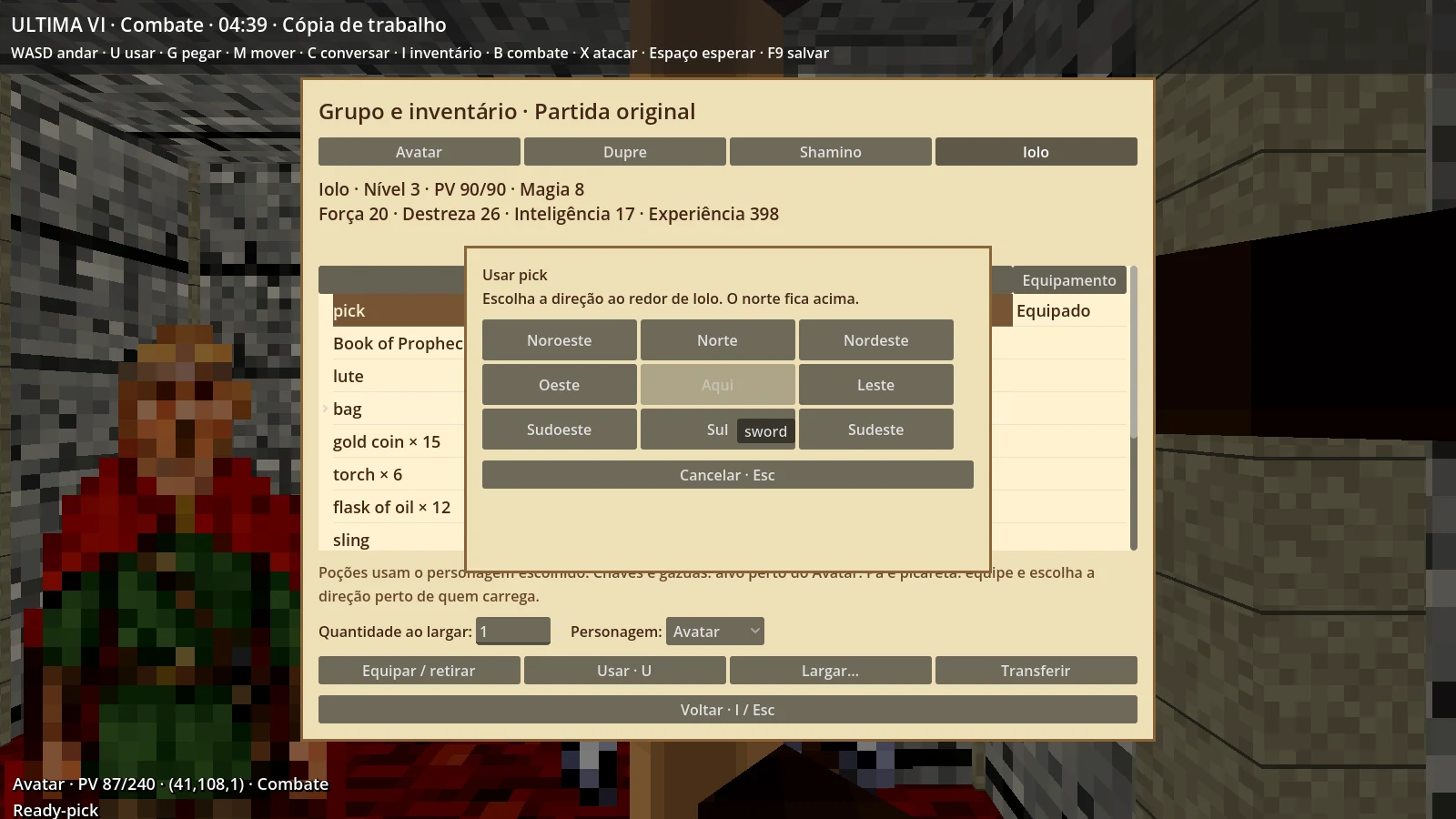
Item icons, equipment and drag-and-drop for equipping, storing and transferring items. Nested bags and larger inventories remain in development.
Enlarge ↗Visual backpack and equipmentInventory with original items, equipment slots and backpack, opened in the test session.See 2 more visual examples
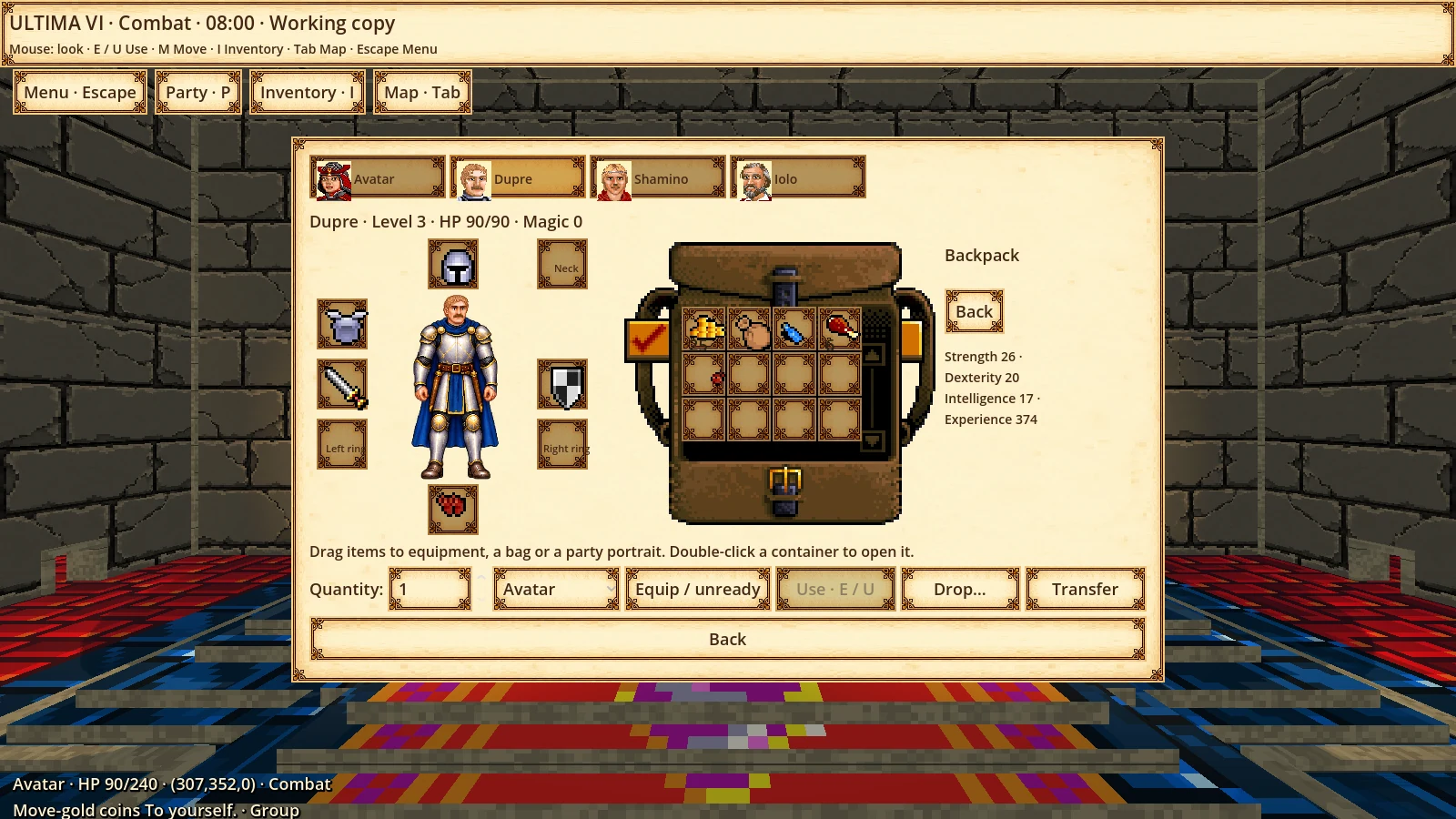
Dragging itemsEarlier capture from the inventory drag-and-drop test.Visual party selectionDupre selected in the party window; portraits and equipment are accessible in the interface.
Party
Lead a companion
1 selects the solo Avatar, 2–8 select party members and 0 returns to party mode. The original engine keeps authority over party rules.
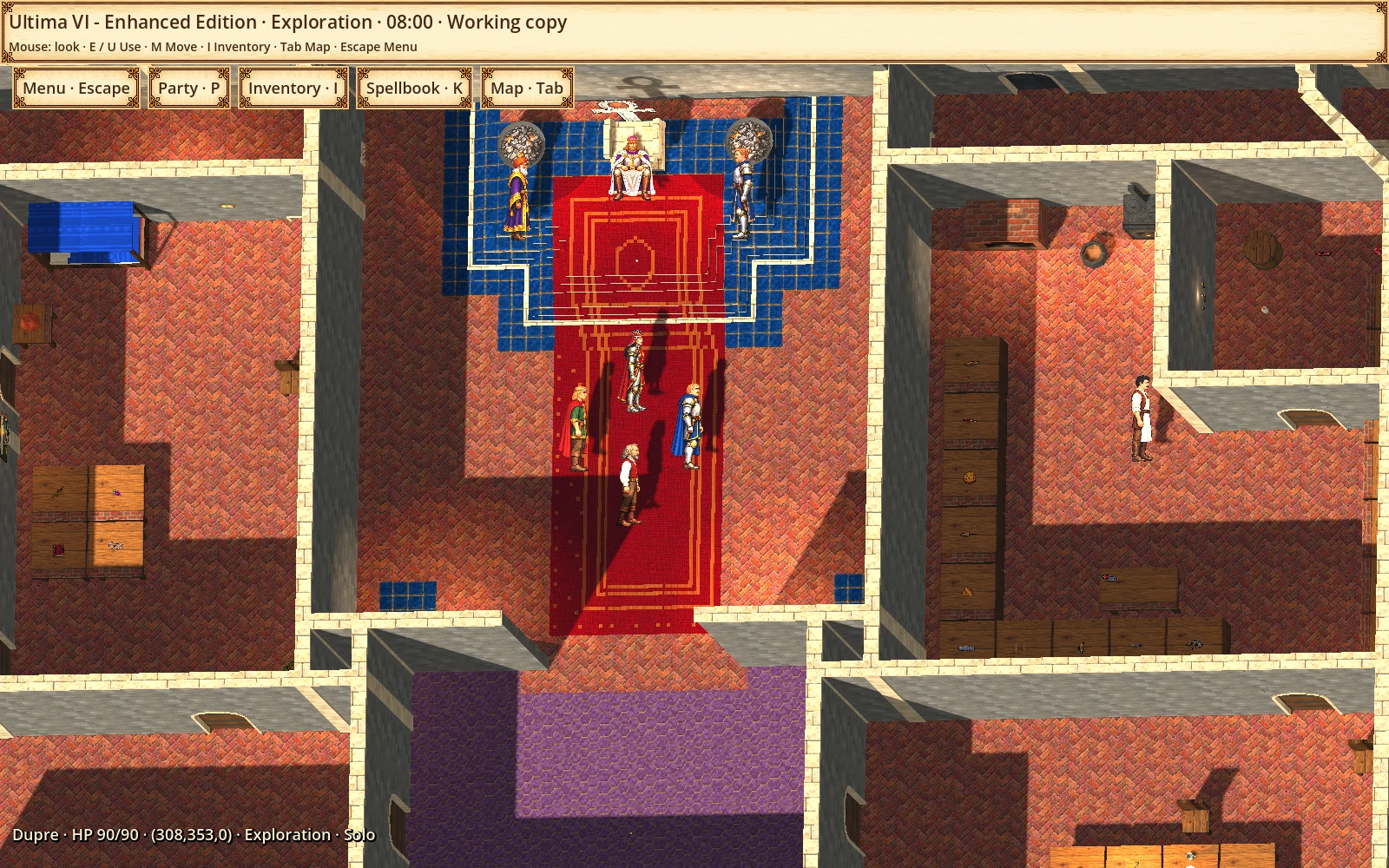
Enlarge ↗Direct control of DupreThe lower indicator identifies Dupre as the controlled character in solo mode, confirmed by the original engine.See 1 more visual example
Visual party selectionDupre selected in the party window; portraits and equipment are accessible in the interface.
Objects
Use, pick up and move
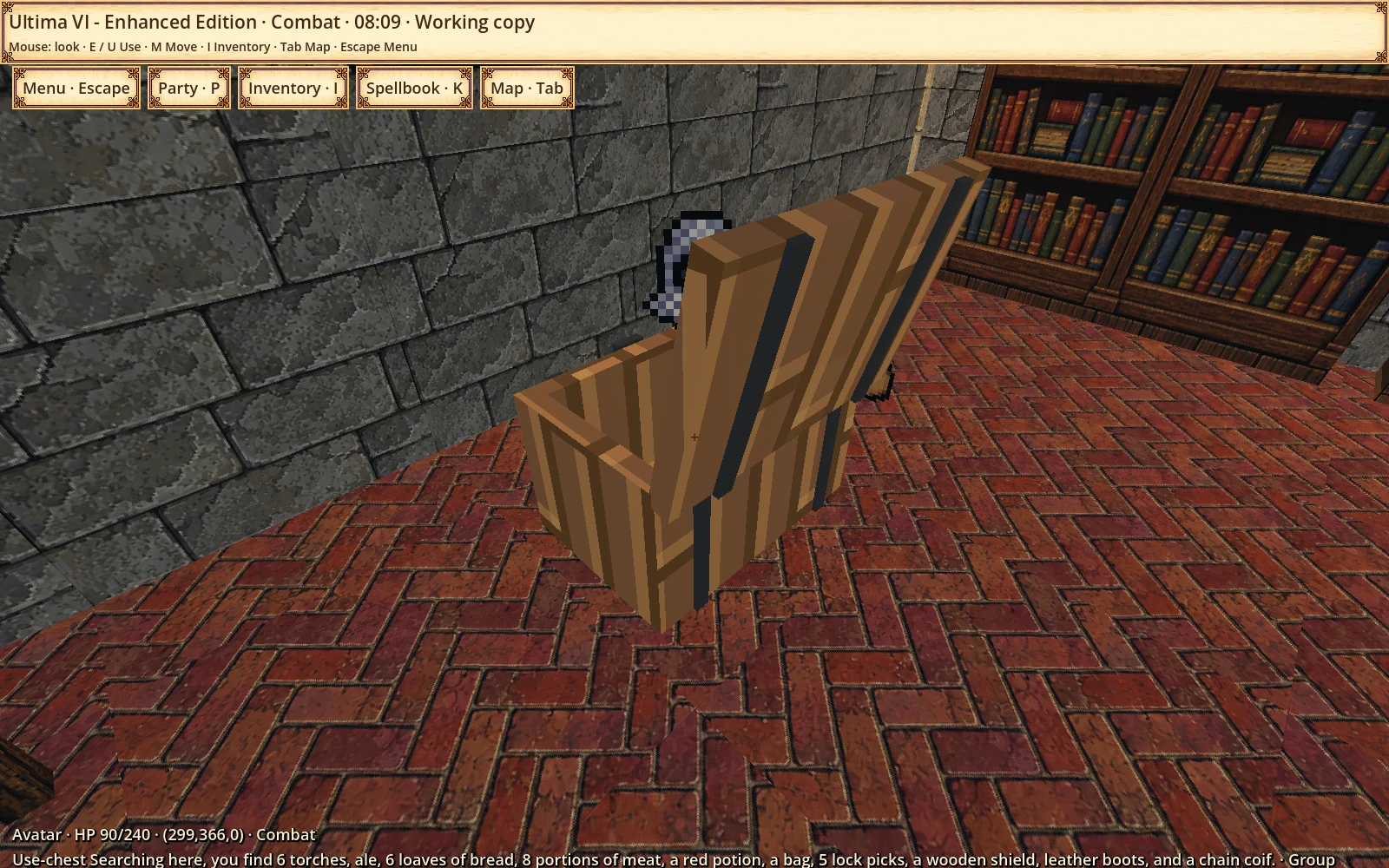
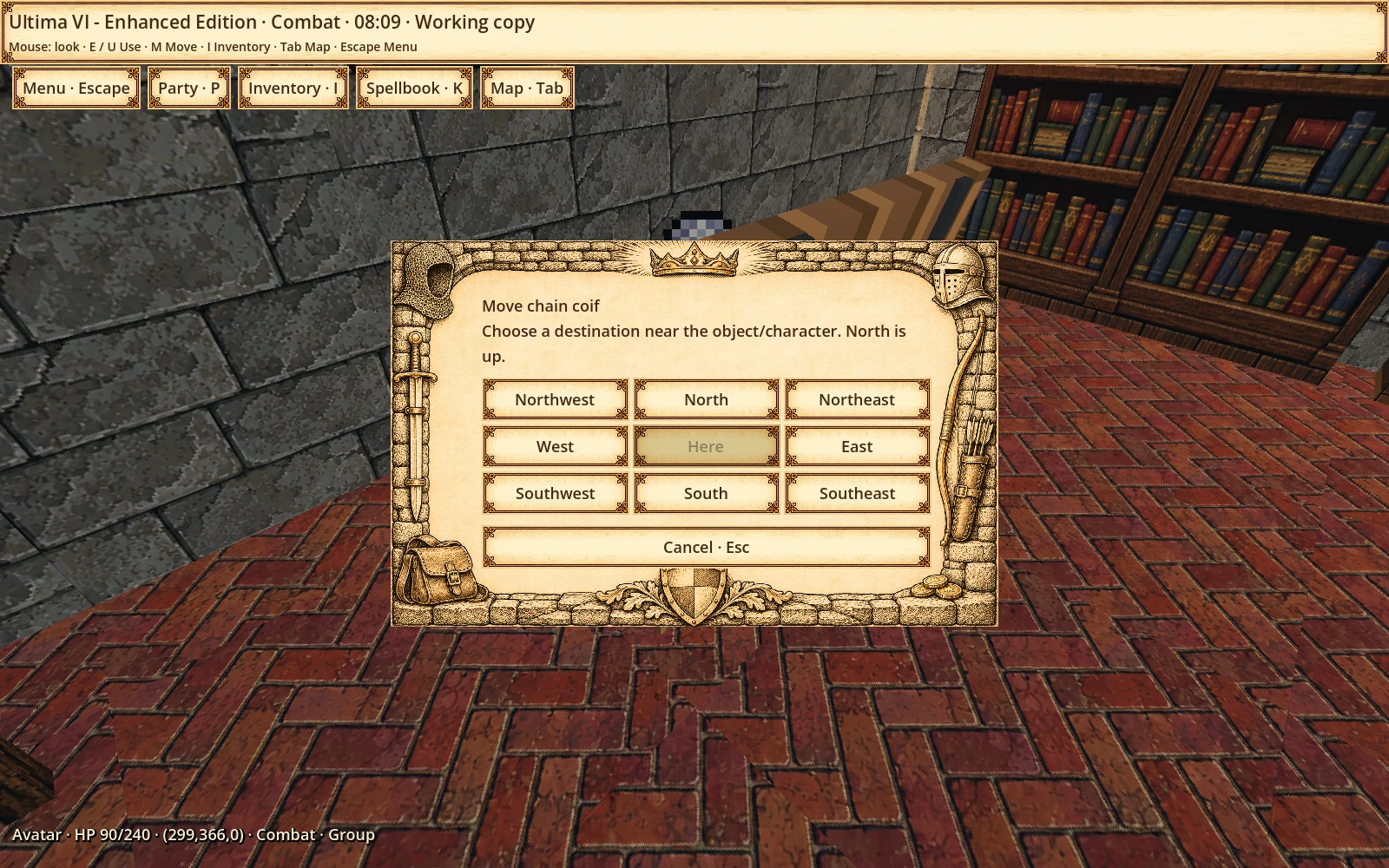
Doors, containers, lights, keys and directional tools have an initial set of original interactions connected to the first-person controls.
Enlarge ↗Opening a chestChest opened through Use, with the original game search result.See 7 more visual examples
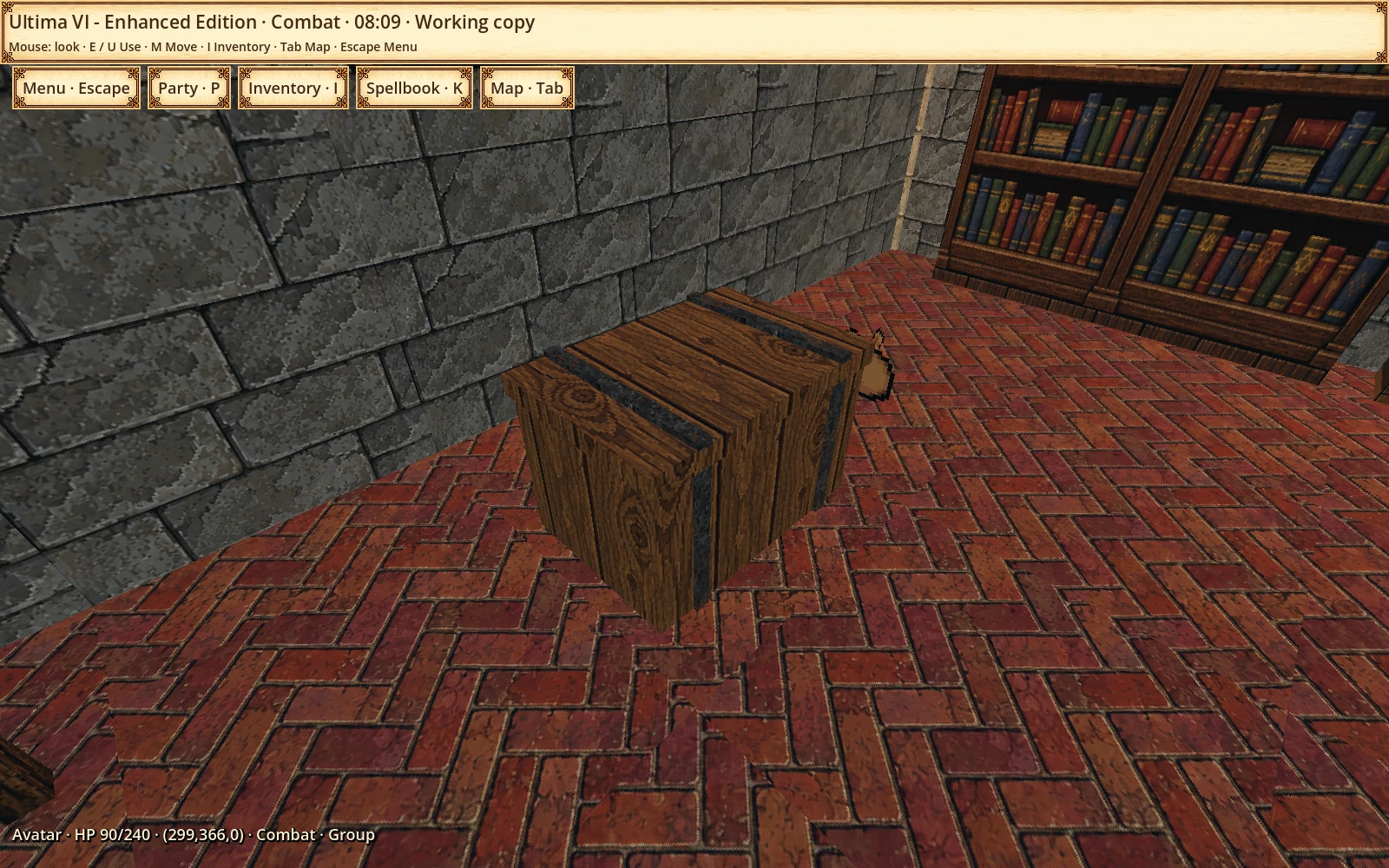
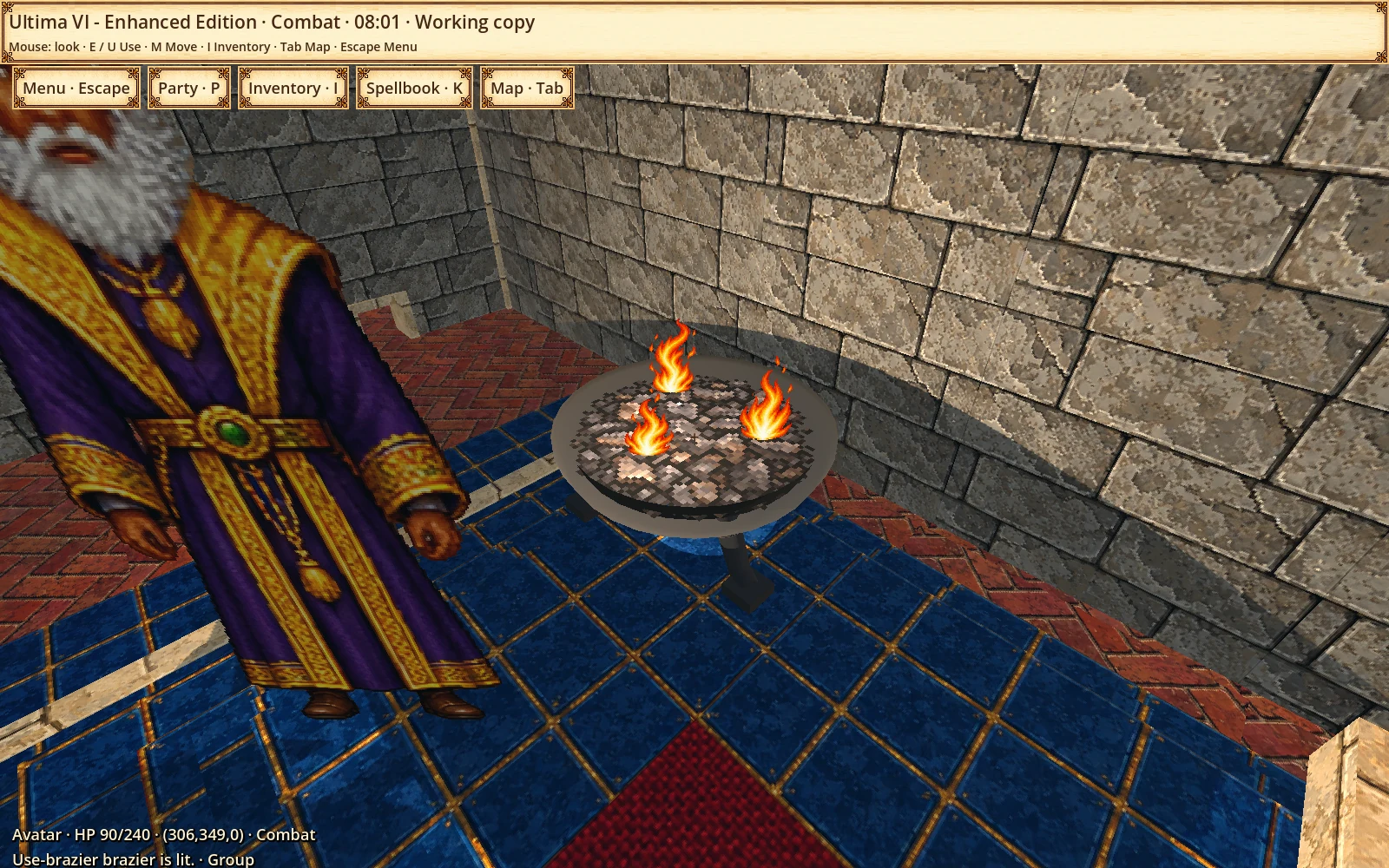
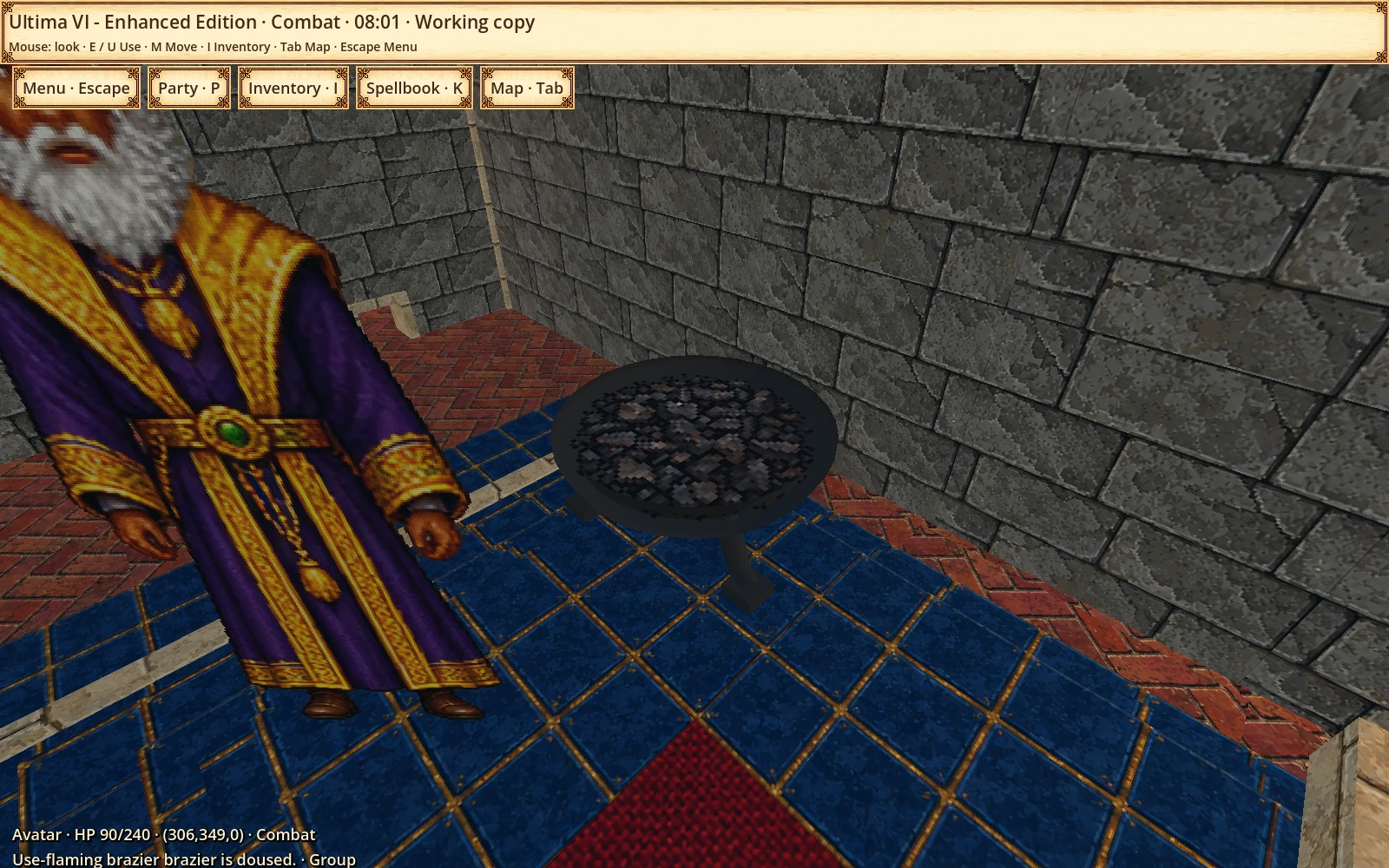
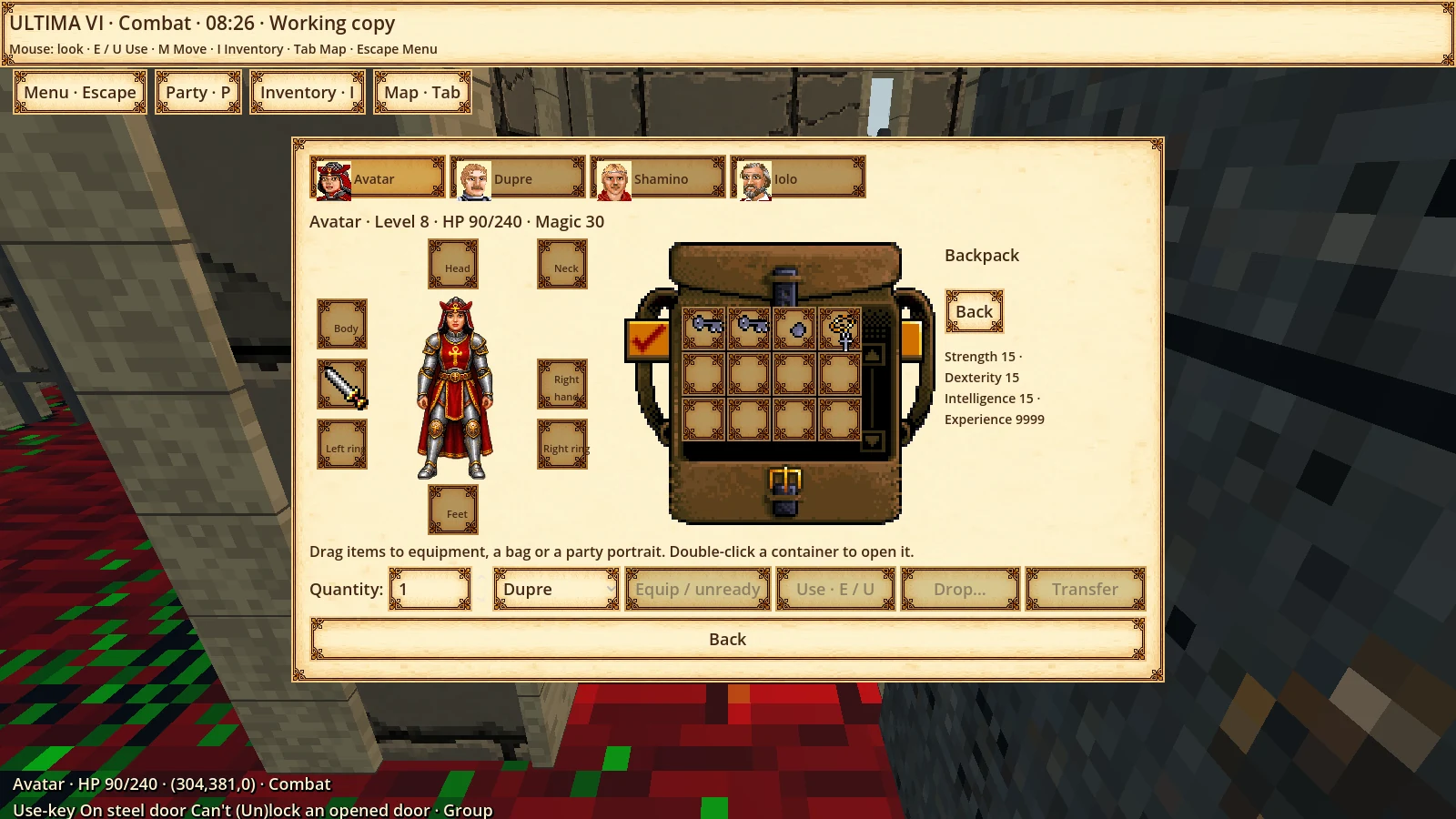
Chest before interactionThe same chest closed before the original interaction.Choosing where to moveM opens the nearby destination choice for the selected object.Picking up an objectInventory after picking up the original chest item in the test session.Lit light sourceOriginal light source before the Use interaction.Extinguishing a light sourceThe same light source extinguished through Use, with the native state change confirmed.Key and world targetEarlier alpha capture: result of using a key on a world target.Tool directionEarlier alpha capture: choosing a direction when using an inventory tool.
Magic
An expanding original spellbook
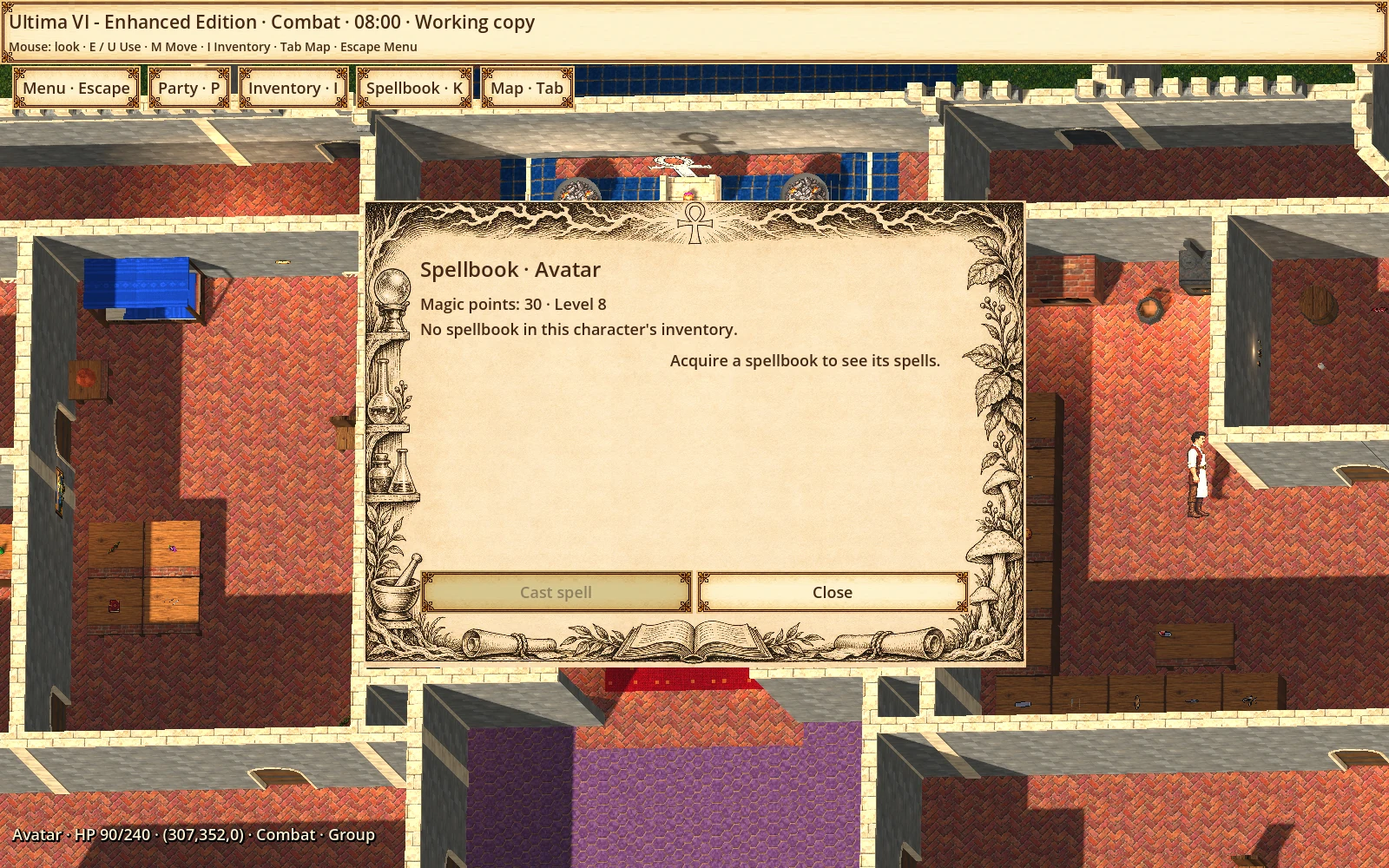
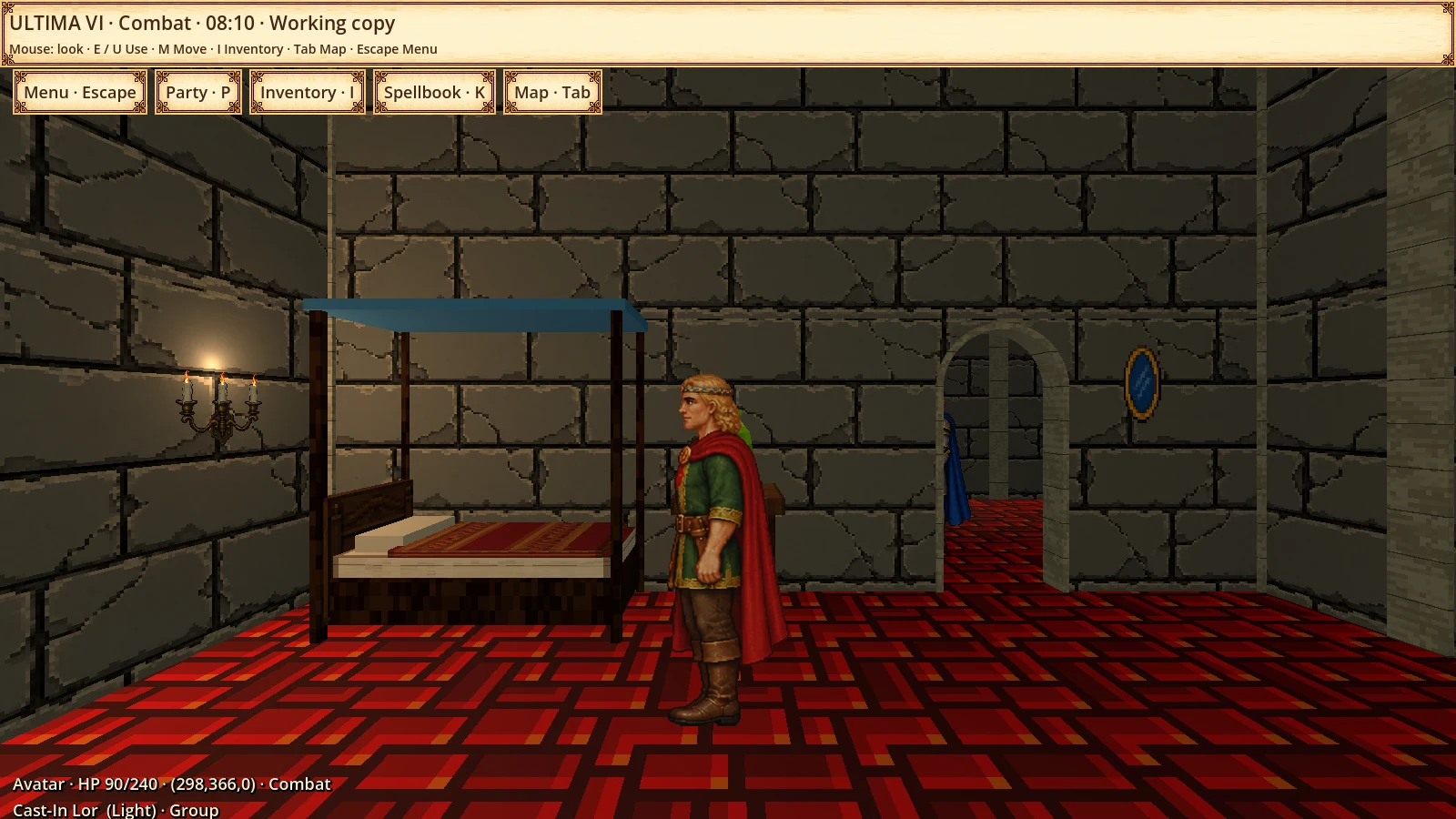
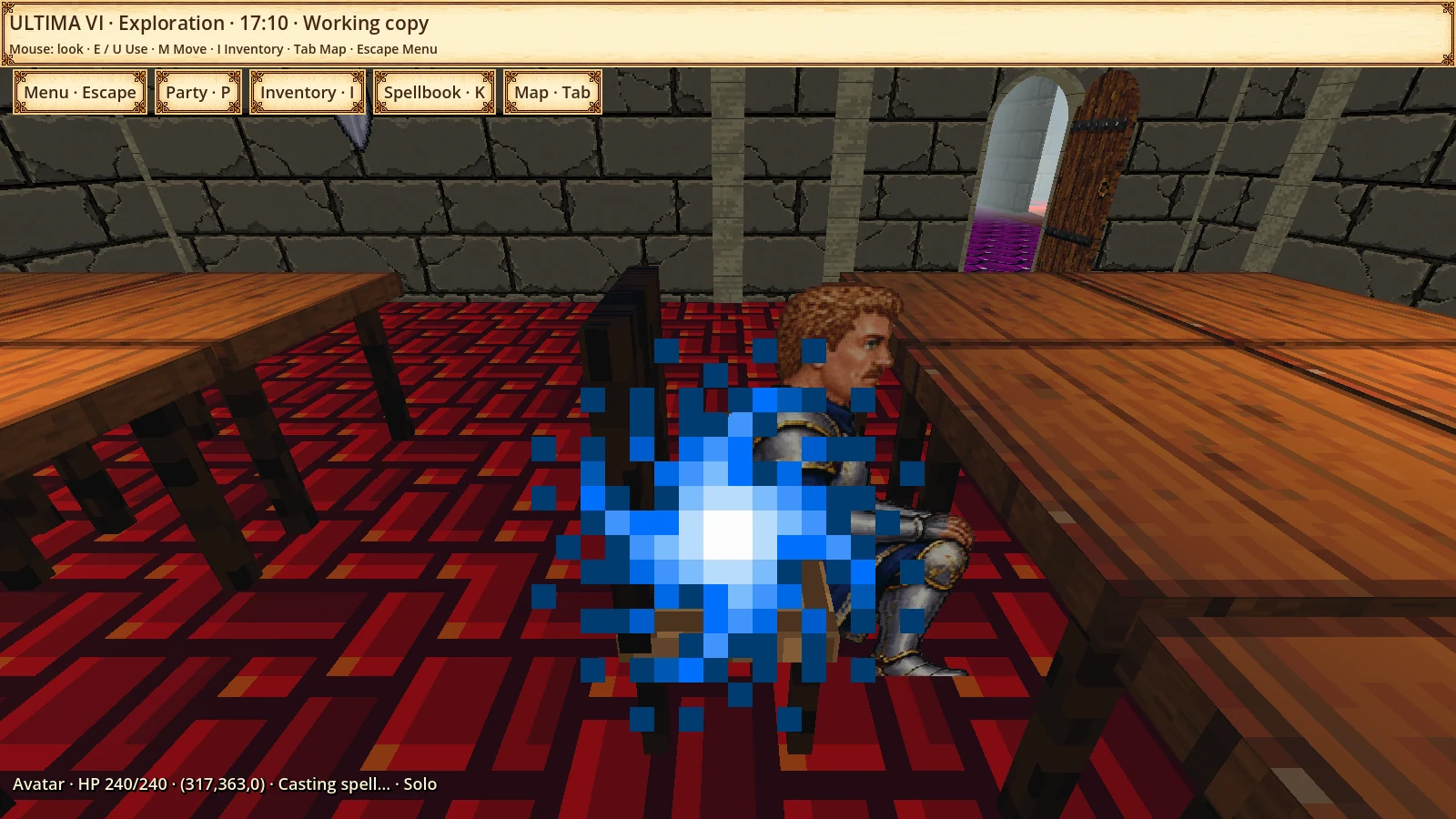
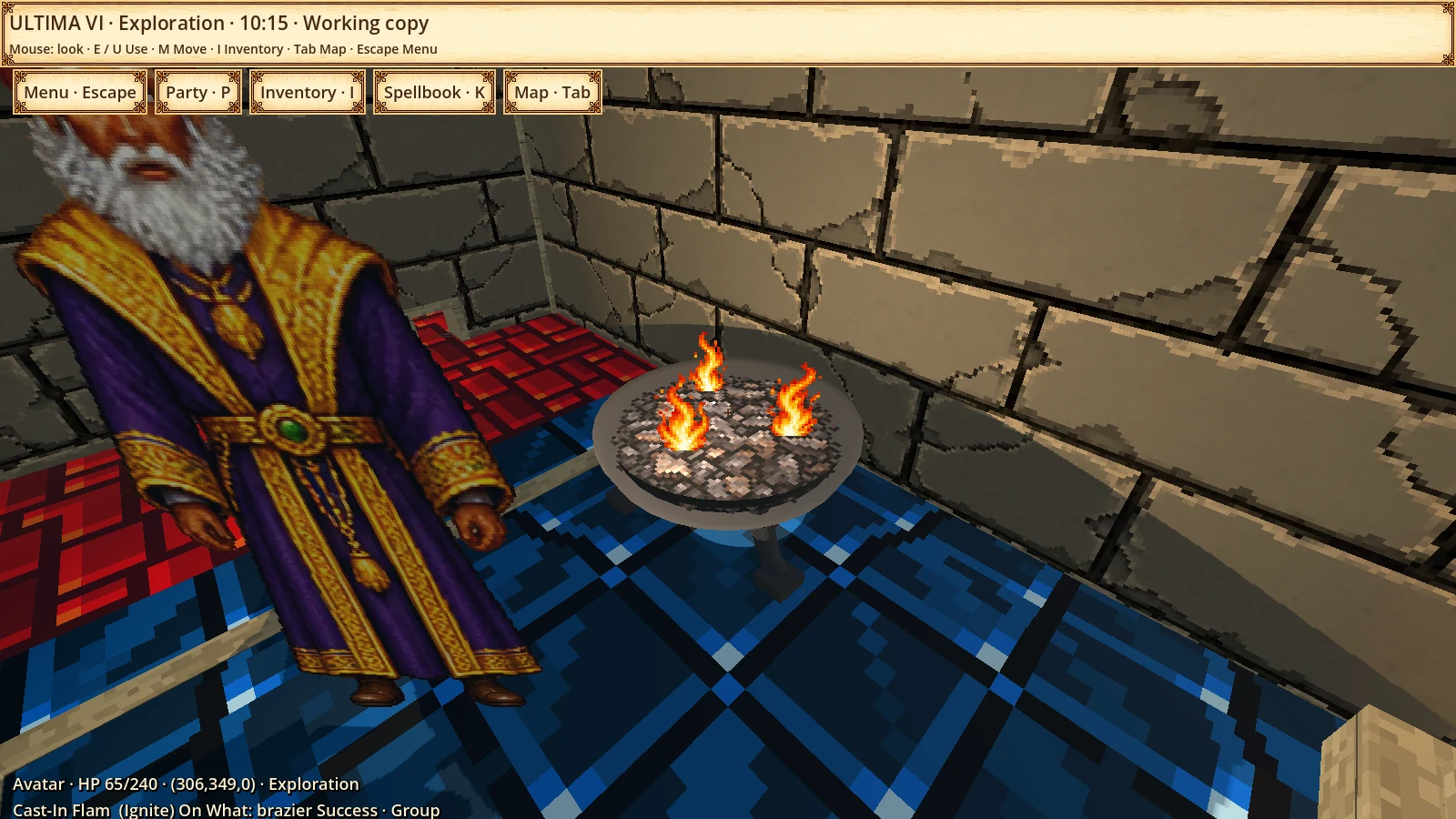
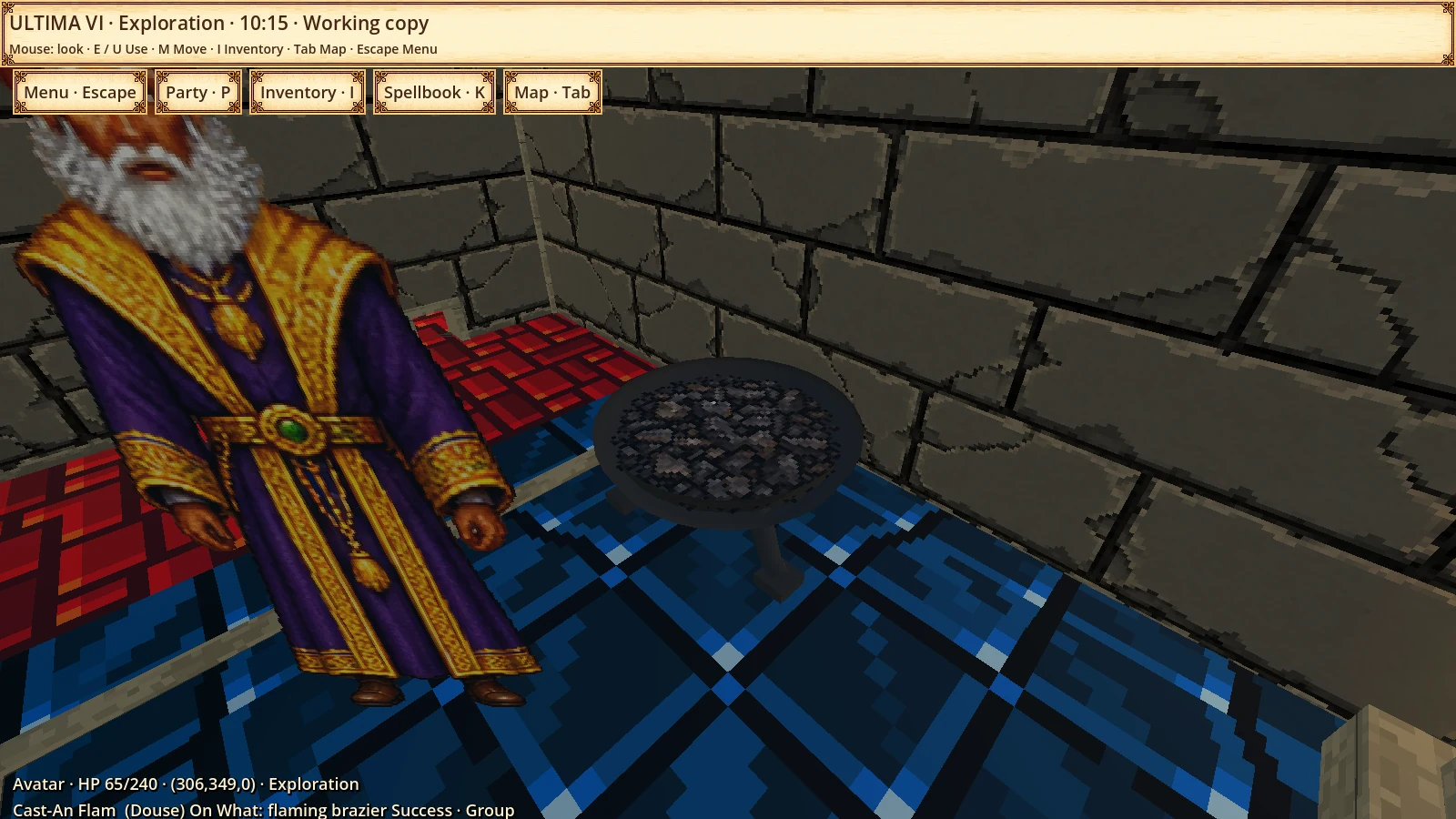
The spellbook connects a growing set of original spells, including Light, Heal, Douse, Ignite, Telekinesis, Help and Locate, with native costs and outcomes.
Enlarge ↗Spellbook and costsSpellbook opened in the test session, with spell selection and caster information.See 7 more visual examples
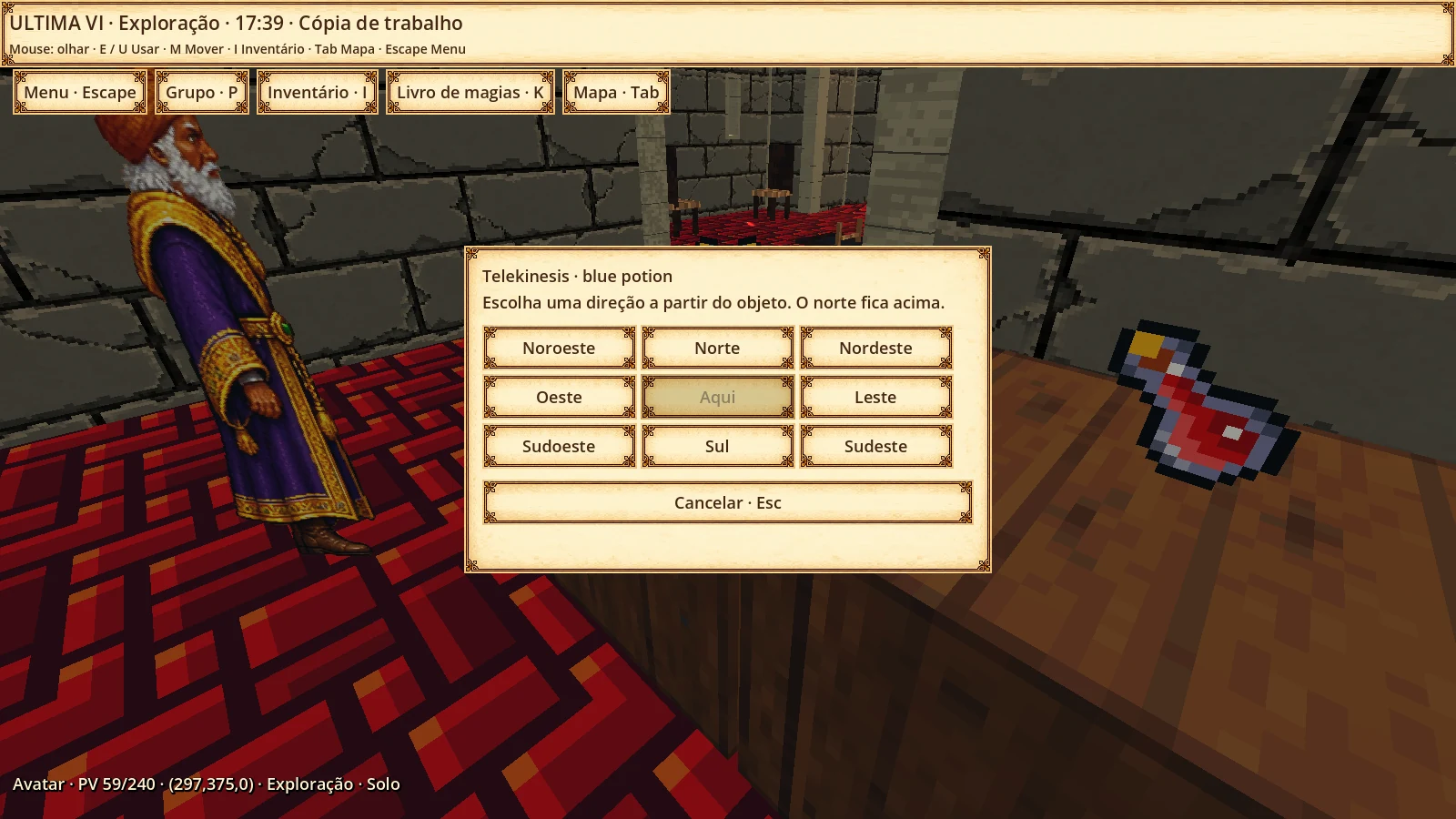
LightEarlier capture of illumination after casting Light through the original engine.HealRecorded example of Heal on an original target.IgniteEarlier capture: fire source lit by the original Ignite spell.DouseEarlier capture: fire source extinguished by the original Douse spell.TelekinesisDestination selection for moving an object with Telekinesis.HelpResult of returning to the castle through Help in an isolated original-engine test.LocateLocate response with coordinates supplied by the original game.
Controls
Grid or free movement
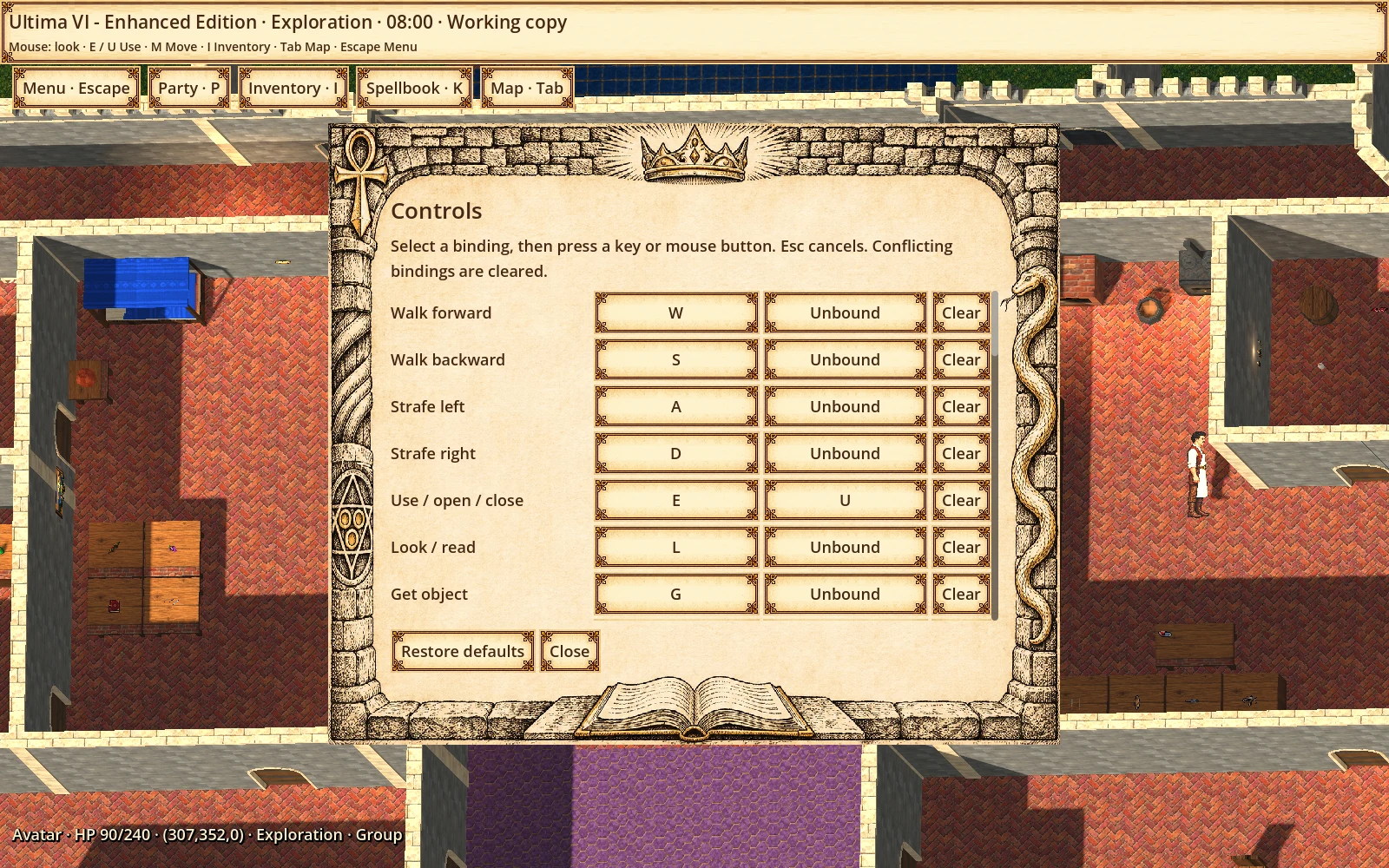
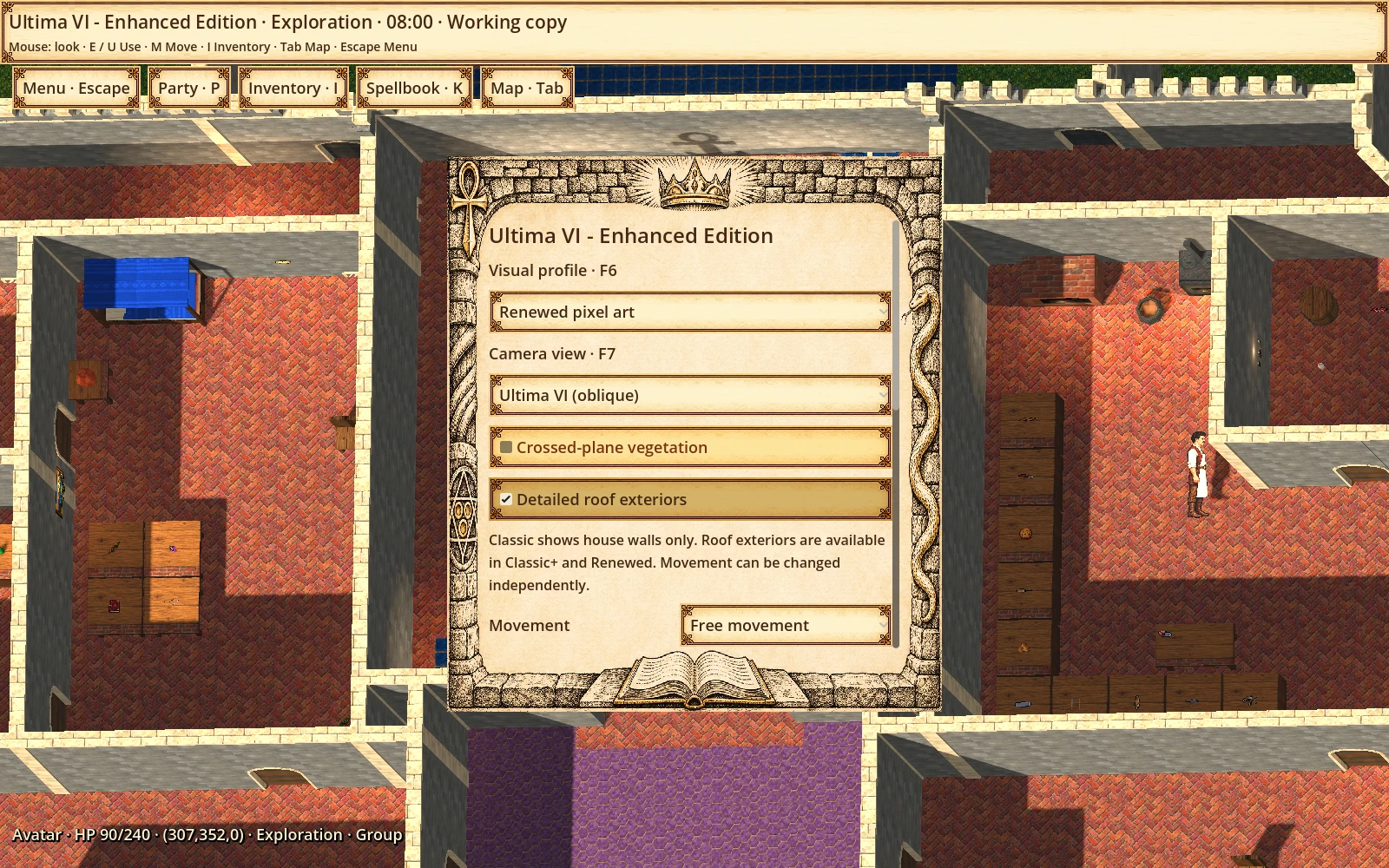
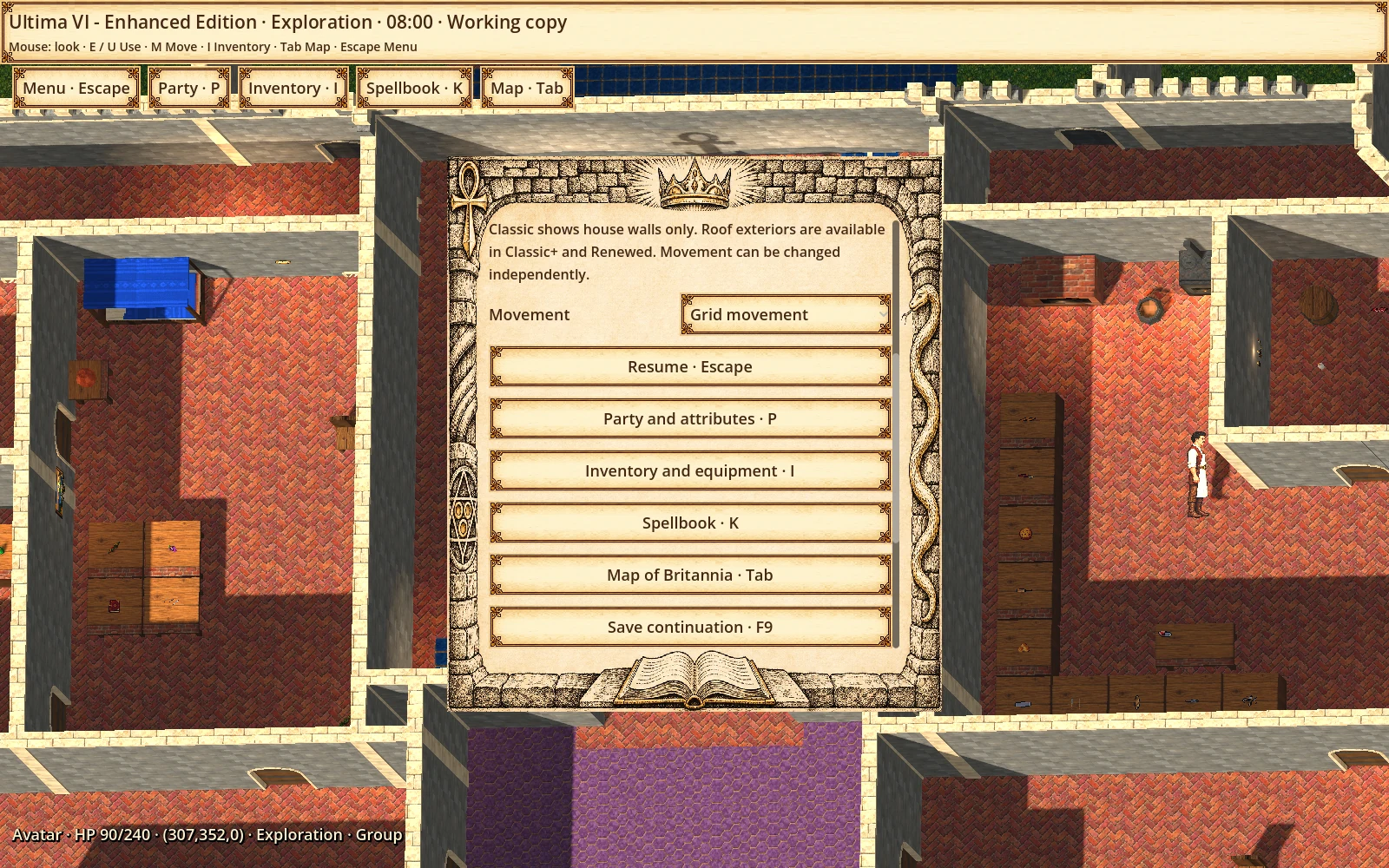
Movement and interactions can be remapped. Visual profiles, movement style and exterior roof details are adjustable presentation options.
Enlarge ↗Remap movement and interactionsCurrent controls window with remappable movement, Use and other actions.See 2 more visual examples
Profiles, camera and free movementIndependent presentation and movement options without starting another game.Grid movement selectedThe same menu with Grid selected; the manual save button remains available.
Saved games
Manual and transition saves
Manual saving remains available. Automatic saving is limited to dungeon transitions, portals and normal exit, when the original engine permits it.
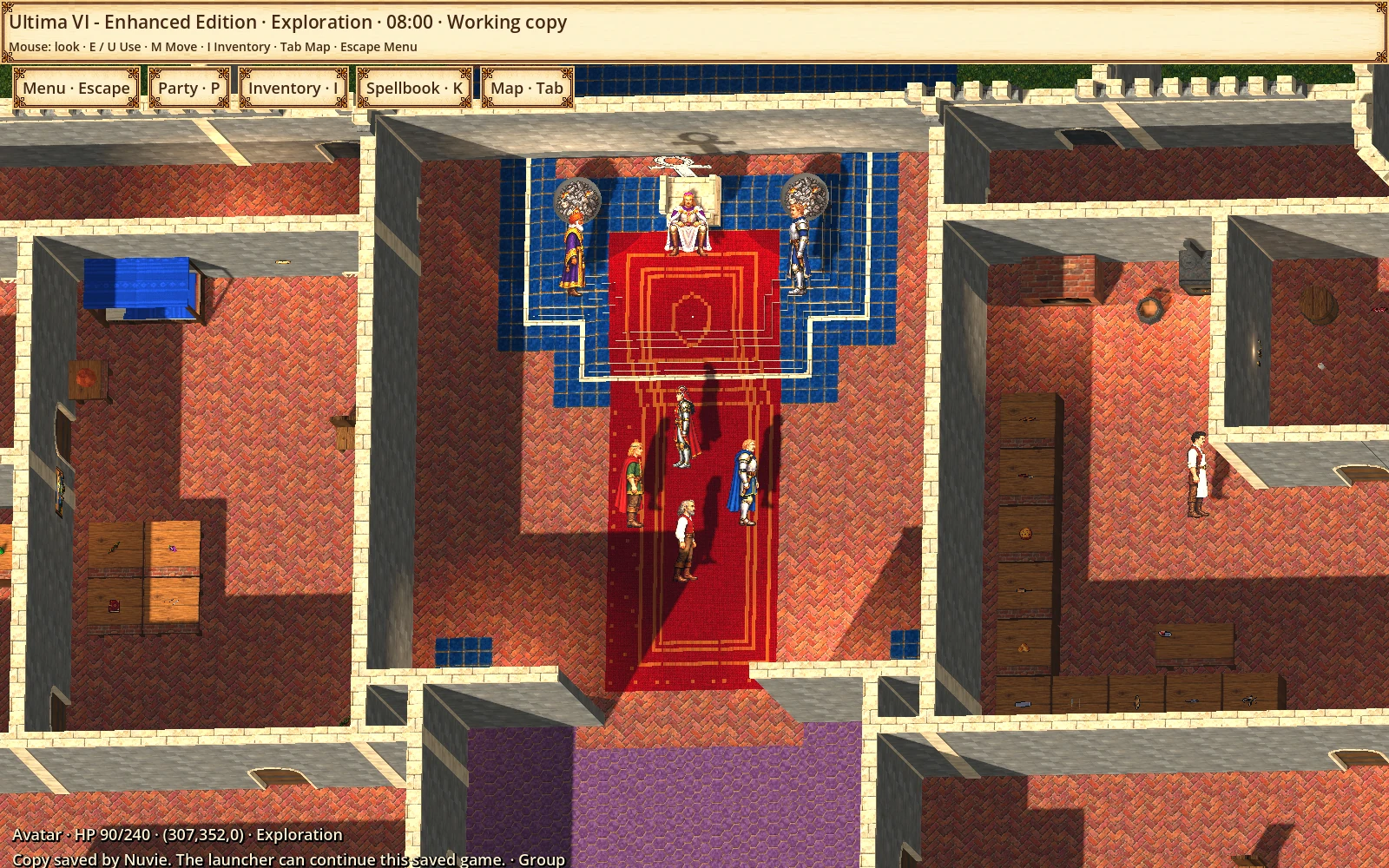
Enlarge ↗Manual save confirmedThe lower message confirms Nuvie saved the test copy. Automatic transition saves retain their own rules.See 1 more visual example
Grid movement selectedThe same menu with Grid selected; the manual save button remains available.
WHERE DEVELOPMENT STANDS
An alpha with a long road ahead.
Integrated within a verified scope
Three visual profiles and optional grid movement
43 shared Classic bodies and the initial vegetation set
Topic dialogue, visual inventory and party control
A growing selection of original spells
Enlarge ↗Oblique · Ultima VIElevated view with nearly screen-aligned floors and visible wall faces. Capture from an original-engine test session.See 3 more visual examples
Fighter, Swashbuckler, Avatar and Lord BritishComparison of the original bodies with four revised Classic adaptations and their poses.Visual backpack and equipmentInventory with original items, equipment slots and backpack, opened in the test session.Spellbook and costsSpellbook opened in the test session, with spell selection and caster information.
In development
The remaining spells, creatures and object families
Combat, damage, rest and equipment-dependent artwork
Nested containers and larger inventories
More terrain, architecture and biome refinements
Enlarge ↗Spellbook and costsSpellbook opened in the test session, with spell selection and caster information.See 3 more visual examples
Fighter, Swashbuckler, Avatar and Lord BritishComparison of the original bodies with four revised Classic adaptations and their poses.Visual backpack and equipmentInventory with original items, equipment slots and backpack, opened in the test session.Banks following the original terrainExample of adapted banks following the native tile contours.
Still being validated
Long exploration routes and world-wide performance
Memory use in extended sessions
Schedules, travel and less common state combinations
Complete campaign progression
Enlarge ↗Map and travel frameLocal map of the castle and its surroundings in the travel interface.See 2 more visual examples
Underground ladderEarlier alpha capture in an underground area reached through the original engine.Oblique · Ultima VIElevated view with nearly screen-aligned floors and visible wall faces. Capture from an original-engine test session.
Local alpha. Work in progress.
The project currently runs in the development environment using the original game data and configured tools. No public download or portable package is available. This is an independent, unofficial fan project; the complete campaign and global performance are not yet validated.
Ultima VI and its elements belong to their respective rights holders.
FOLLOW THE JOURNEY
One person. Many stories to tell.
Behind the scenes, discoveries and updates from a solo studio. From the first idea to the next world to explore.
 U6EE · IN DEVELOPMENT