Kamakura Game Works
← Ultima VI Enhanced Edition

Gameplay

Combat, magic, exploration, party, inventory and controls.

Systems in the local alpha

World

Explore Britannia

Surface and underground areas, maps, doors and level transitions are connected to the original engine. The whole campaign still needs validation.
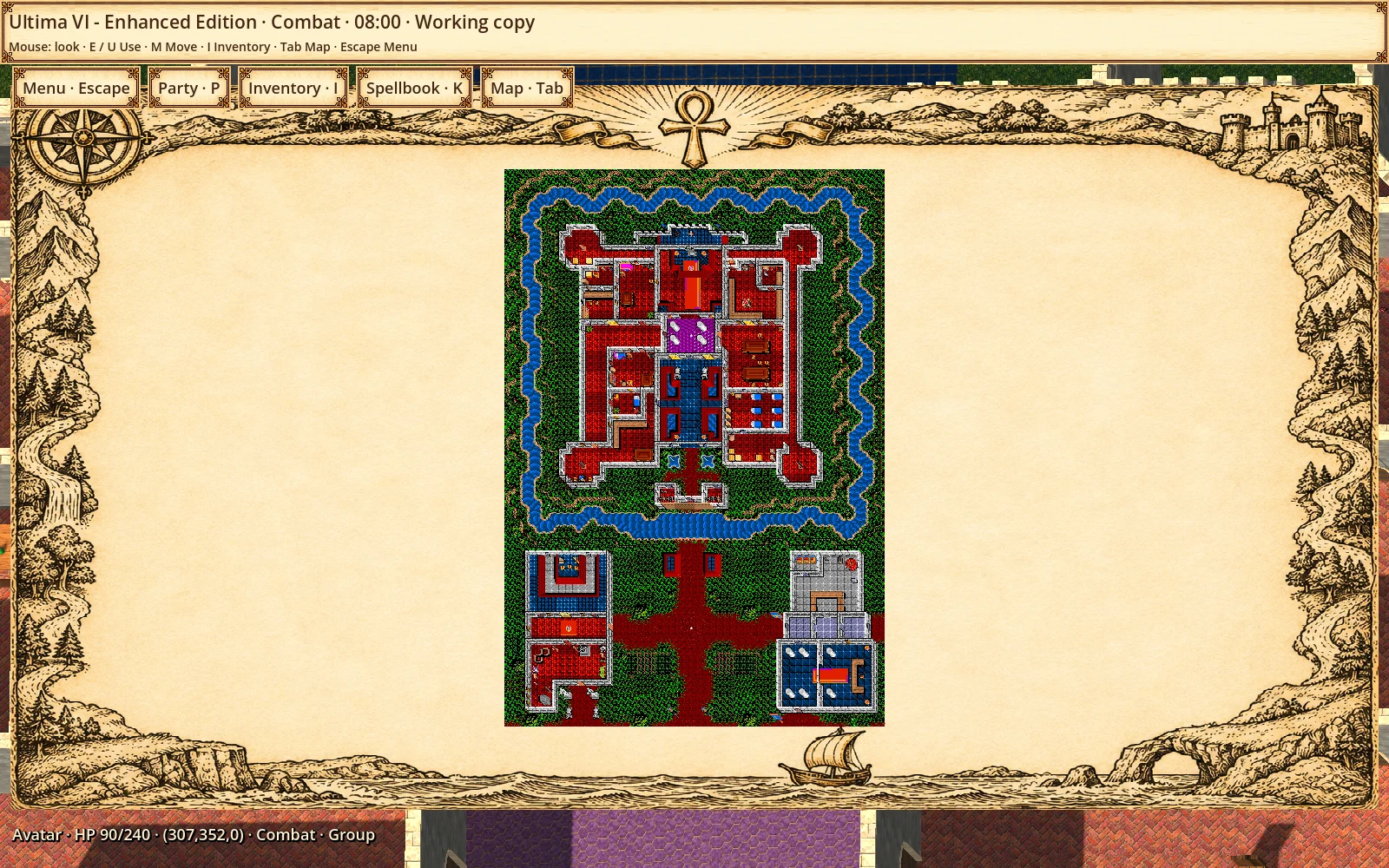
Map and travel frame
Map and travel frameLocal map of the castle and its surroundings in the travel interface.
See 2 more visual examples
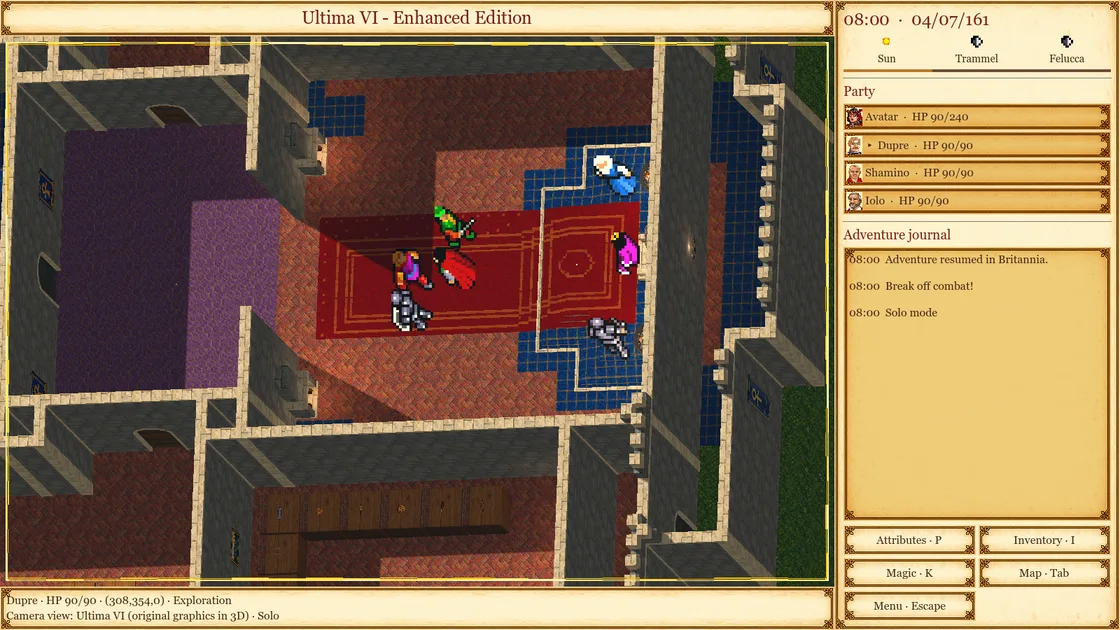
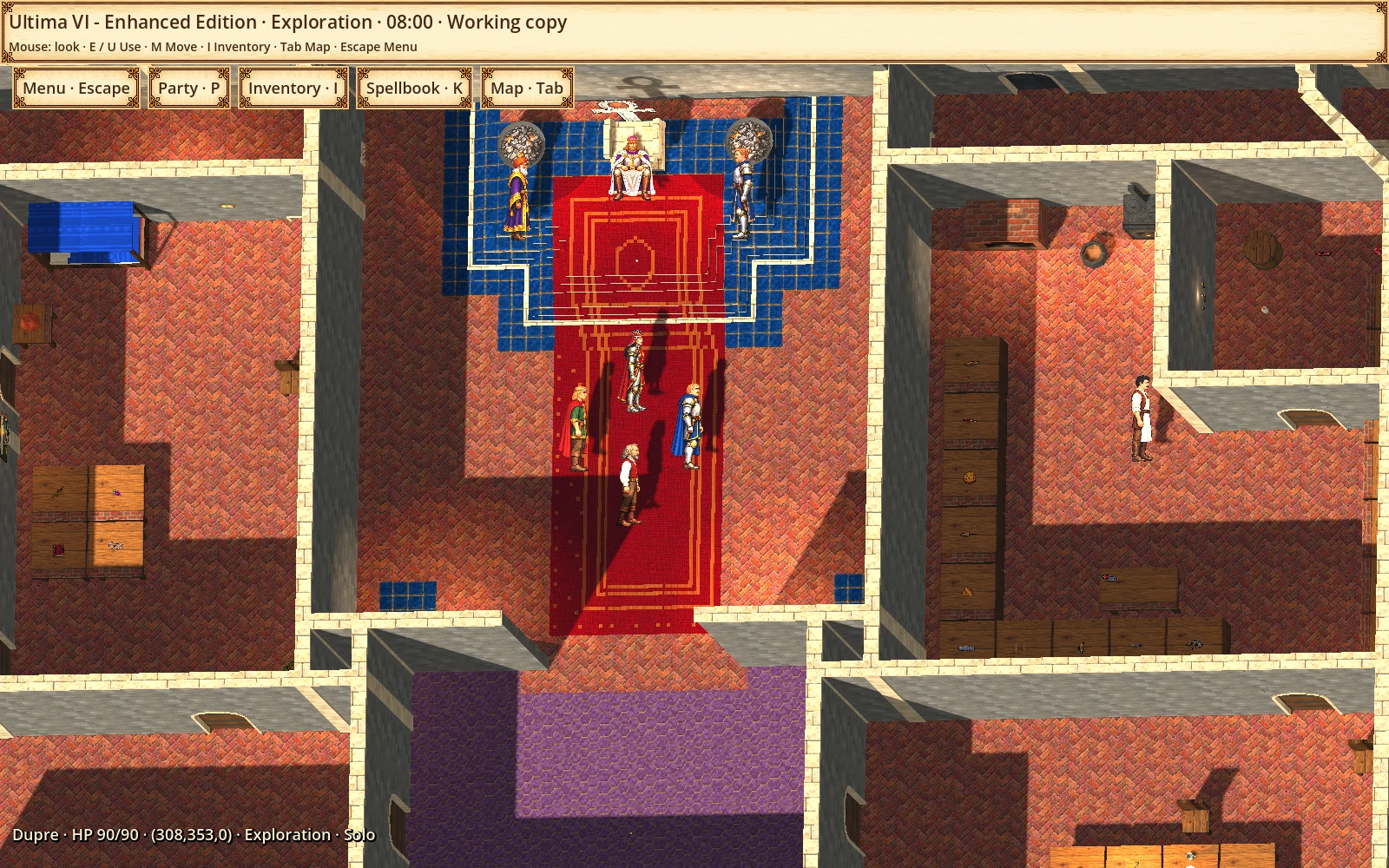
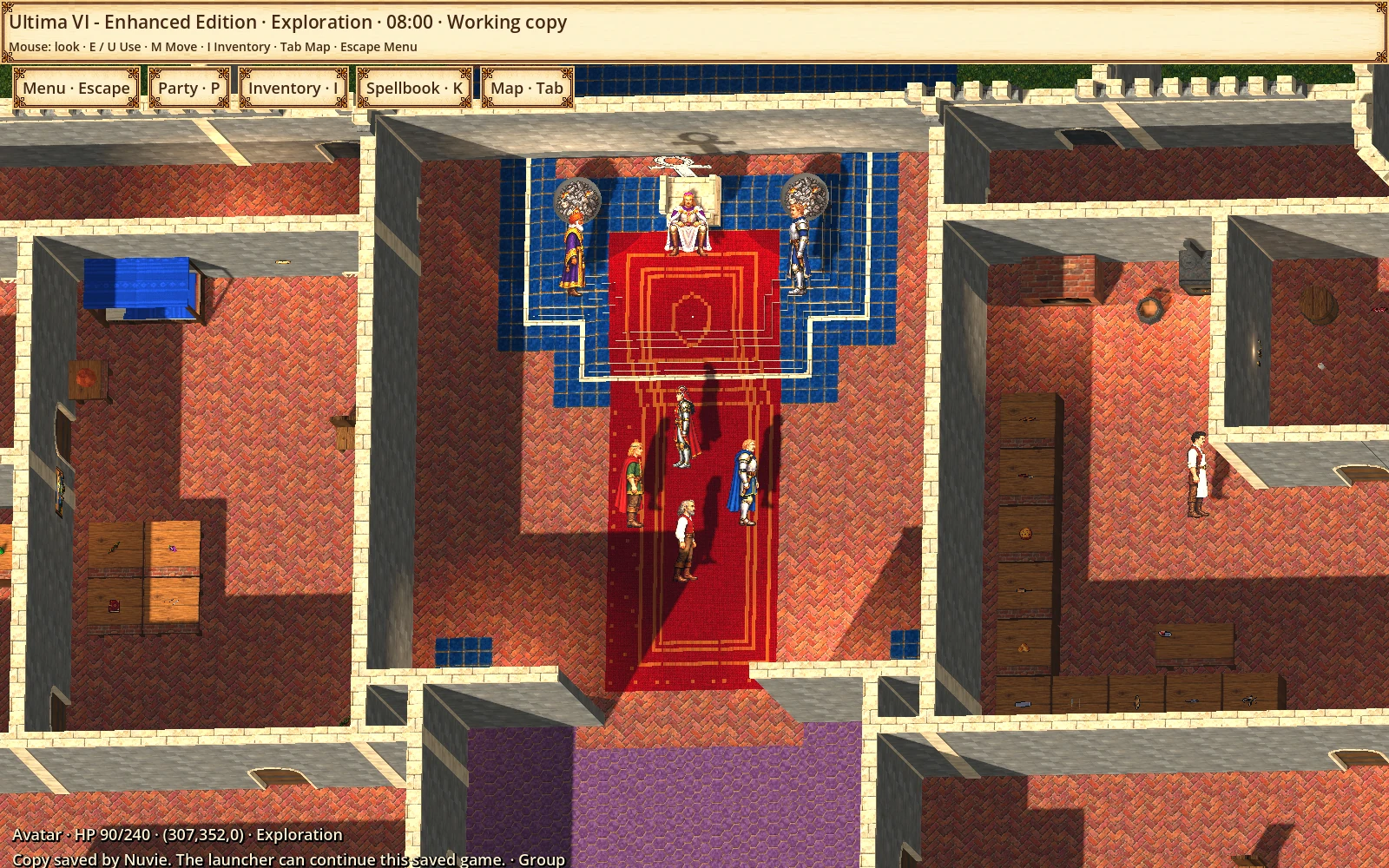
Ultima VI oblique camera
Oblique · Ultima VITilted overhead view with original graphics in a rotatable 3D scene. November 17 capture.
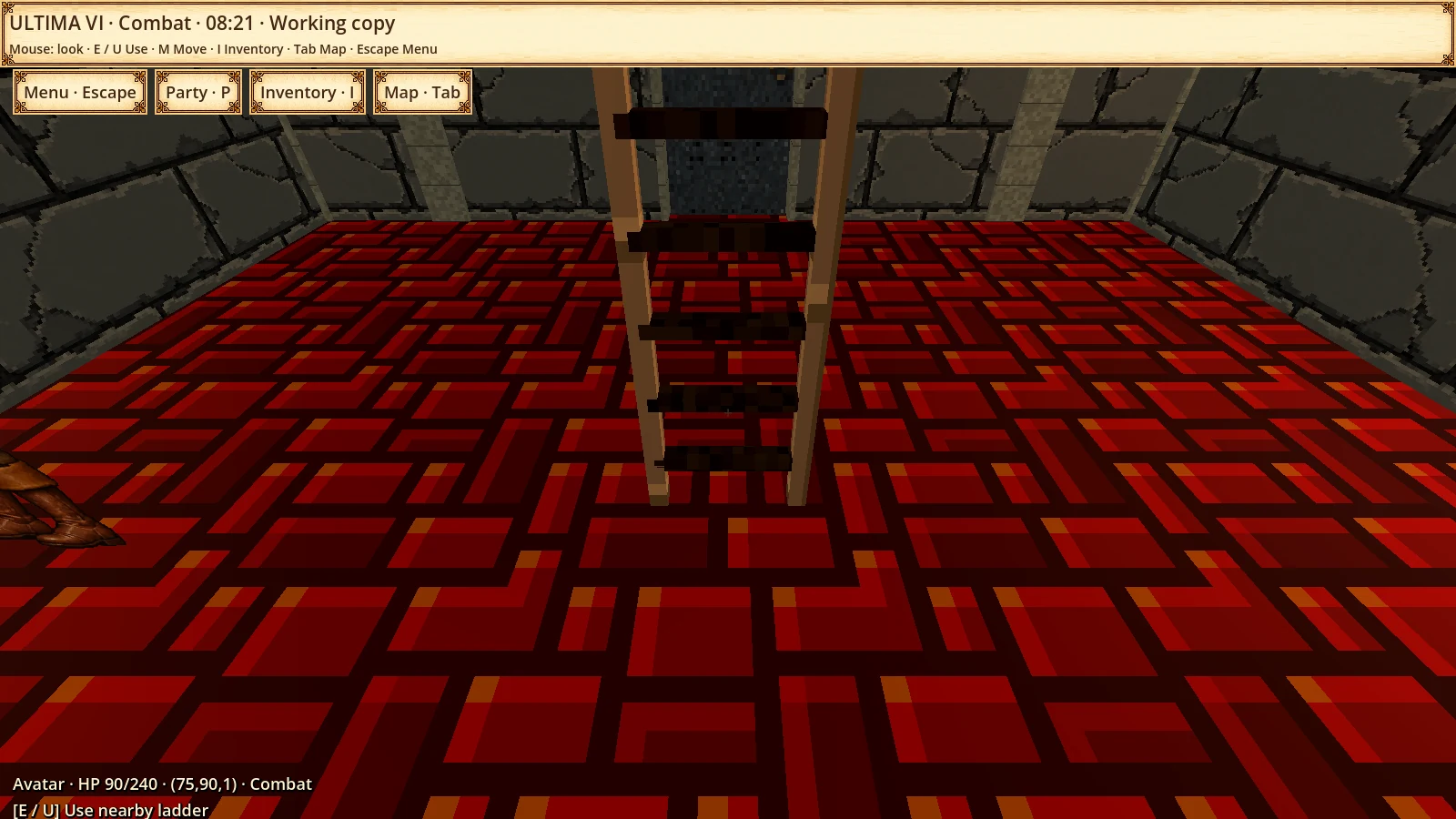
Underground ladder
Underground ladderEarlier alpha capture in an underground area reached through the original engine.
Conversations

Portraits and keywords

Topic-based conversations include original portraits and highlighted keywords. The interface supports English and PT-BR; original dialogue remains in English.

Dialogue portrait and keyword
Dialogue portrait and keywordConversation with Dupre: the original reply highlights quest and retains his portrait.
See 1 more visual example
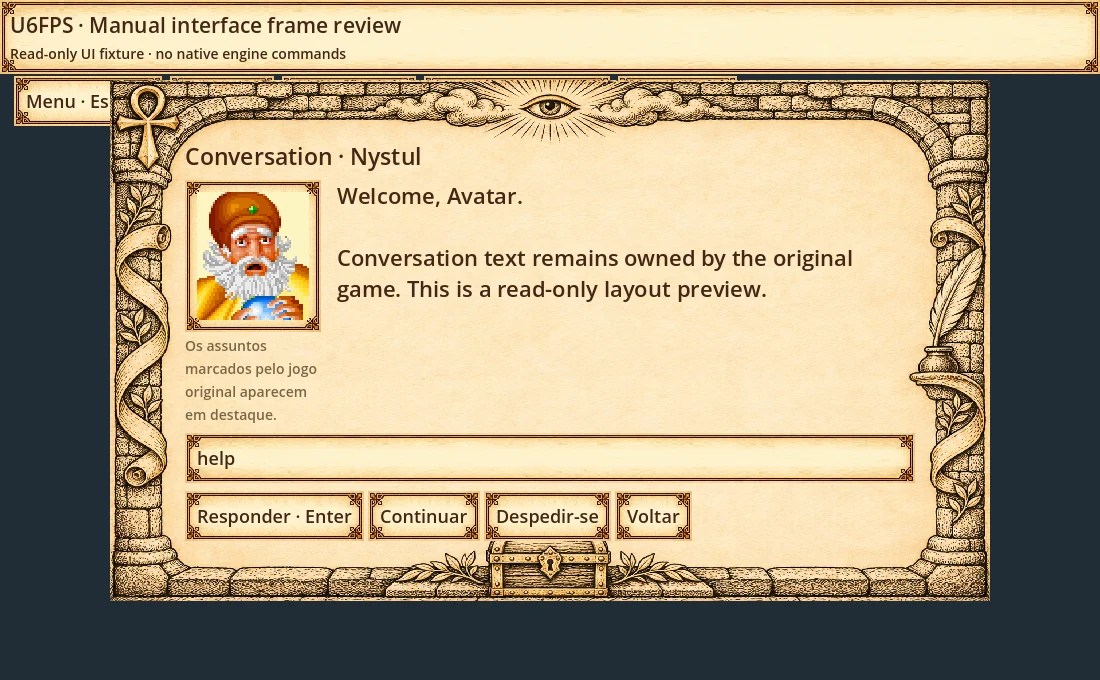
Portuguese dialogue interface
Portuguese dialogue interfacePT-BR layout preview. Interface translation is separate from the original campaign text.
Inventory

A visual backpack

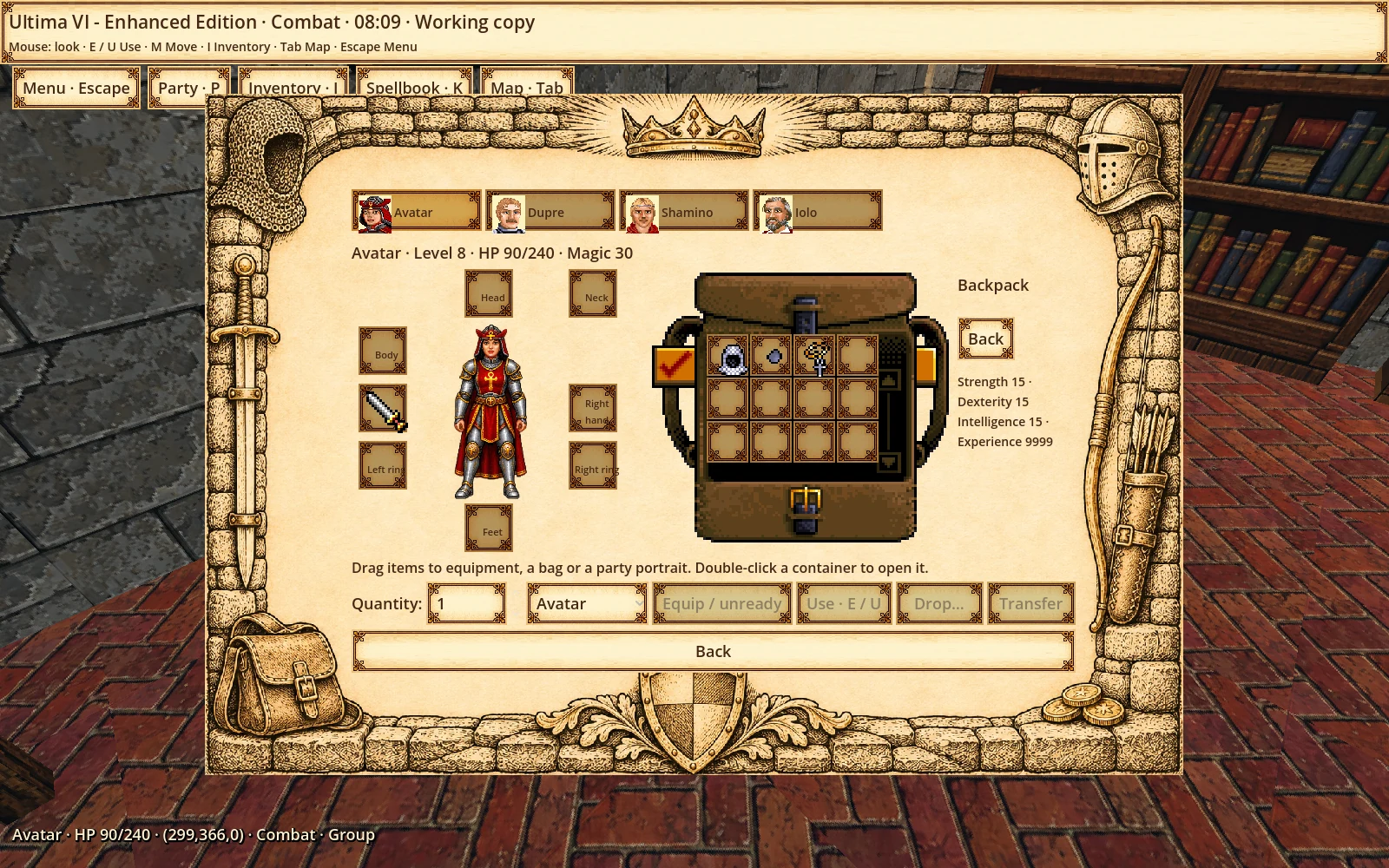
Item icons, equipment and drag-and-drop for equipping, storing and transferring items. Nested bags and larger inventories remain in development.
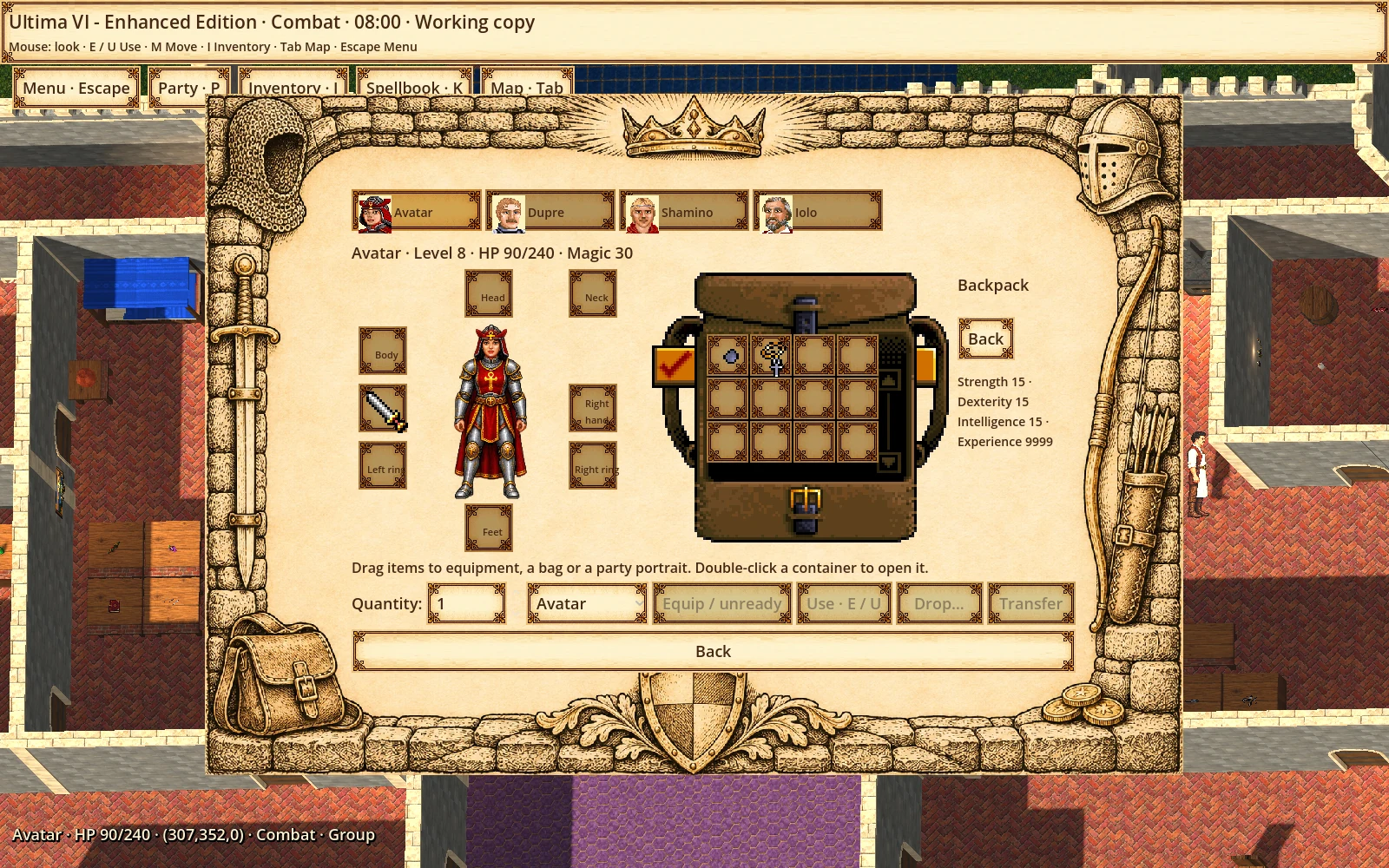
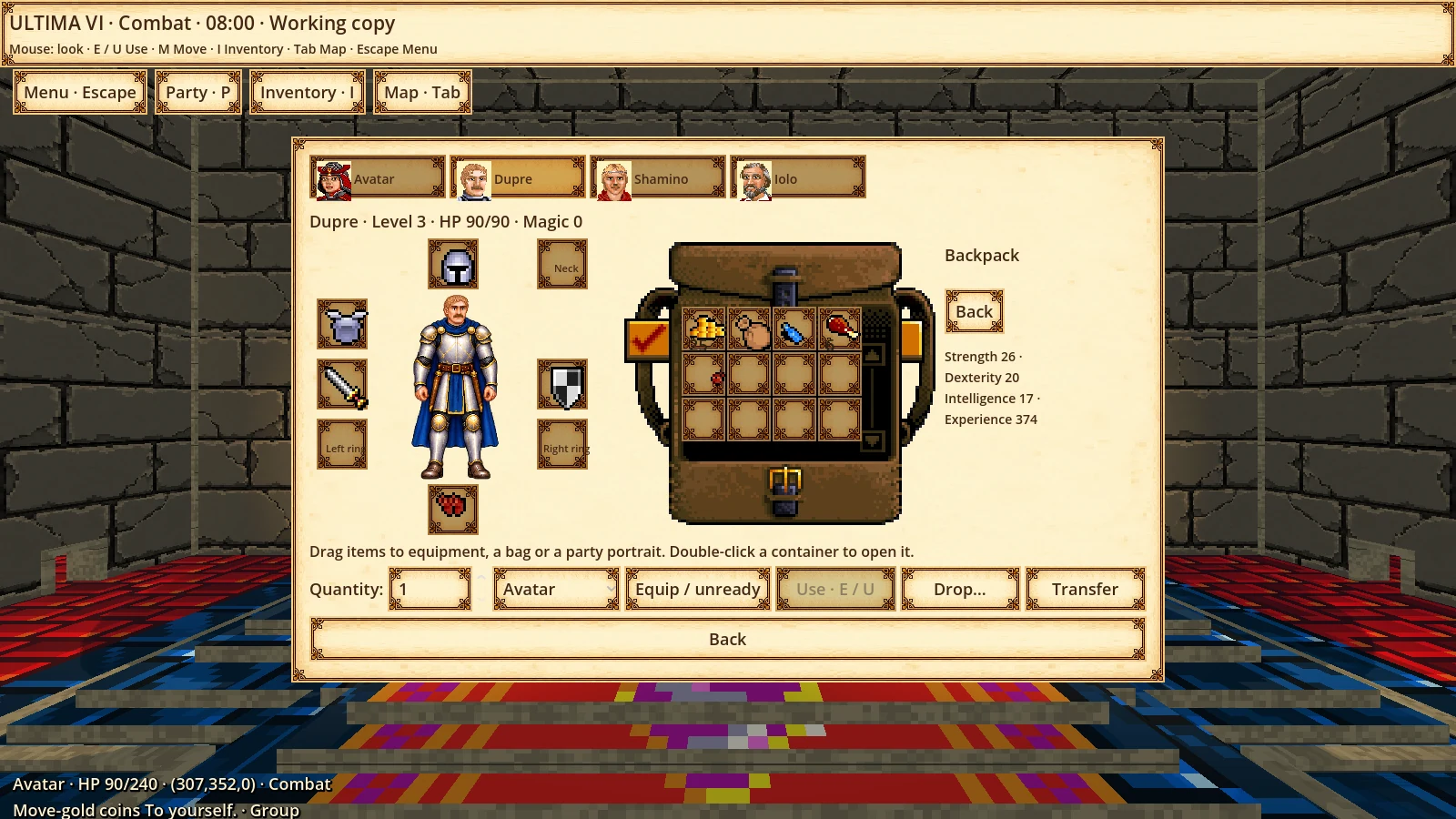
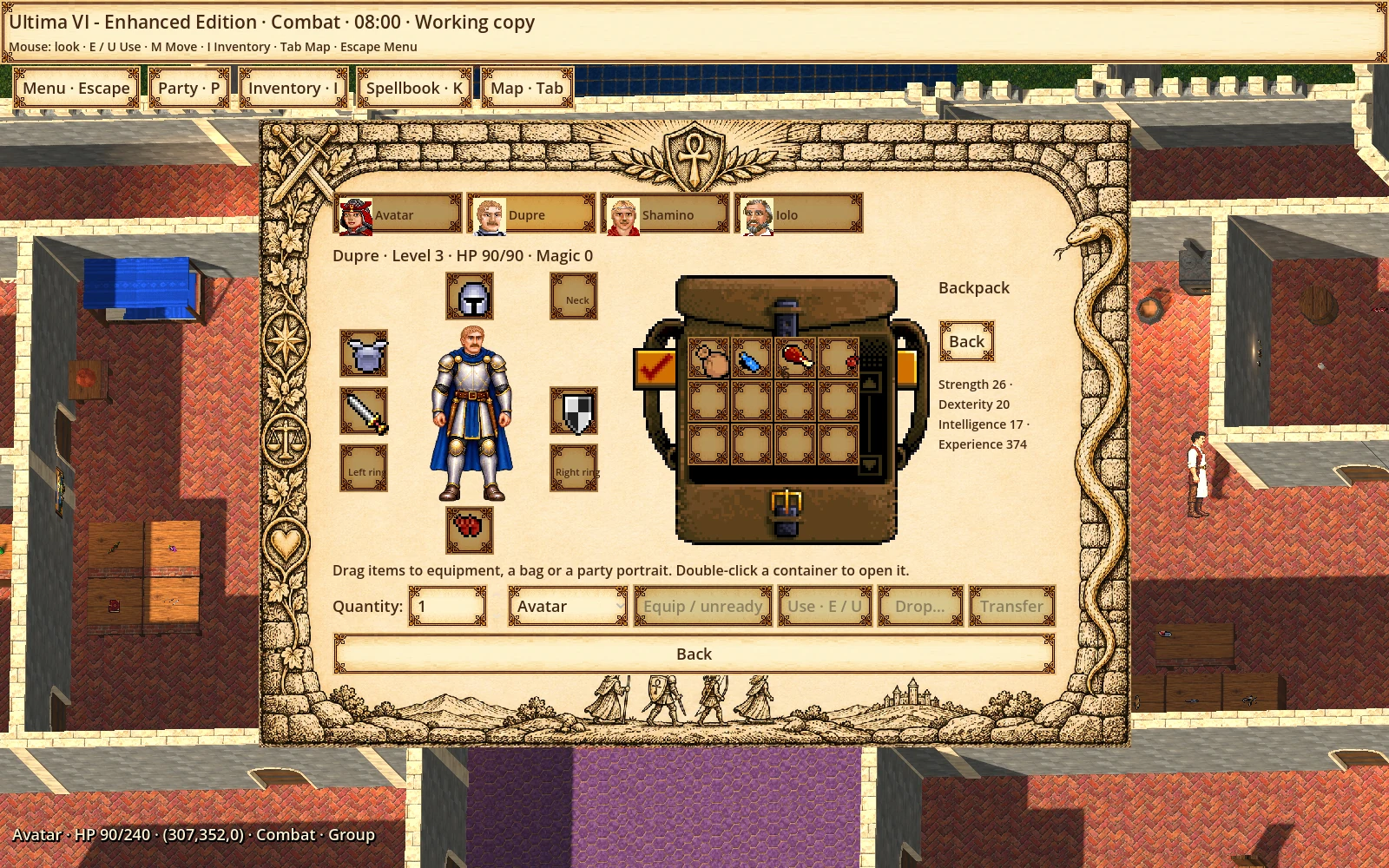
Visual backpack and equipment
Visual backpack and equipmentInventory with original items, equipment slots and backpack, opened in the test session.
See 2 more visual examples
Dragging items
Dragging itemsEarlier capture from the inventory drag-and-drop test.
Visual party selection
Visual party selectionDupre selected in the party window; portraits and equipment are accessible in the interface.
Party

Lead a companion

1 selects the solo Avatar, 2–8 select party members and 0 returns to party mode. The original engine keeps authority over party rules.

Direct control of Dupre
Direct control of DupreThe lower indicator identifies Dupre as the controlled character in solo mode, confirmed by the original engine.
See 1 more visual example
Visual party selection
Visual party selectionDupre selected in the party window; portraits and equipment are accessible in the interface.
Objects

Use, pick up and move

Doors, containers, lights, keys and directional tools have an initial set of original interactions connected to the first-person controls.
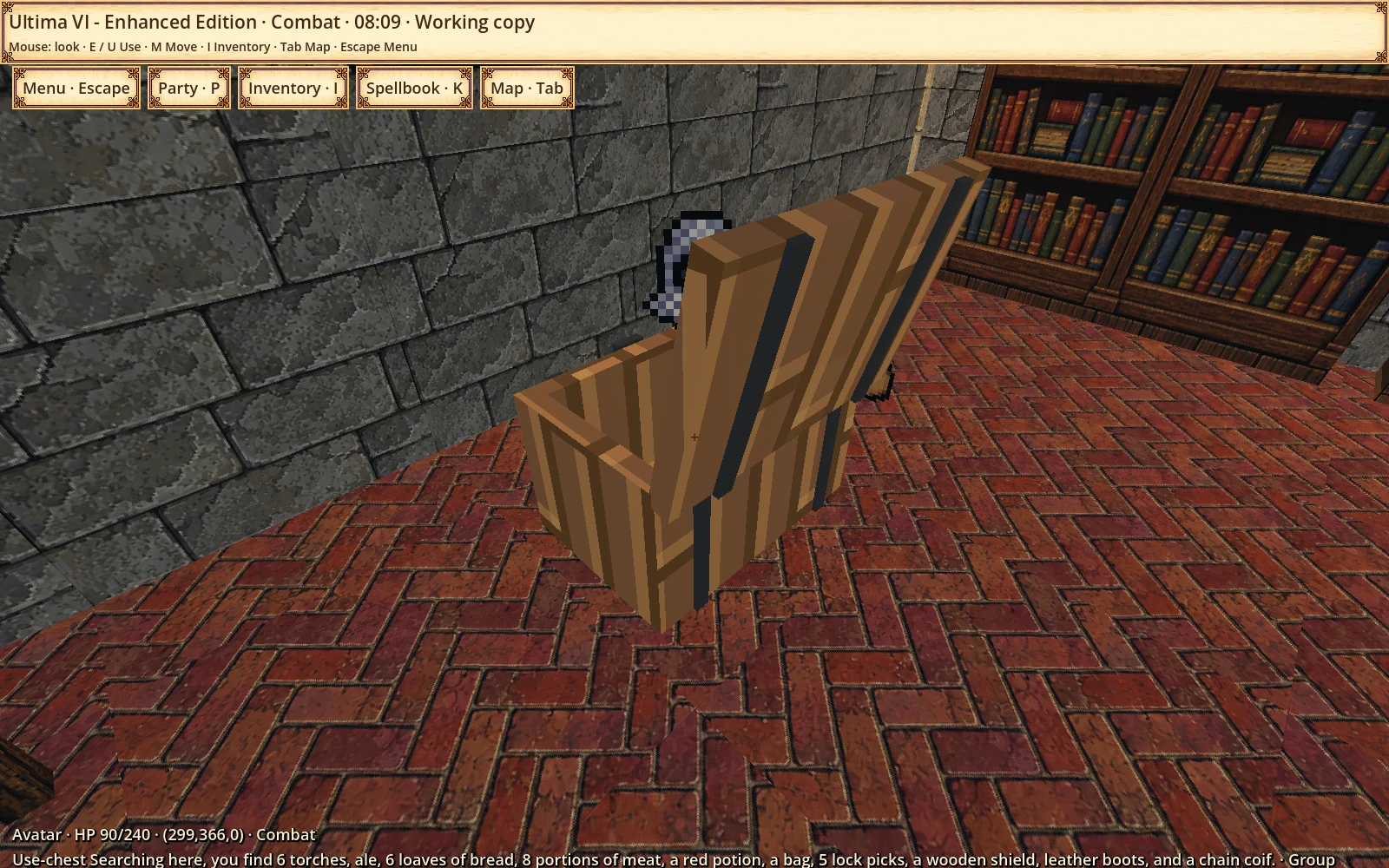
Opening a chest
Opening a chestChest opened through Use, with the original game search result.
See 7 more visual examples
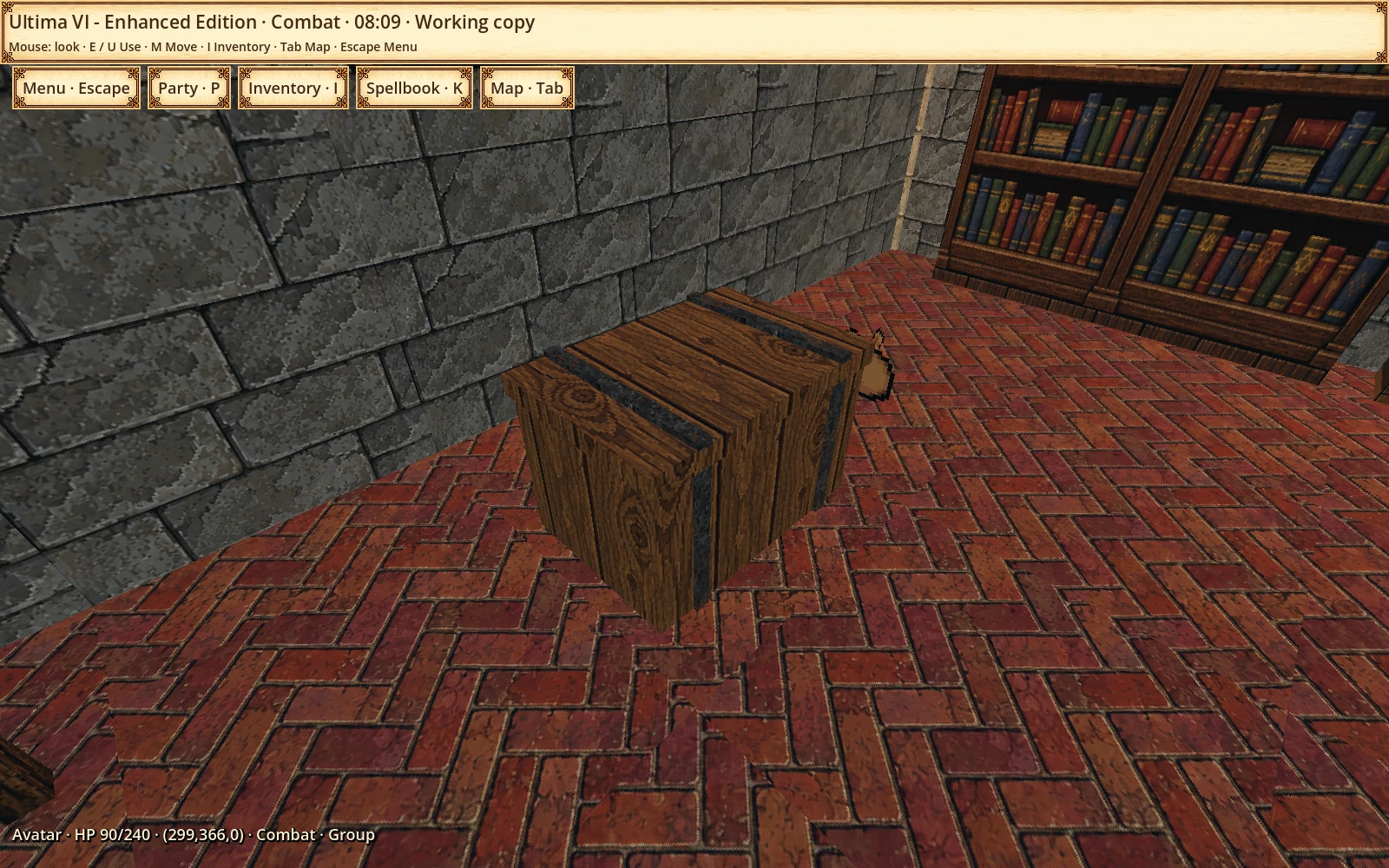
Chest before interaction
Chest before interactionThe same chest closed before the original interaction.
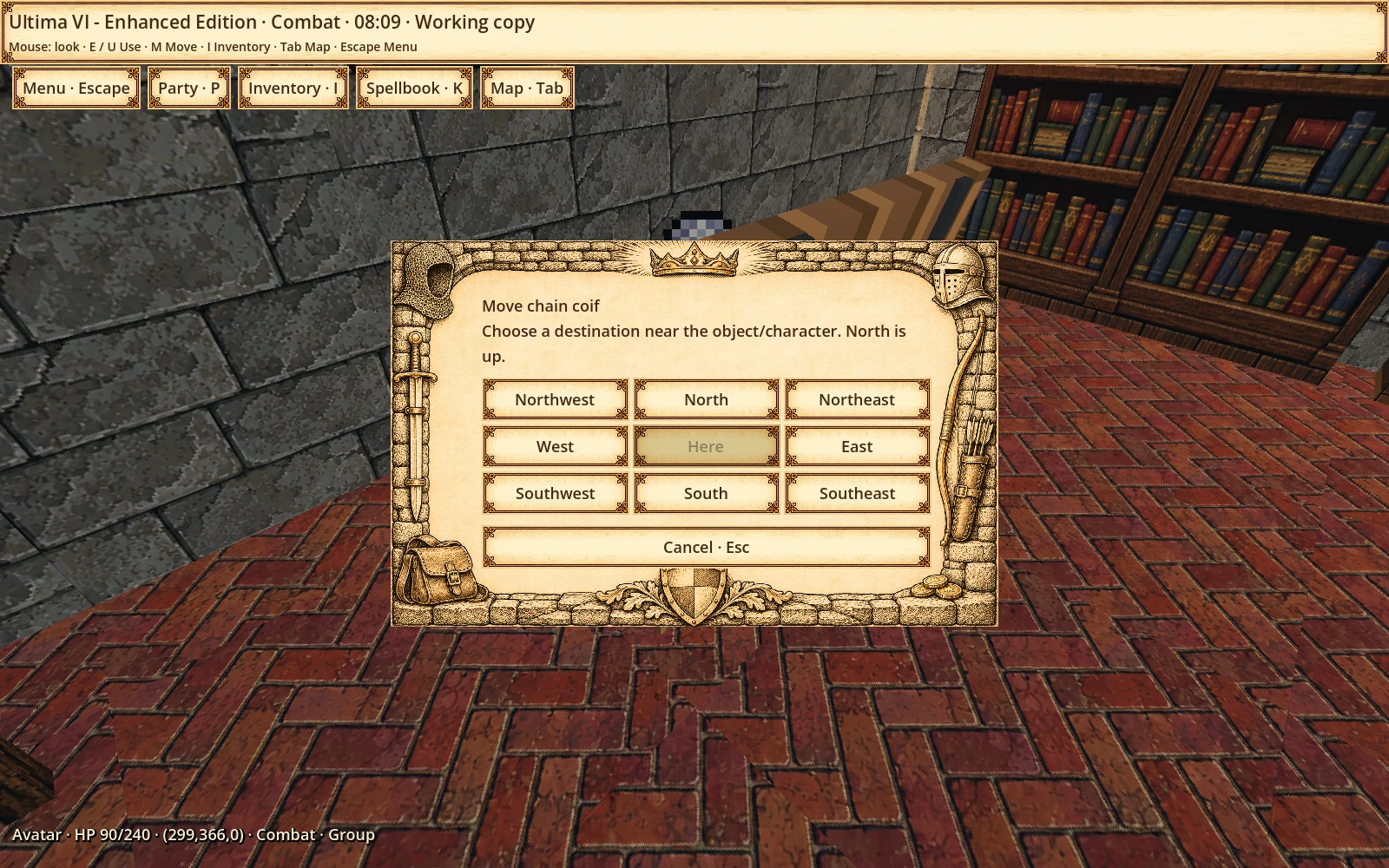
Choosing where to move
Choosing where to moveM opens the nearby destination choice for the selected object.
Picking up an object
Picking up an objectInventory after picking up the original chest item in the test session.
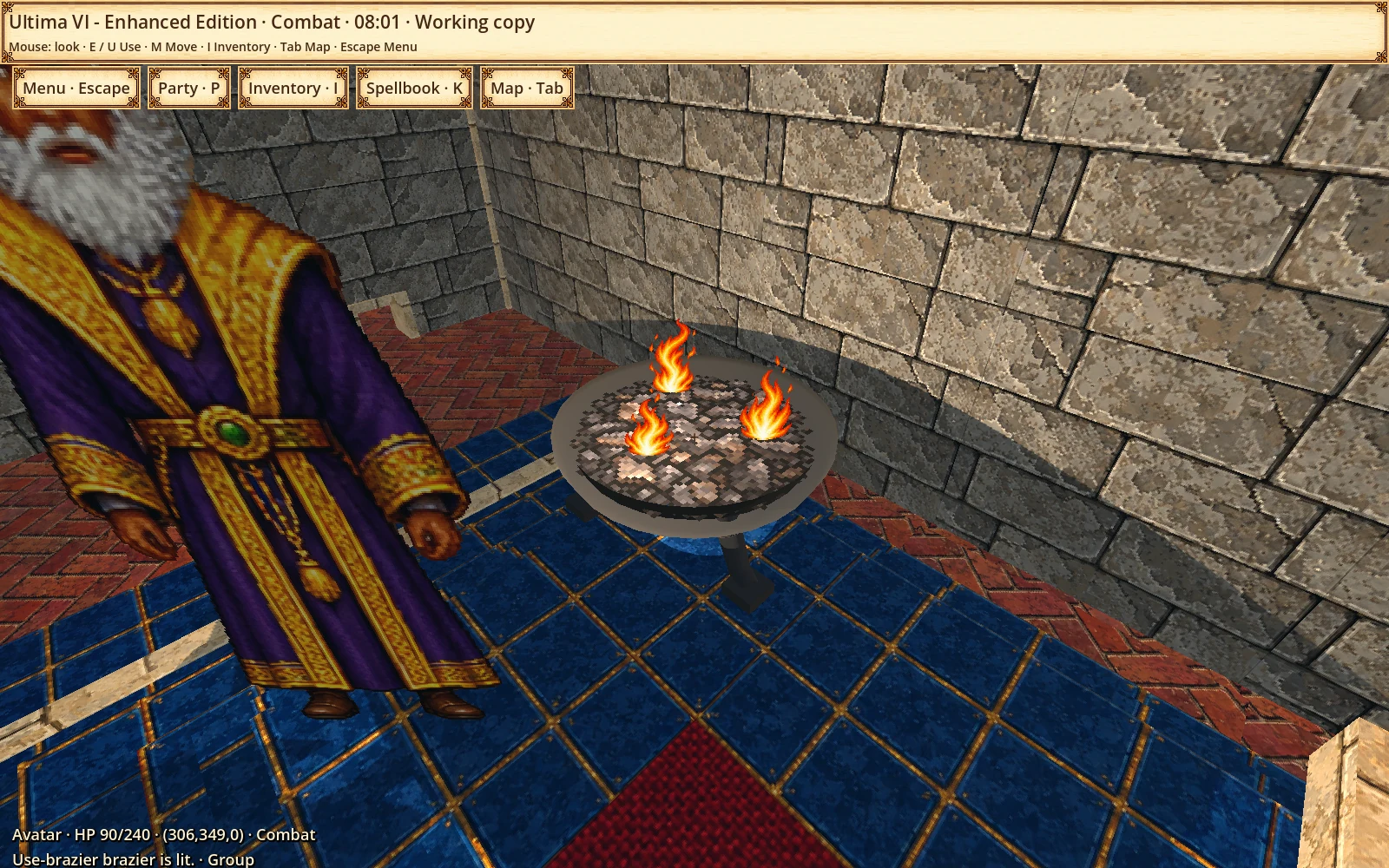
Lit light source
Lit light sourceOriginal light source before the Use interaction.
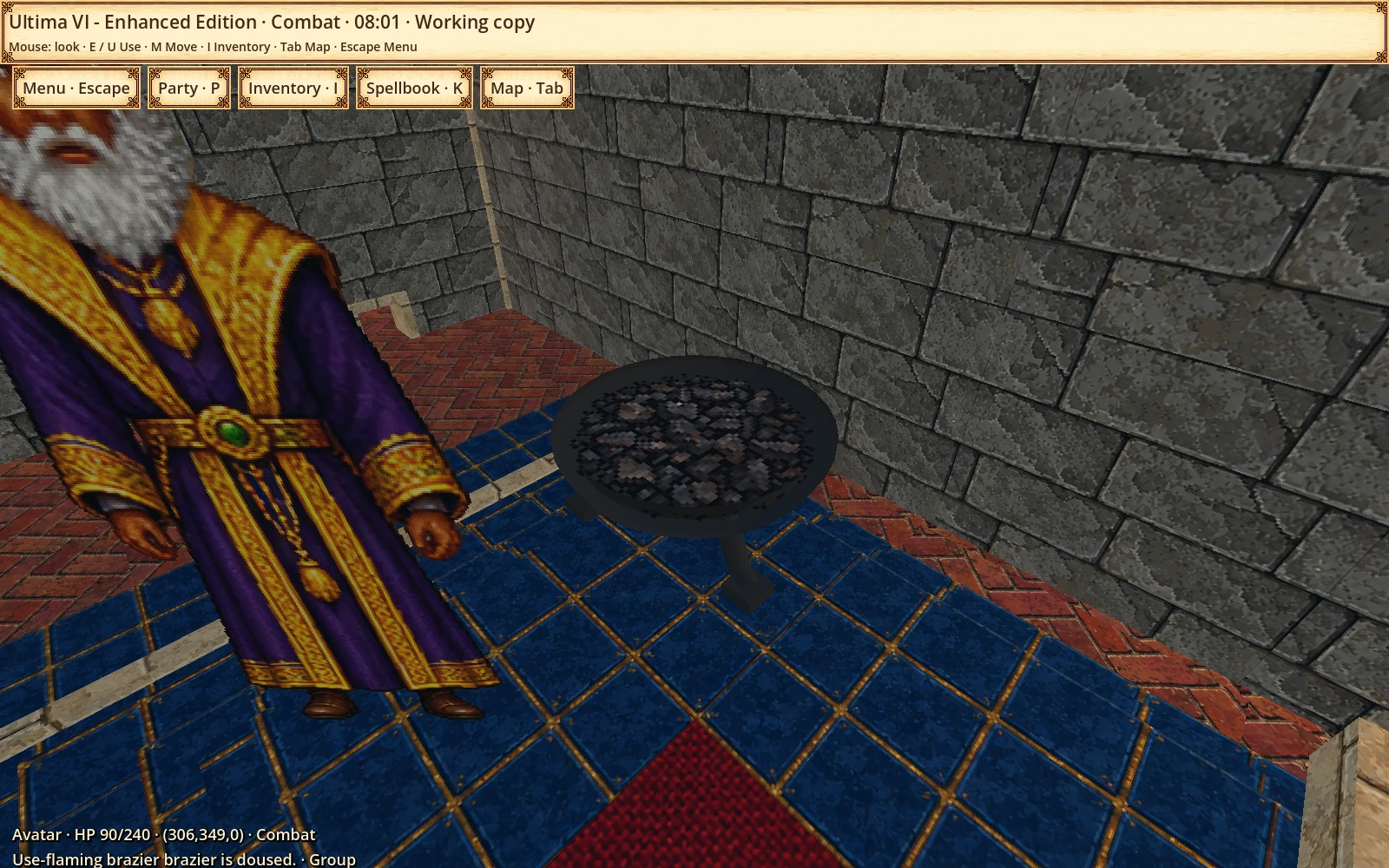
Extinguishing a light source
Extinguishing a light sourceThe same light source extinguished through Use, with the native state change confirmed.
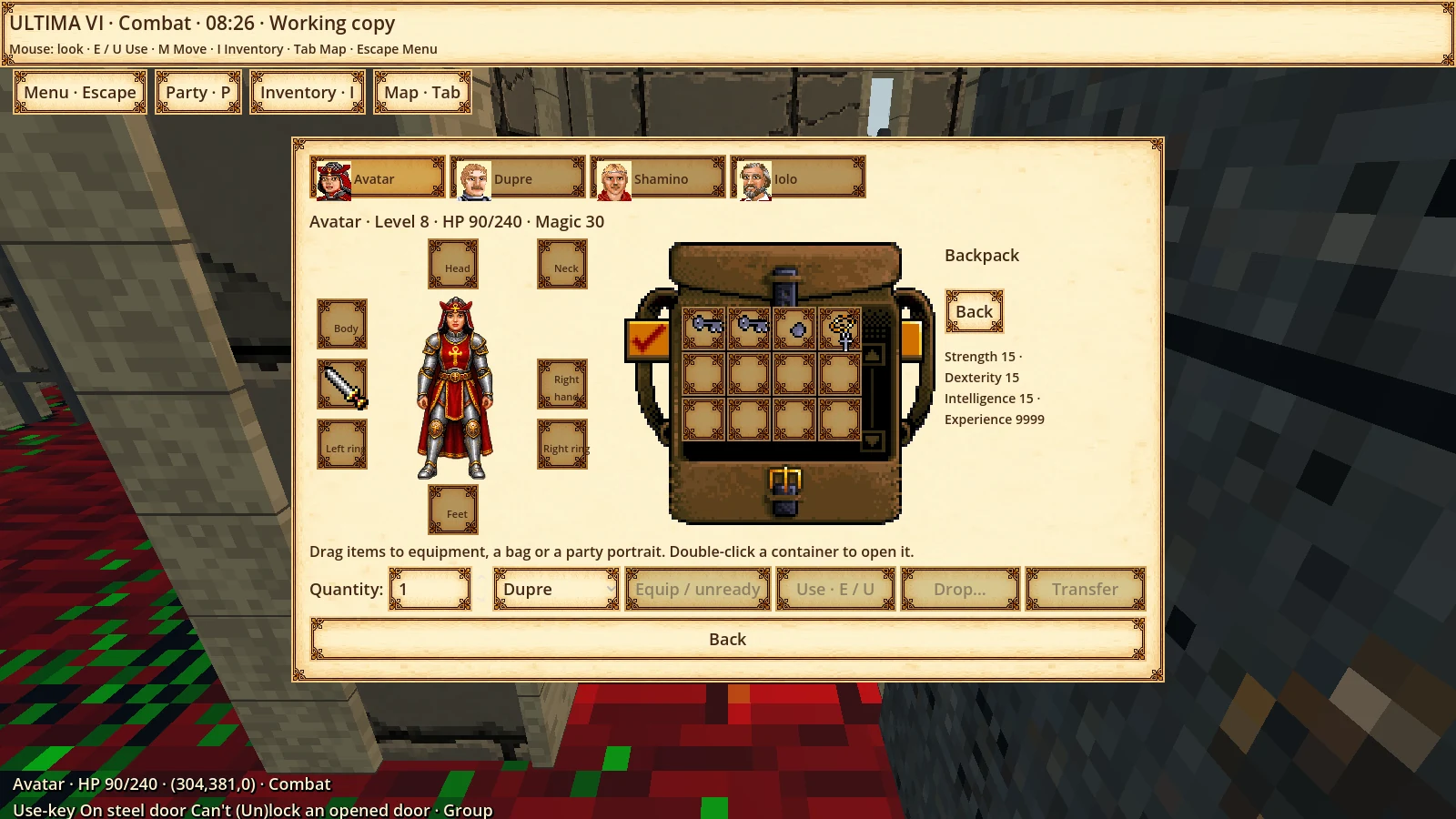
Key and world target
Key and world targetEarlier alpha capture: result of using a key on a world target.
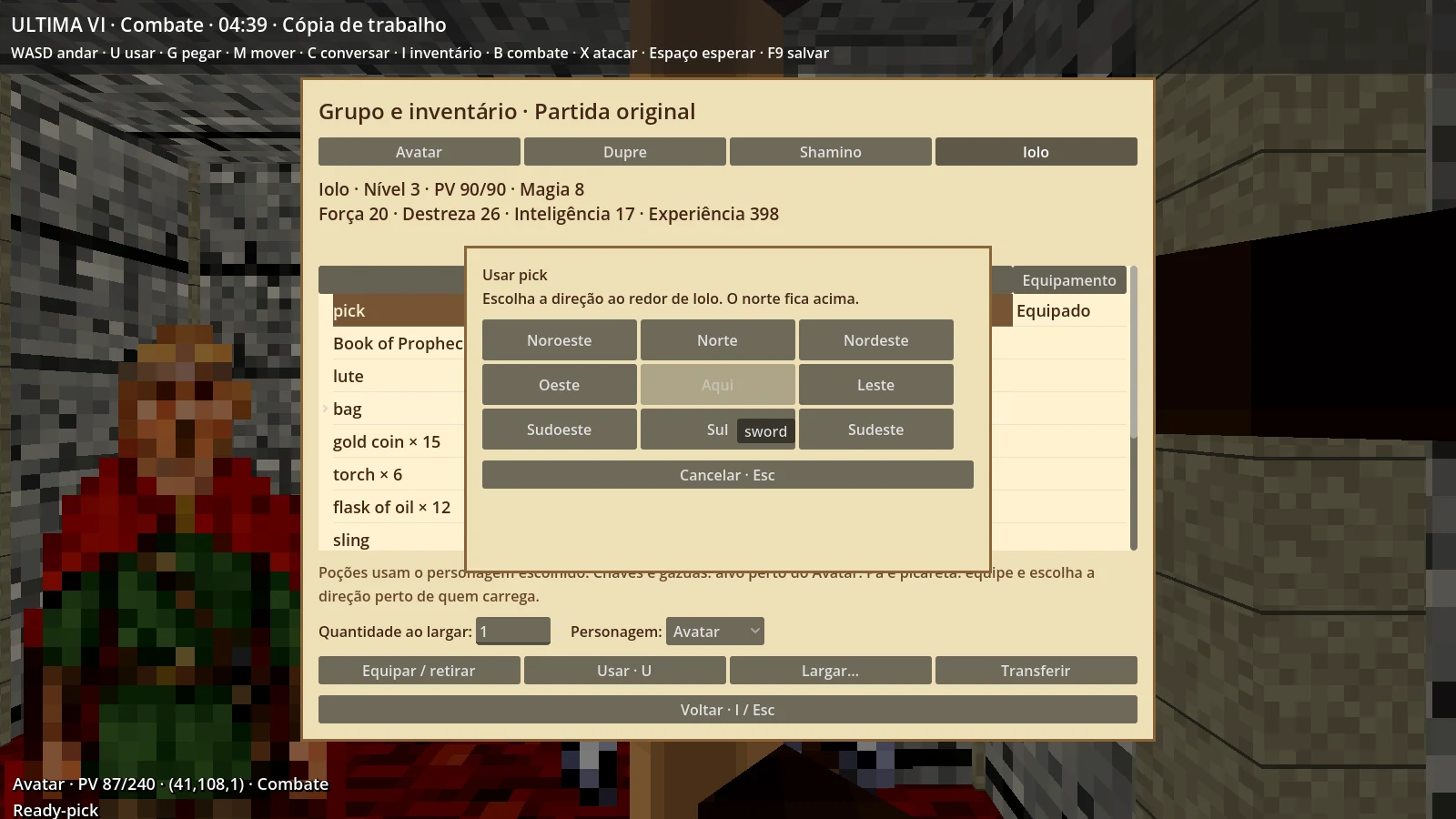
Tool direction
Tool directionEarlier alpha capture: choosing a direction when using an inventory tool.
Magic

An expanding original spellbook

The spellbook connects a growing set of original spells, including Light, Heal, Douse, Ignite, Telekinesis, Help and Locate, with native costs and outcomes.
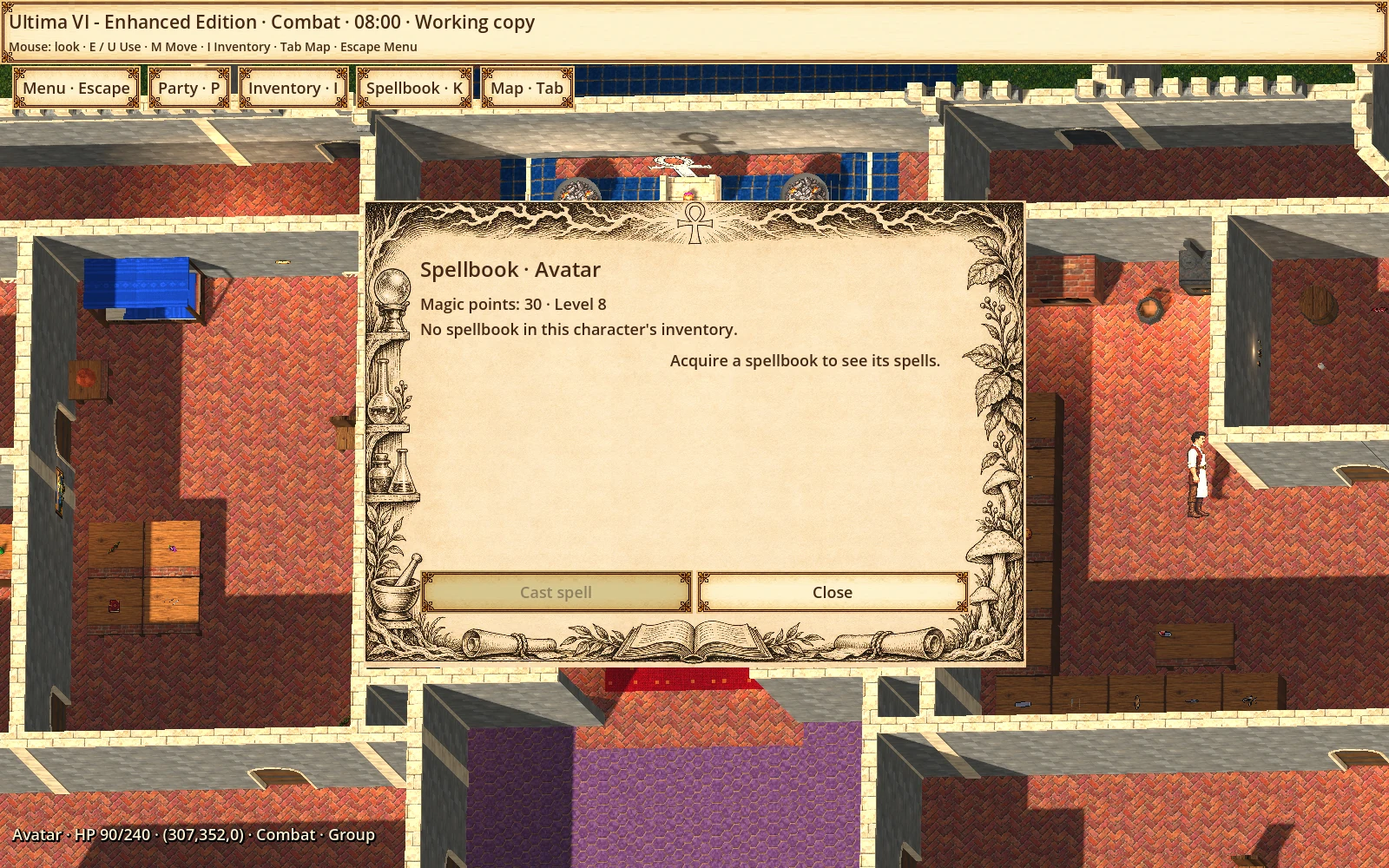
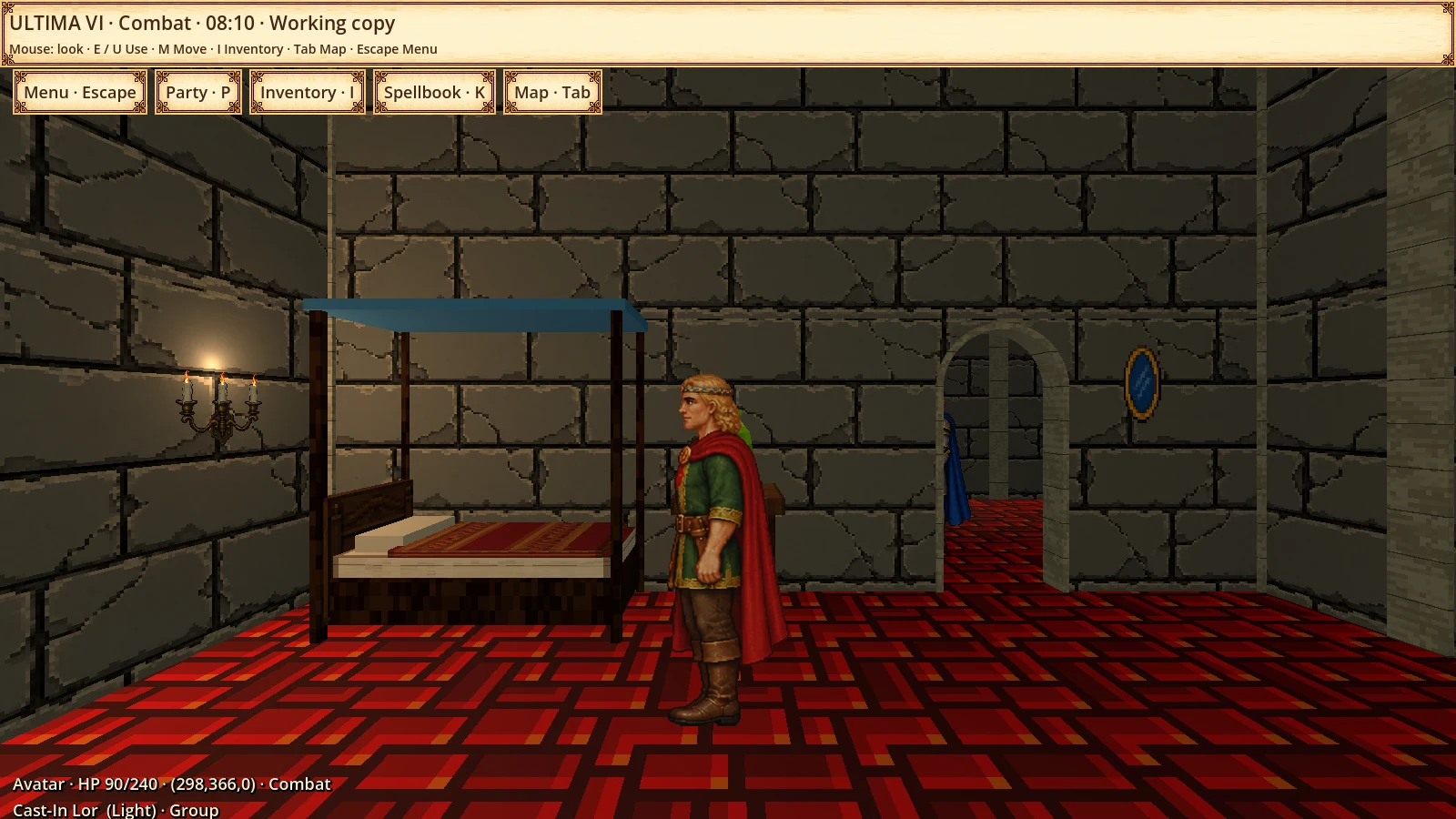
Spellbook and costs
Spellbook and costsSpellbook opened in the test session, with spell selection and caster information.
See 7 more visual examples
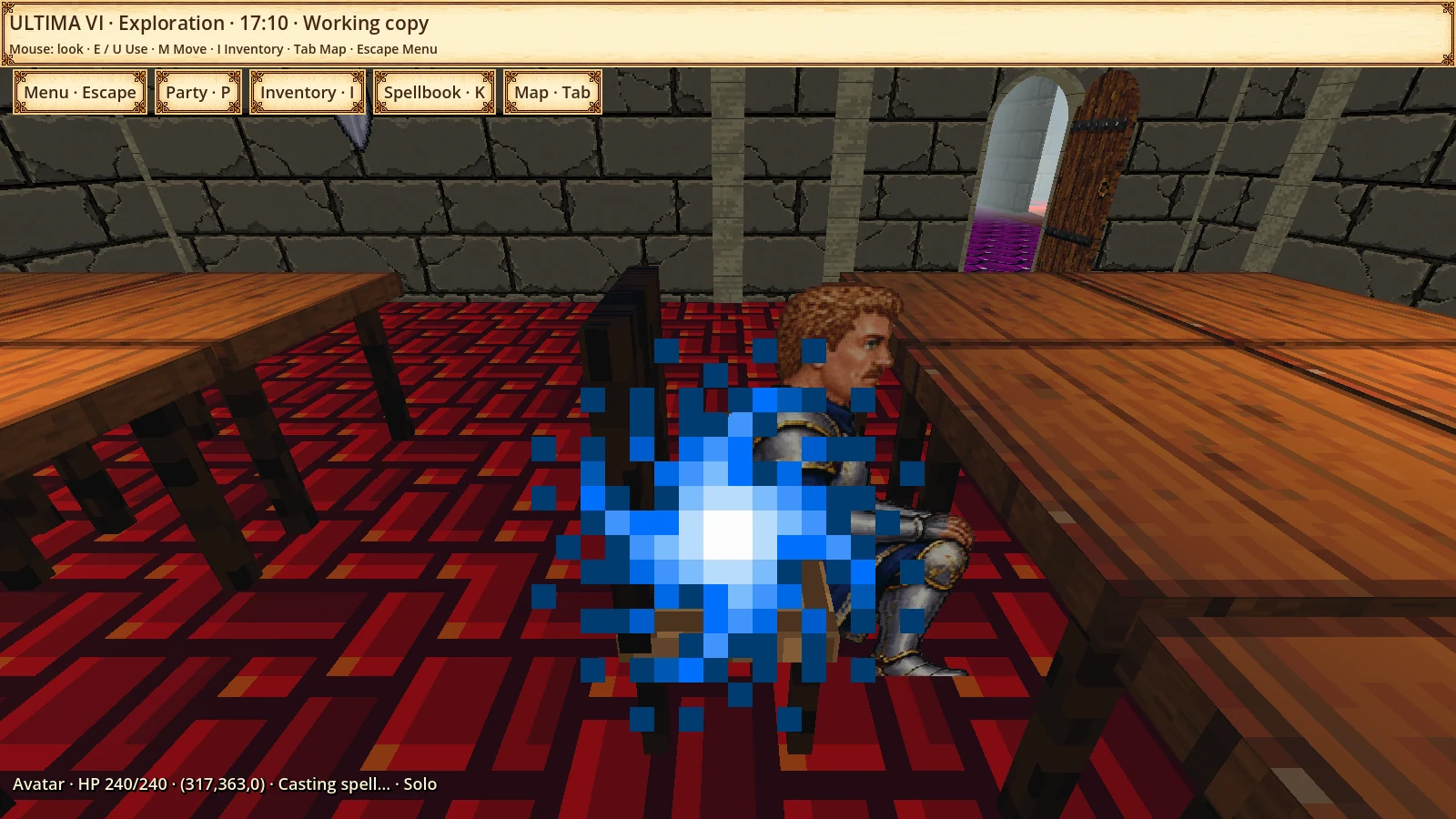
Light
LightEarlier capture of illumination after casting Light through the original engine.
Heal
HealRecorded example of Heal on an original target.
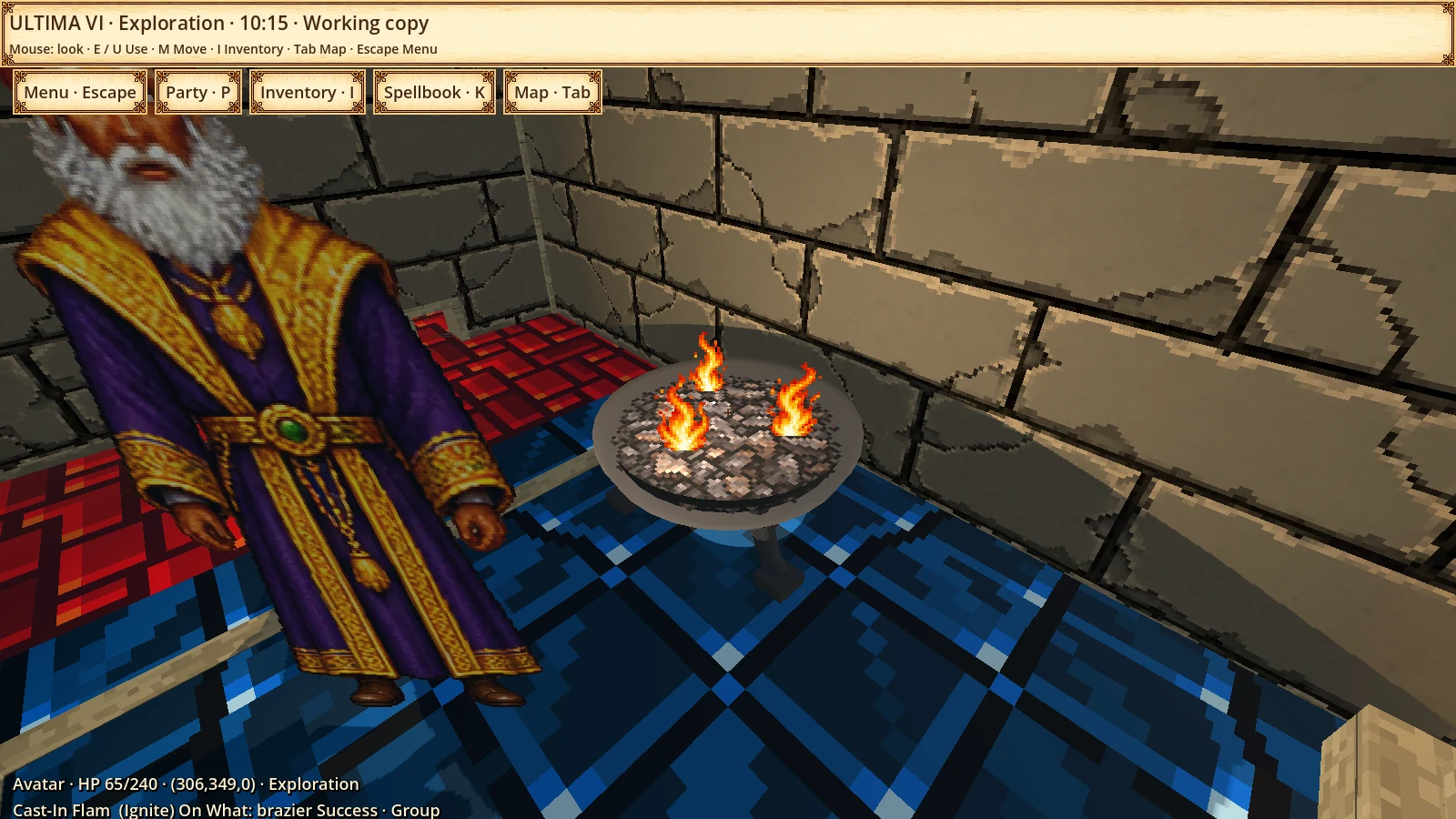
Ignite
IgniteEarlier capture: fire source lit by the original Ignite spell.
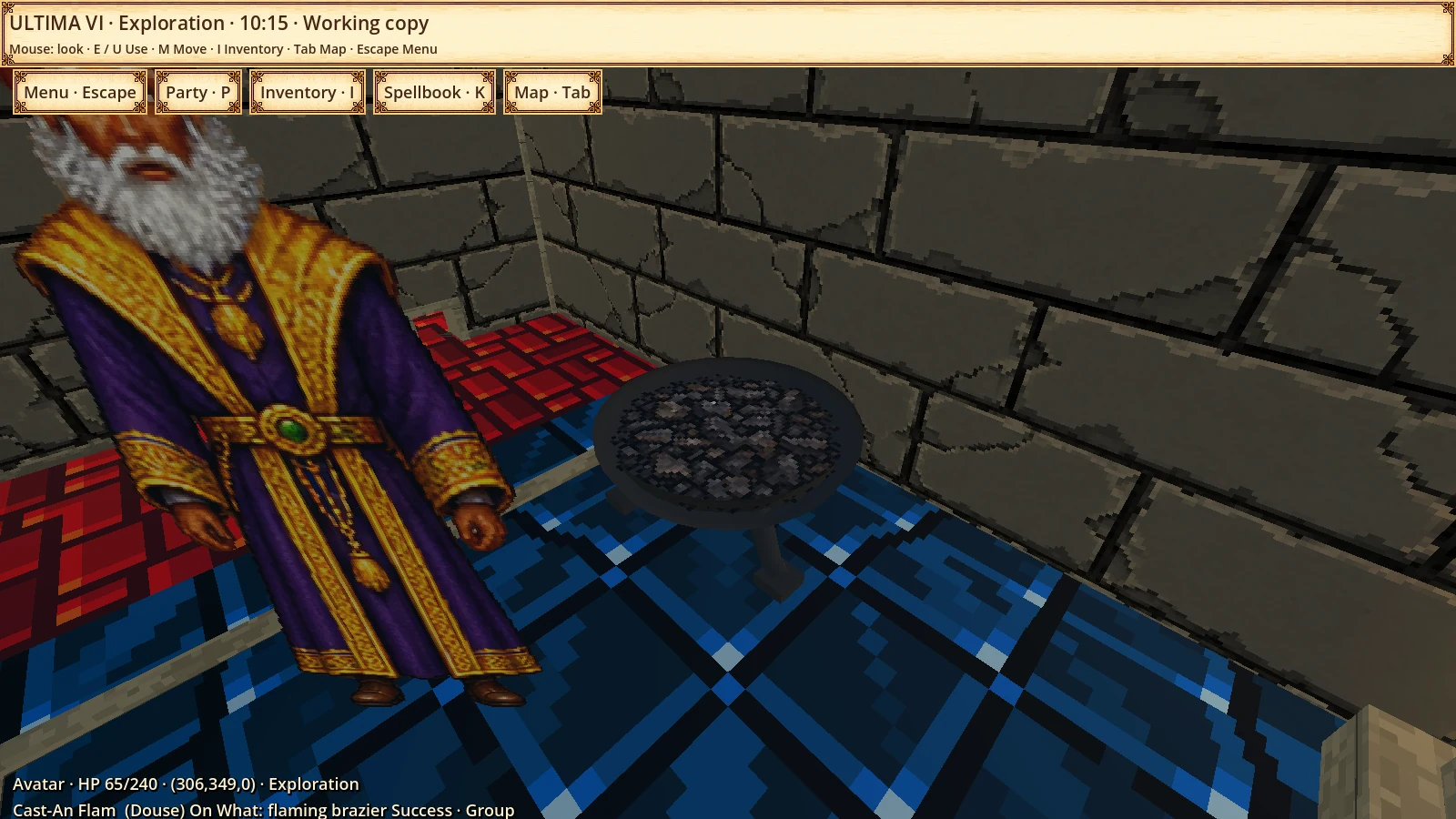
Douse
DouseEarlier capture: fire source extinguished by the original Douse spell.
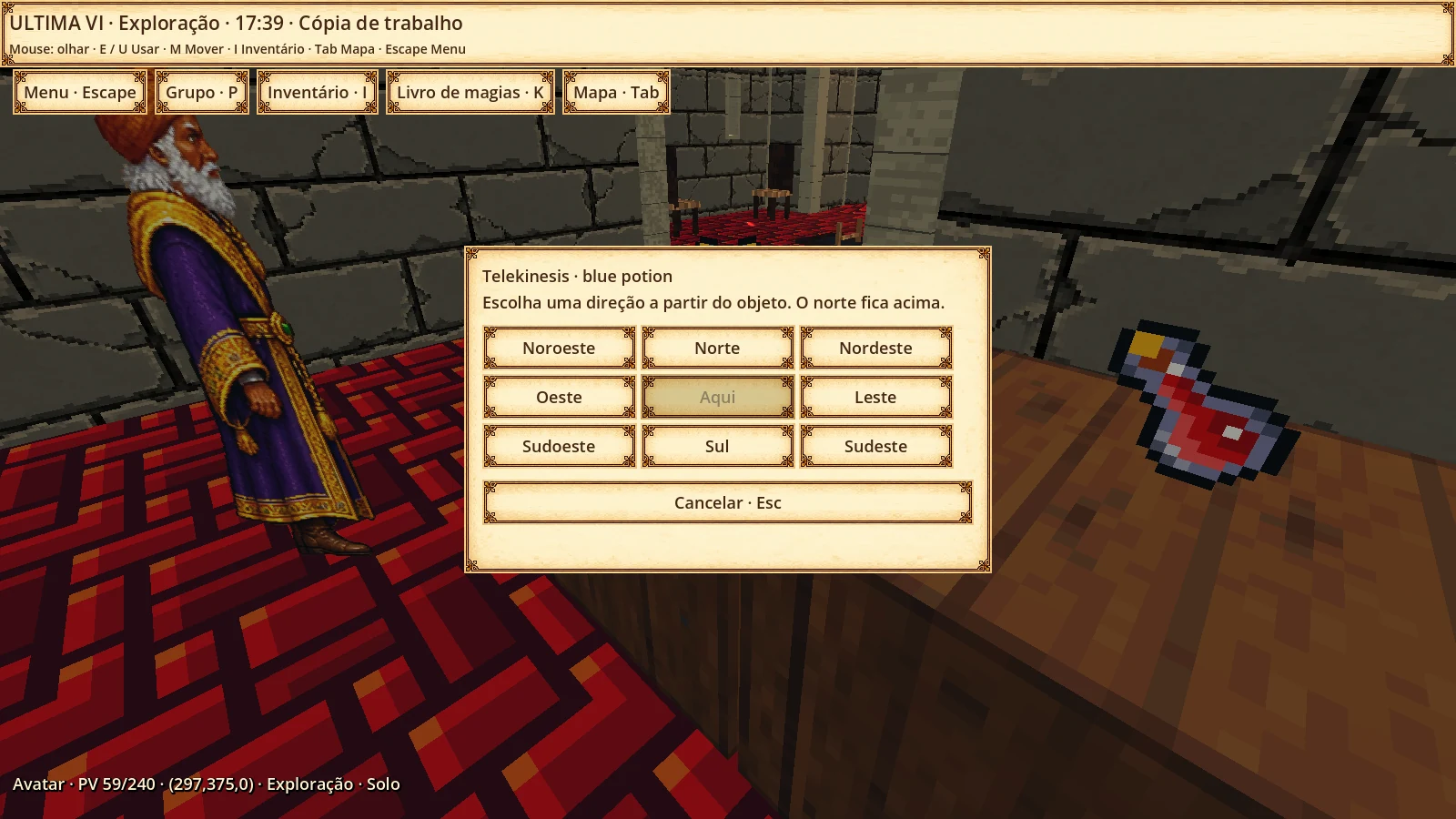
Telekinesis
TelekinesisDestination selection for moving an object with Telekinesis.
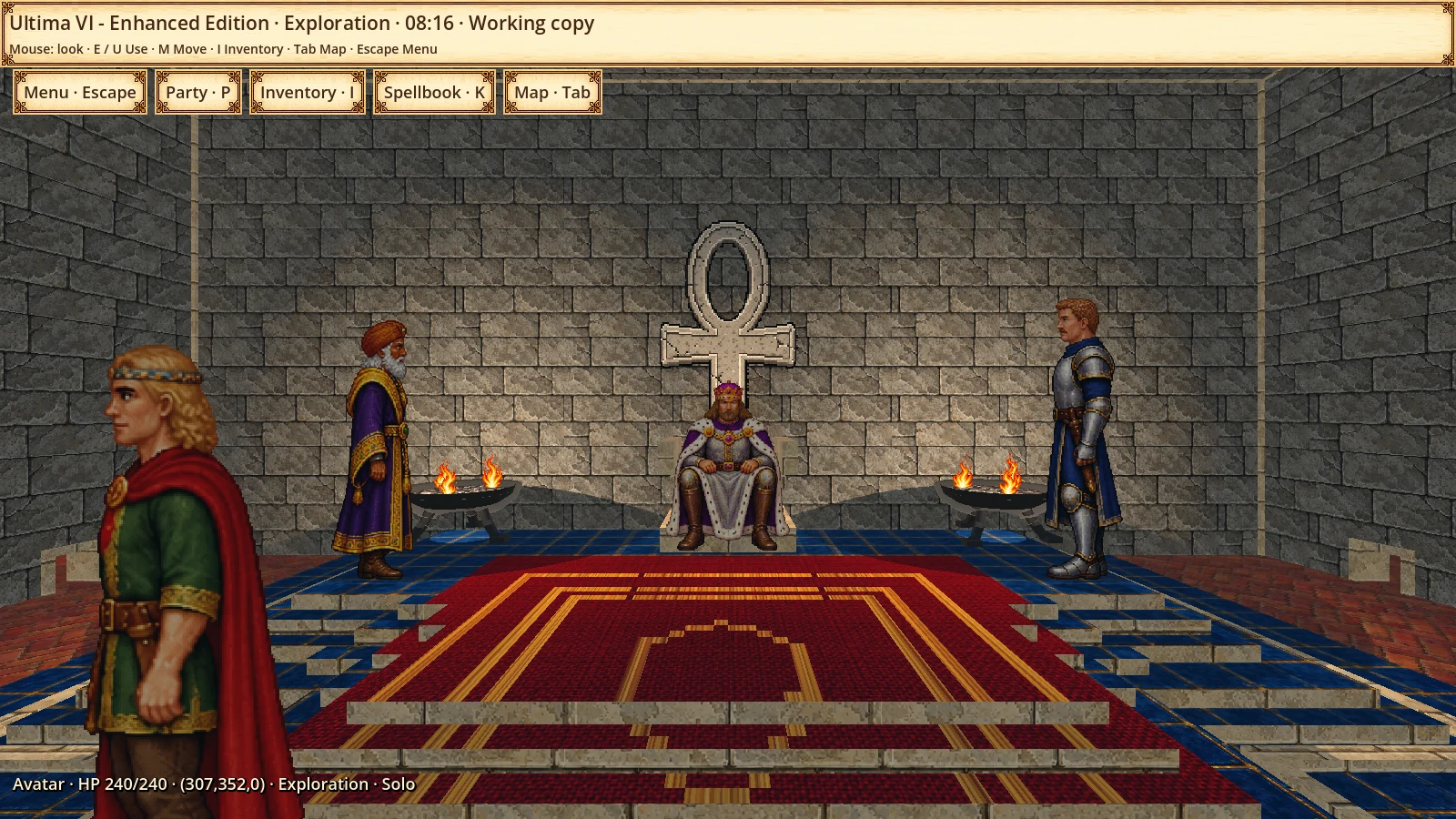
Help
HelpResult of returning to the castle through Help in an isolated original-engine test.
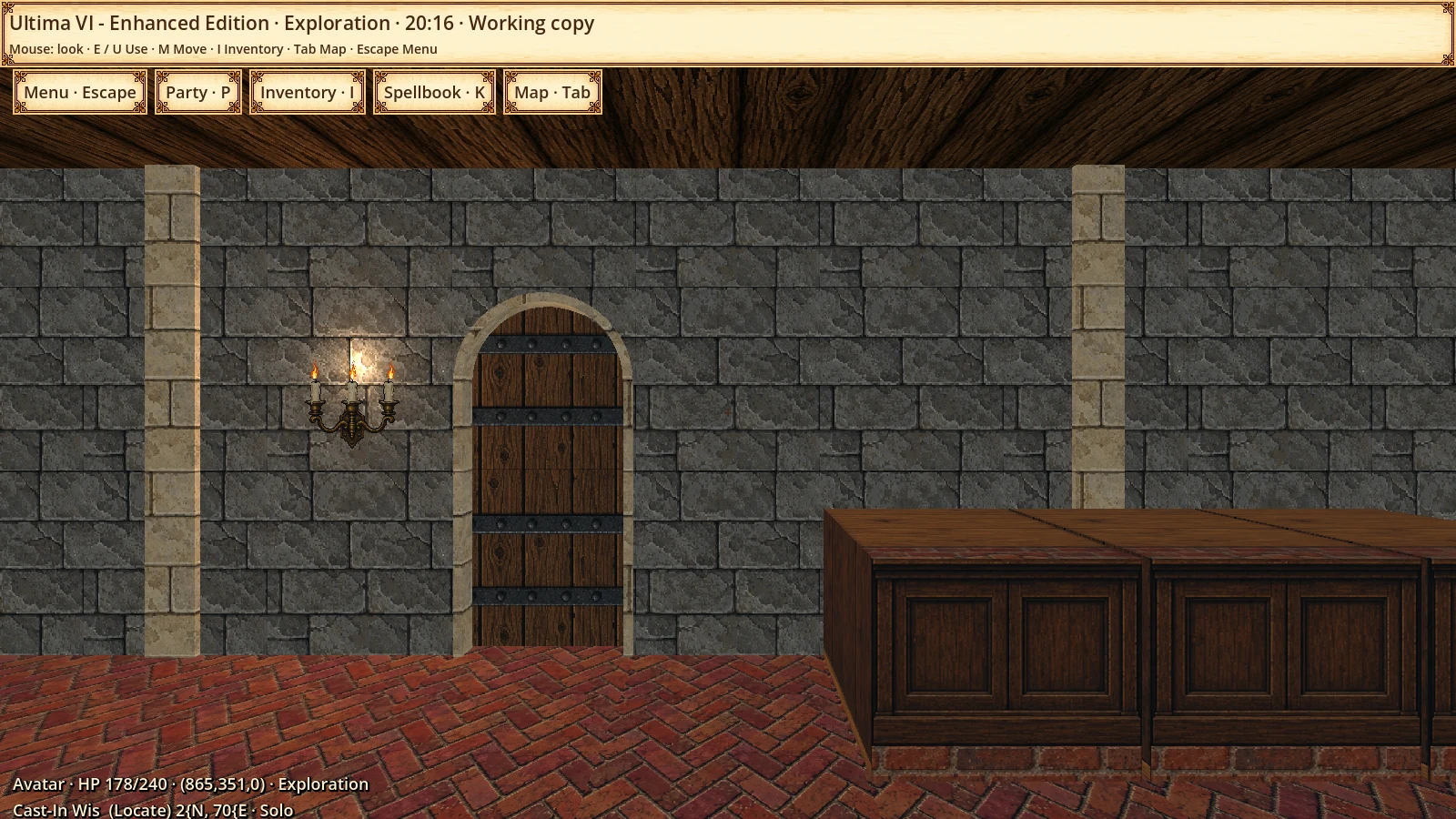
Locate
LocateLocate response with coordinates supplied by the original game.
Controls

Grid or free movement

Movement and interactions can be remapped. Visual profiles, movement style and exterior roof details are adjustable presentation options.
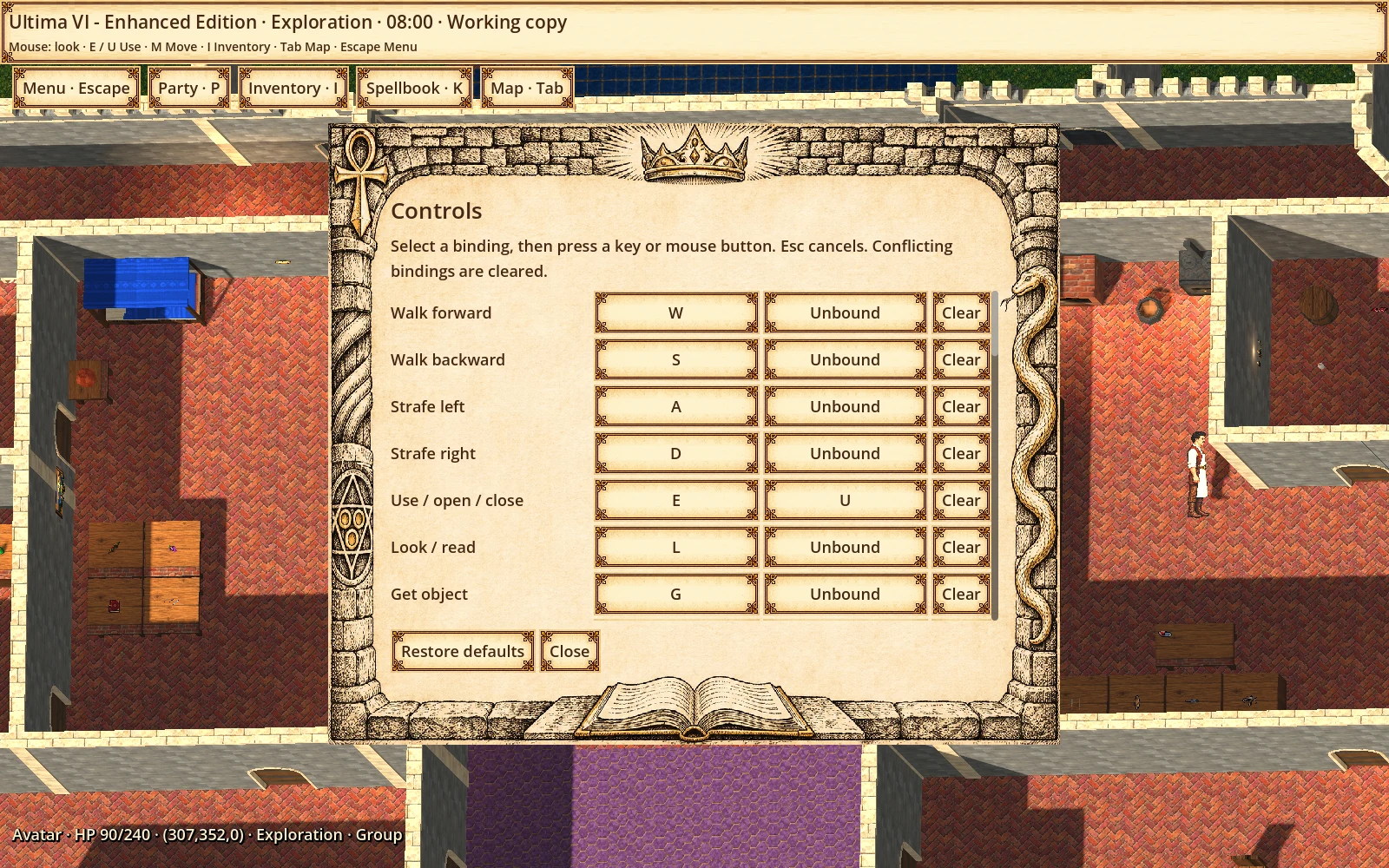
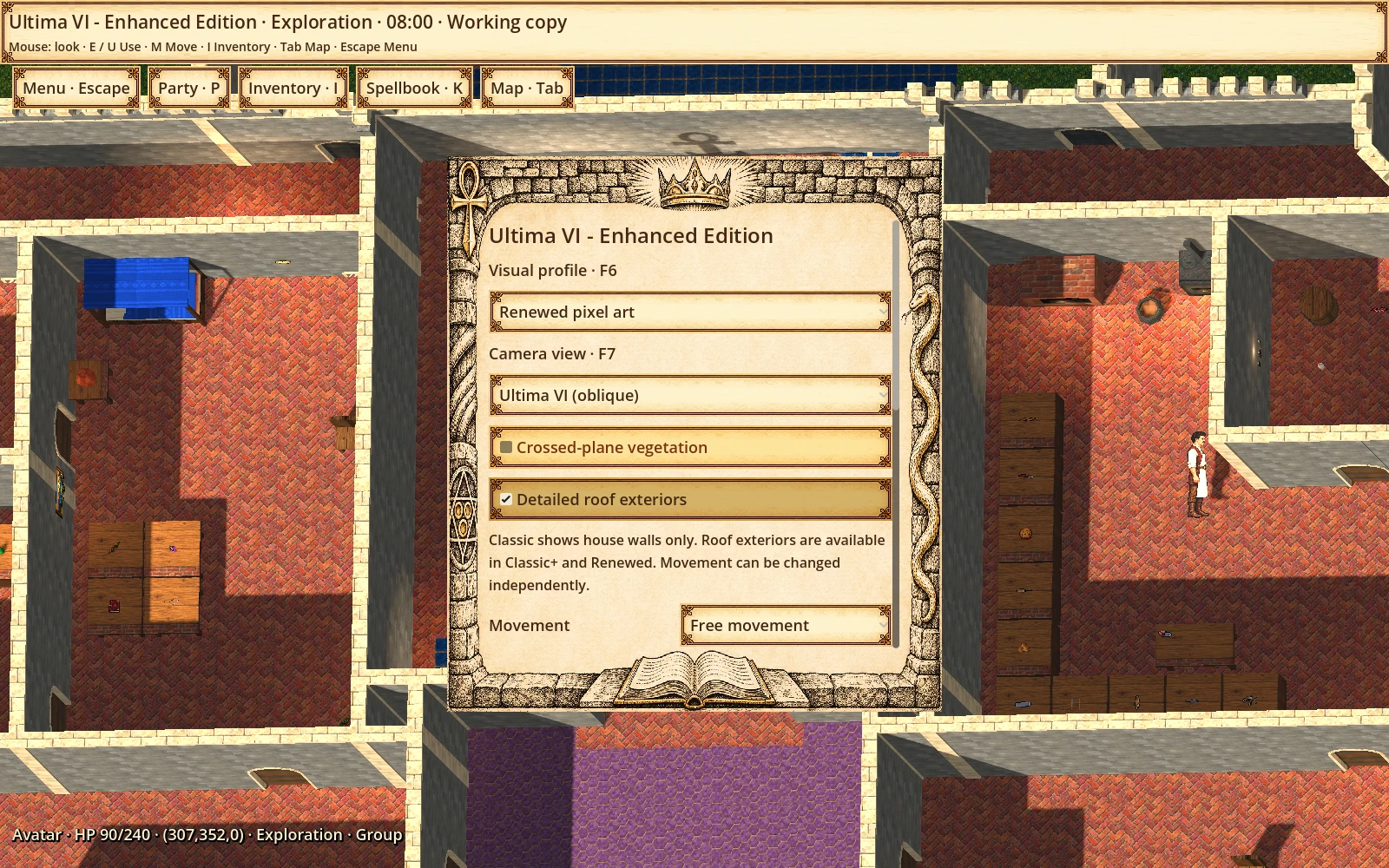
Remap movement and interactions
Remap movement and interactionsCurrent controls window with remappable movement, Use and other actions.
See 2 more visual examples
Profiles, camera and free movement
Profiles, camera and free movementIndependent presentation and movement options without starting another game.
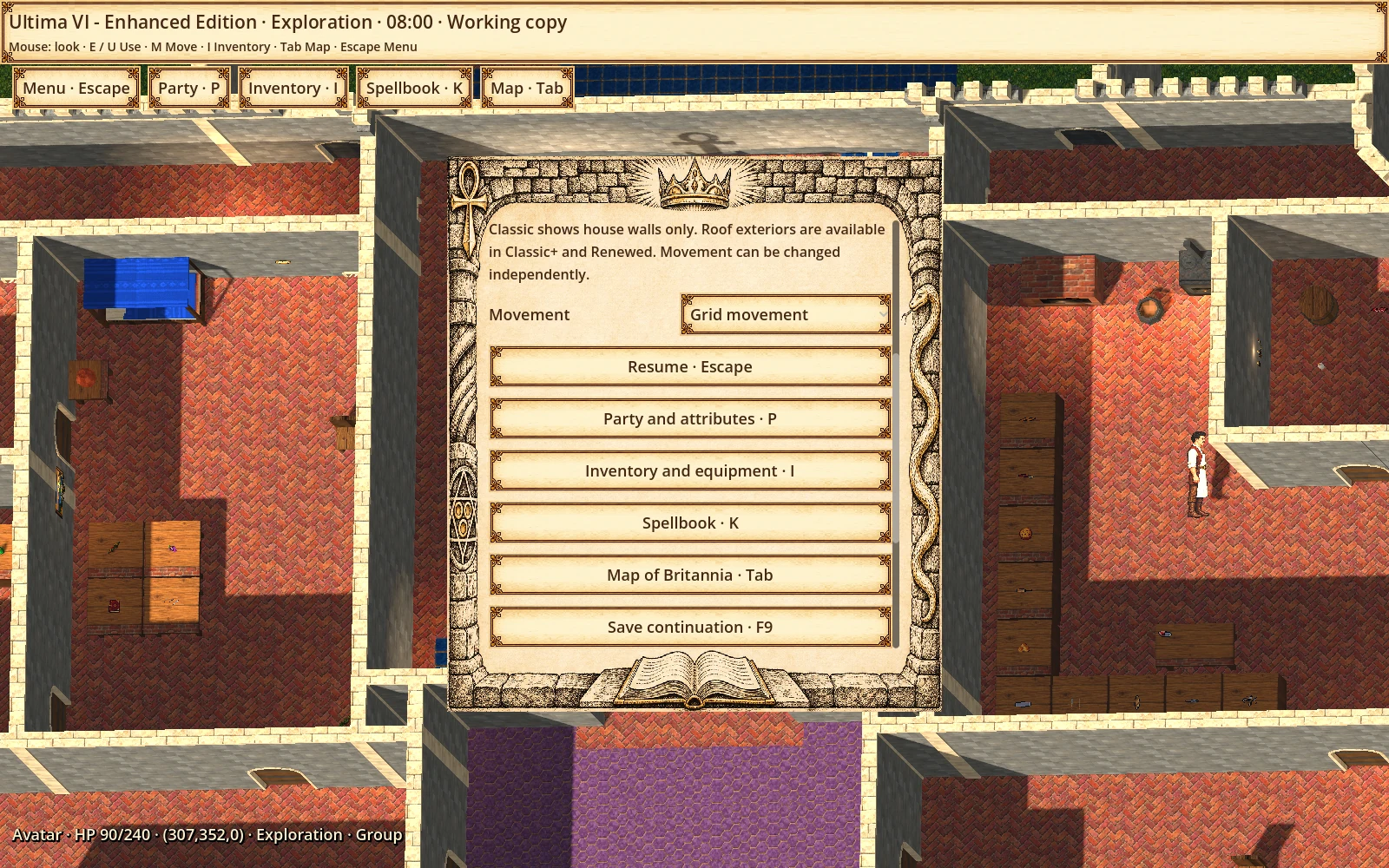
Grid movement selected
Grid movement selectedThe same menu with Grid selected; the manual save button remains available.
Saved games

Manual and transition saves

Manual saving remains available. Automatic saving is limited to dungeon transitions, portals and normal exit, when the original engine permits it.
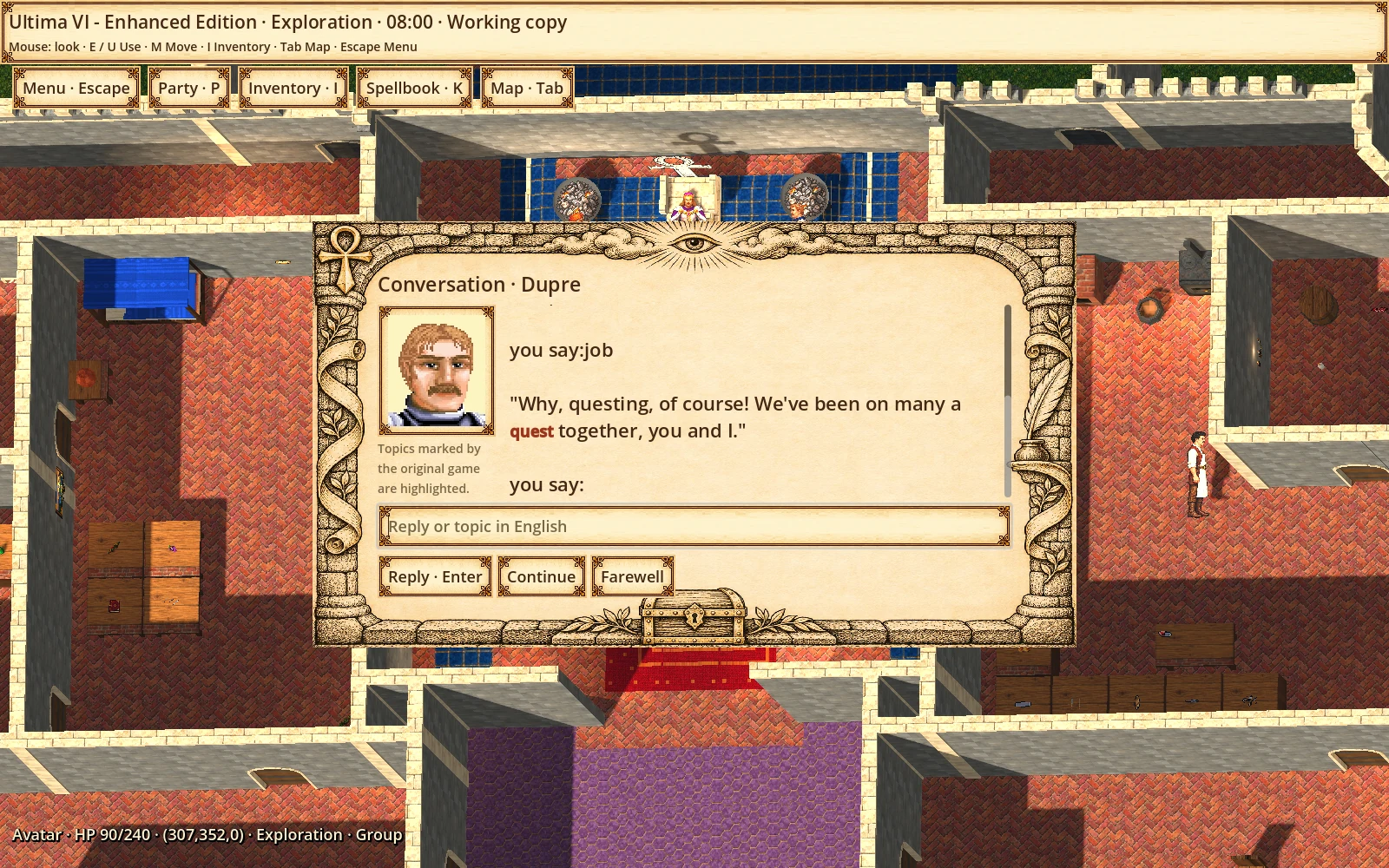
Manual save confirmed
Manual save confirmedThe lower message confirms Nuvie saved the test copy. Automatic transition saves retain their own rules.
See 1 more visual example
Grid movement selected
Grid movement selectedThe same menu with Grid selected; the manual save button remains available.
FOLLOW THE JOURNEY

One person.
Many stories to tell.

Behind the scenes, discoveries and updates from a solo studio. From the first idea to the next world to explore.